Opening '.sch' files with the manually built KiCad exe. #10

Description

Description
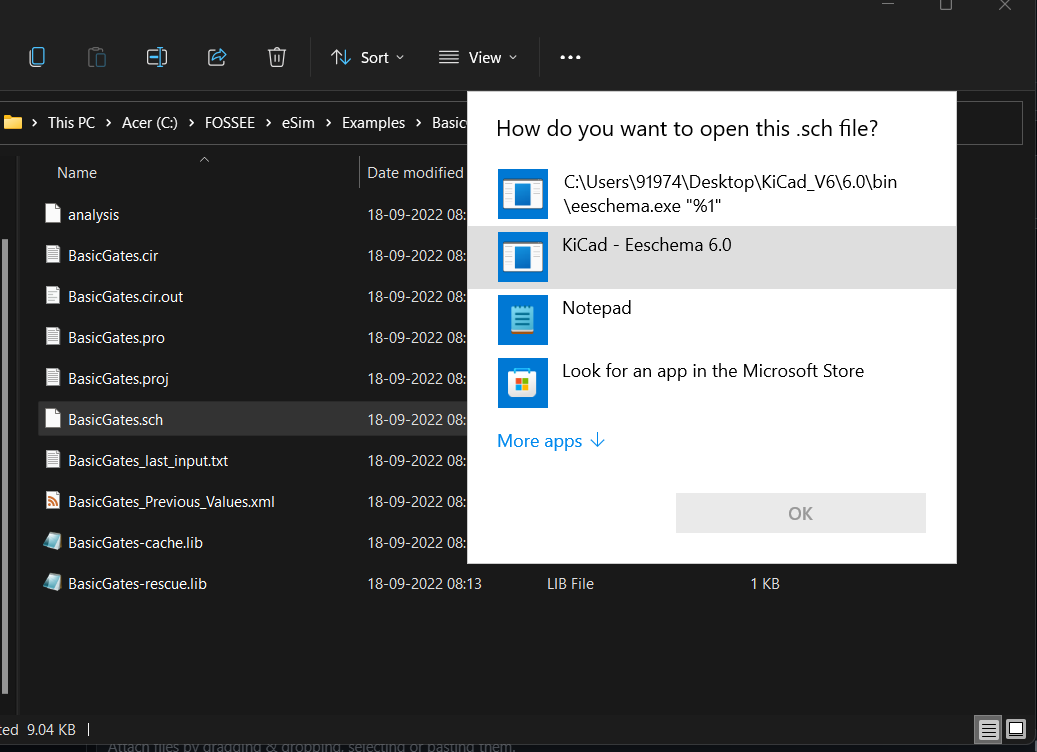
The .sch file is not opening by the KiCad-eSim.
Steps to Reproduce
- Select .sch file.
- right-click (mouse) and open with the kicad schematic editor or double-click on the
.schfile.
Expected Behavior
Screenshots
Version and OS
- eSim version 2.3
- KiCad version 4.0.7 / 6.0.11
- OS: Windows 11, 64 bit