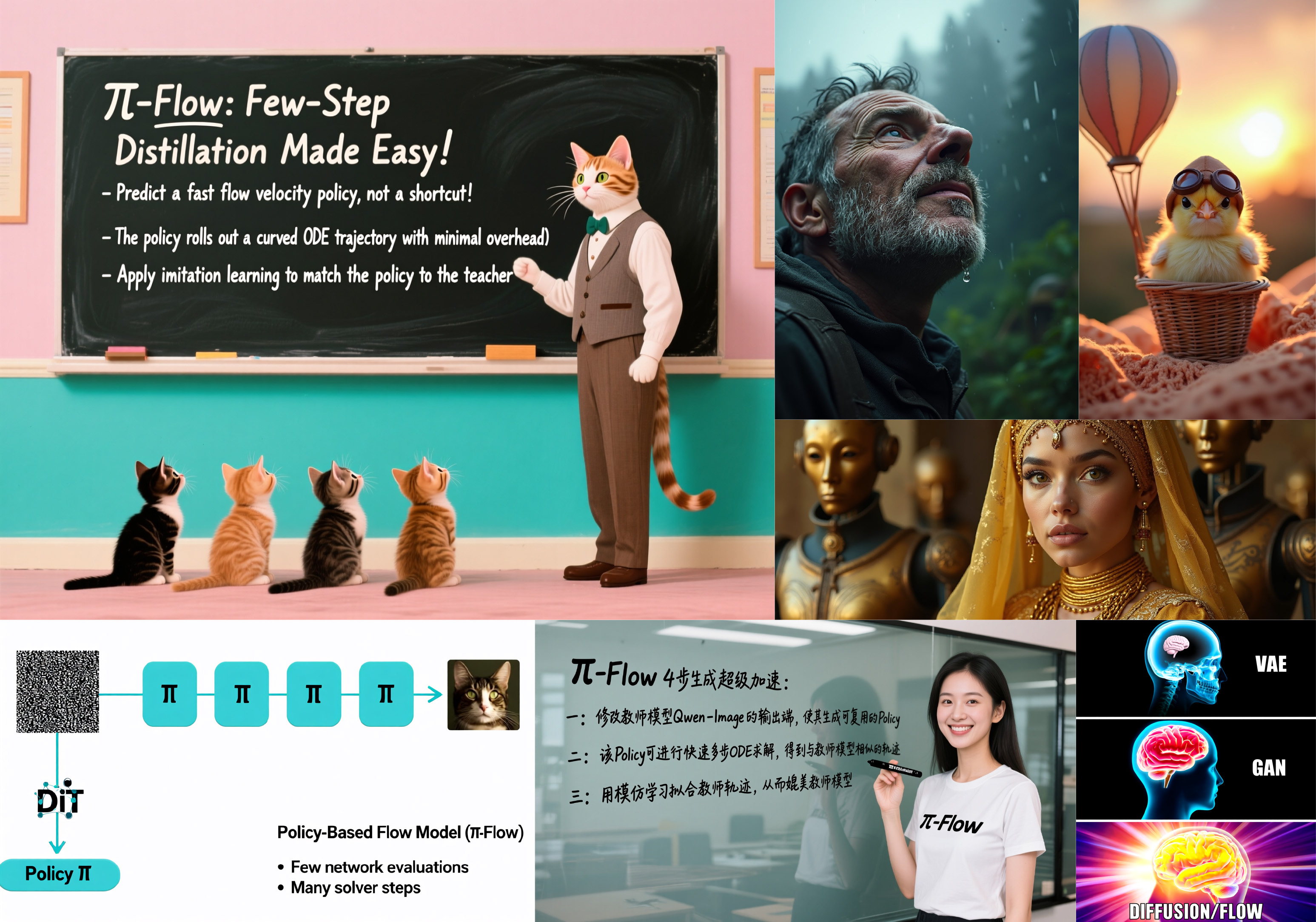
ComfyUI-piFlow is a collection of custom nodes for ComfyUI that implement the pi-Flow few-step sampling workflow. All images in the above example were generated using pi-Flow with only 4 sampling steps.
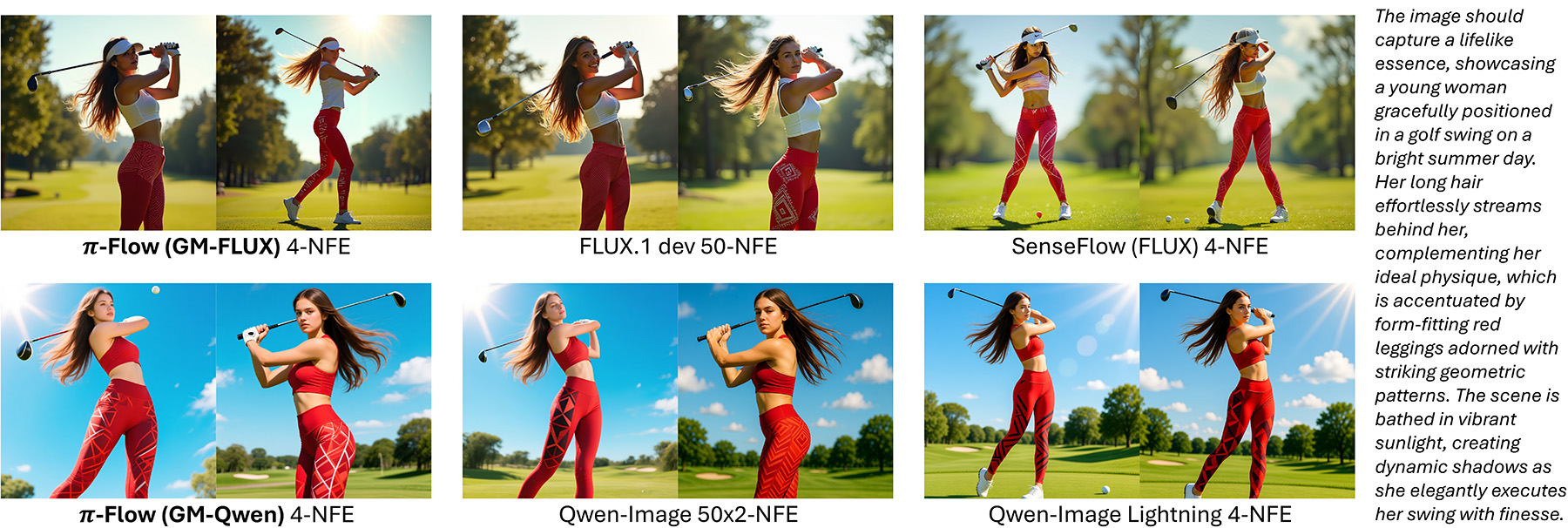
pi-Flow is a novel method for flow-based few-step generation. It achieves both high quality and diversity in generated images with as few as 4 sampling steps. Notably, pi-Flow’s results generally align with the base model’s outputs and exhibit significantly higher diversity than those from DMD models (e.g., Qwen-Image Lightning), as shown below.
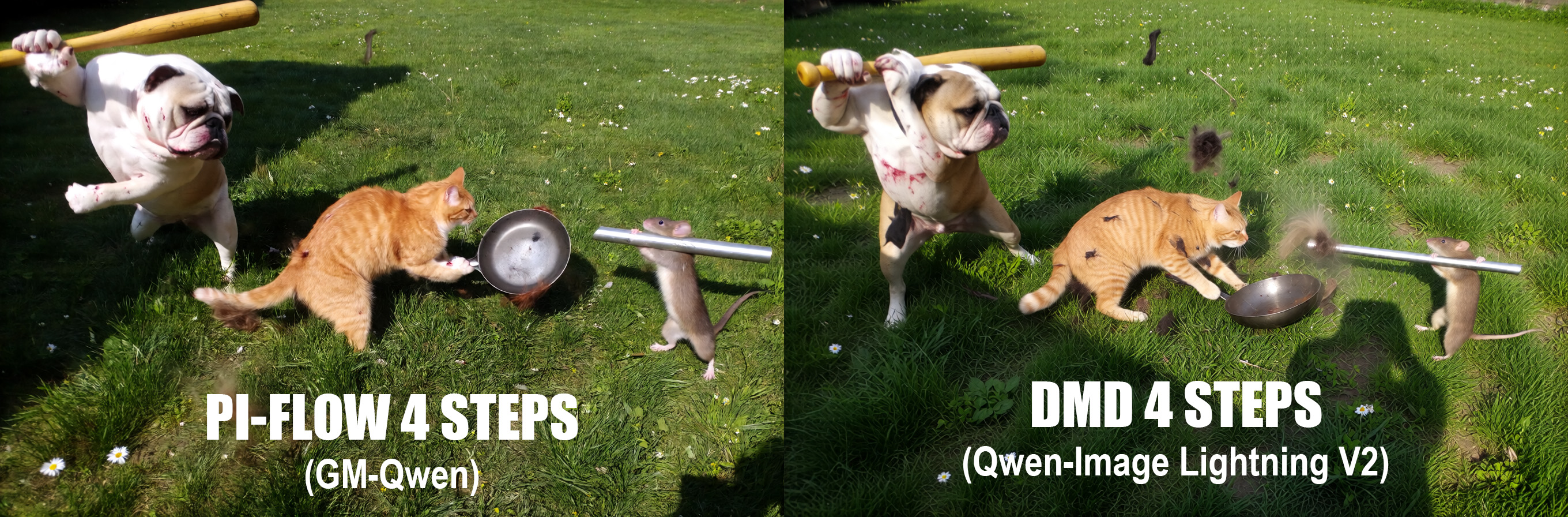
In addition, when using some photorealistic style LoRAs, pi-Flow produces better texture details than DMD models, as shown below (zoom in for best view).
This repo requires ComfyUI version 0.3.64 or higher. Make sure your ComfyUI is up to date before installing.
If you are using ComfyUI Manager, you can load a workflow first, and then install the missing nodes via ComfyUI Manager.
For manual installation, simply clone this repo into your ComfyUI custom_nodes directory.
# run the following command in your ComfyUI `custom_nodes` directory
git clone https://github.com/Lakonik/ComfyUI-piFlowThis repo provides text-to-image workflows based on Qwen-Image and FLUX.1 dev.
Currently supports the Qwen-Image text-to-image base model (and possibly some of its customized versions). Qwen-Image-Edit may be supported in the future.
Please download the image below and drag it into ComfyUI to load the pi-Qwen-Image workflow.

Base model
-
Download qwen_image_fp8_e4m3fn.safetensors and save it to
models/diffusion_models/qwen_image_fp8_e4m3fn.safetensorsAlternative scaled FP8 version: qwen_image_fp8_e4m3fn_scaled.safetensors
pi-Flow adapter
- Download gmqwen_k8_piid_4step/diffusion_pytorch_model.safetensors and save it to
models/loras/gmqwen_k8_piid_4step.safetensors
Text encoder
- Download qwen_2.5_vl_7b_fp8_scaled.safetensors and save it to
models/text_encoders/qwen_2.5_vl_7b_fp8_scaled.safetensors
VAE
- Download qwen_image_vae.safetensors and save it to
models/vae/qwen_image_vae.safetensors
Increasing adapter_strength in the loader node can reduce noise and enhance text rendering. This may be helpful especially when using a customized base model or additional LoRAs.
The 4-step adapter works well for any number of sampling steps greater than or equal to 4.
Currently supports the FLUX.1 dev text-to-image base model (and possibly some of its customized versions).
Please download the image below and drag it into ComfyUI to load the pi-Flux workflow.

Base model
-
Download flux1-dev.safetensors and save it to
models/diffusion_models/flux1-dev.safetensorsAlternative scaled FP8 version: flux_dev_fp8_scaled_diffusion_model.safetensors
pi-Flow adapter
-
Download gmflux_k8_piid_4step/diffusion_pytorch_model.safetensors and save it to
models/loras/gmflux_k8_piid_4step.safetensors -
Download gmflux_k8_piid_8step/diffusion_pytorch_model.safetensors and save it to
models/loras/gmflux_k8_piid_8step.safetensors
Text encoder
-
Download clip_l.safetensors and save it to
models/text_encoders/clip_l.safetensors -
Download t5xxl_fp16.safetensors and save it to
models/text_encoders/t5xxl_fp16.safetensors
VAE
- Download ae.safetensors and save it to
models/vae/ae.safetensors
Increasing adapter_strength in the loader node can amplify contrast, reduce noise, and enhance text rendering.
Use gmflux_k8_piid_4step.safetensors for 4-step sampling and gmflux_k8_piid_8step.safetensors for 8-step sampling. Using other settings may result in amplified or reduced contrast, which could be re-calibrated by adjusting the adapter_strength.
The adapters only work with guidance set to 3.5. Do NOT modify this value, otherwise the results will be very noisy.
Please visit the official piFlow repo for more information on training.
This code repository is licensed under the Apache-2.0 License. Models used in the workflows are subject to their own respective licenses.
-
v1.0.5 (2025-11-11)
- Add experimental support for polynomial-based DX policy.
- Update README.md and pi-Flux workflow (highlighting the FluxGuidance setting).
-
v1.0.4 (2025-11-09)
- Fix a bug in GM-Qwen when running in BF16 precision.
-
v1.0.3 (2025-11-09)
- Added support for scaled FP8 base models.