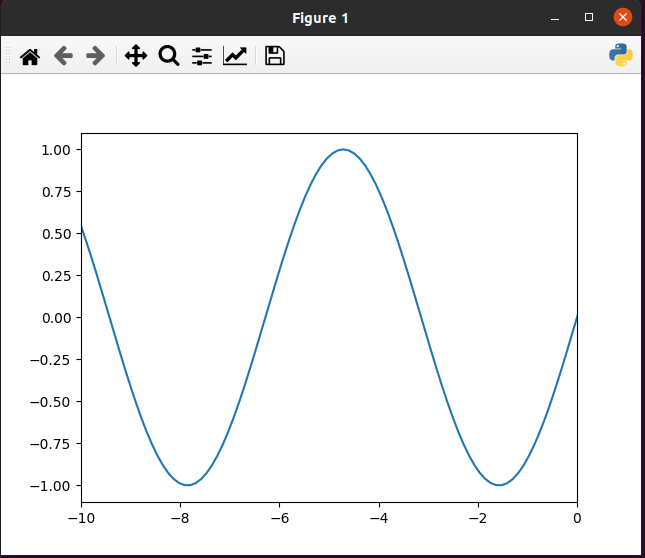
Using this package, you can add custom widgets(with icon image and callback function) in matplotlib's toolbar.
- Forward and backward widgets are by default, on click chart shift 5 step forward and backward resp.
import os

# import custom_tool_button before matplotlib pyplot
from custom_tool_button import tool

import matplotlib.pyplot as plt

# ----- Your code ---- #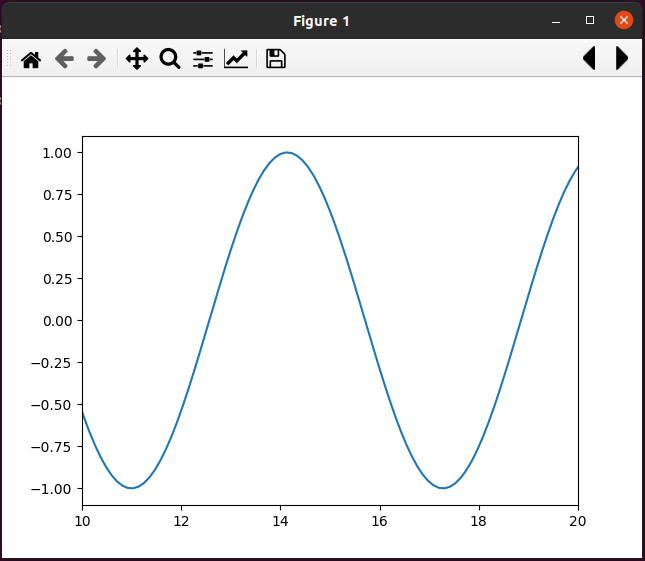
- You can give n number of widgets list using TOOLITEMS global variable.
TOOLITEMS is list of tuple[Widget name, Tooltip text, Icon png complete path with name, Callback function].
import os

# import custom_tool_button before matplotlib pyplot
from custom_tool_button import tool

icons = tool.Icons(os.path.dirname(__file__))

"""
Callback function should have same structure as mention below (function callback_func)

cls_instance is NavigationToolbar instance
"""
def callback_func(cls_instance):
    """
	cls_instance: NavigationToolbar2TK or NavigationToolbar2QT
	"""
    def wrapper():
        print('Custom tool button example.')
    return wrapper


tool.TOOLITEMS = [(
                    "Python Icon",                      # Widget name
                    "Tooltip Python icon",              # Tooltip text
                    icons.icon_path("pyicon.png"),      # Icon png complete path with name
                    callback_func                       # Callback function
                    )]


import matplotlib.pyplot as plt

# ----- Your code ---- #