







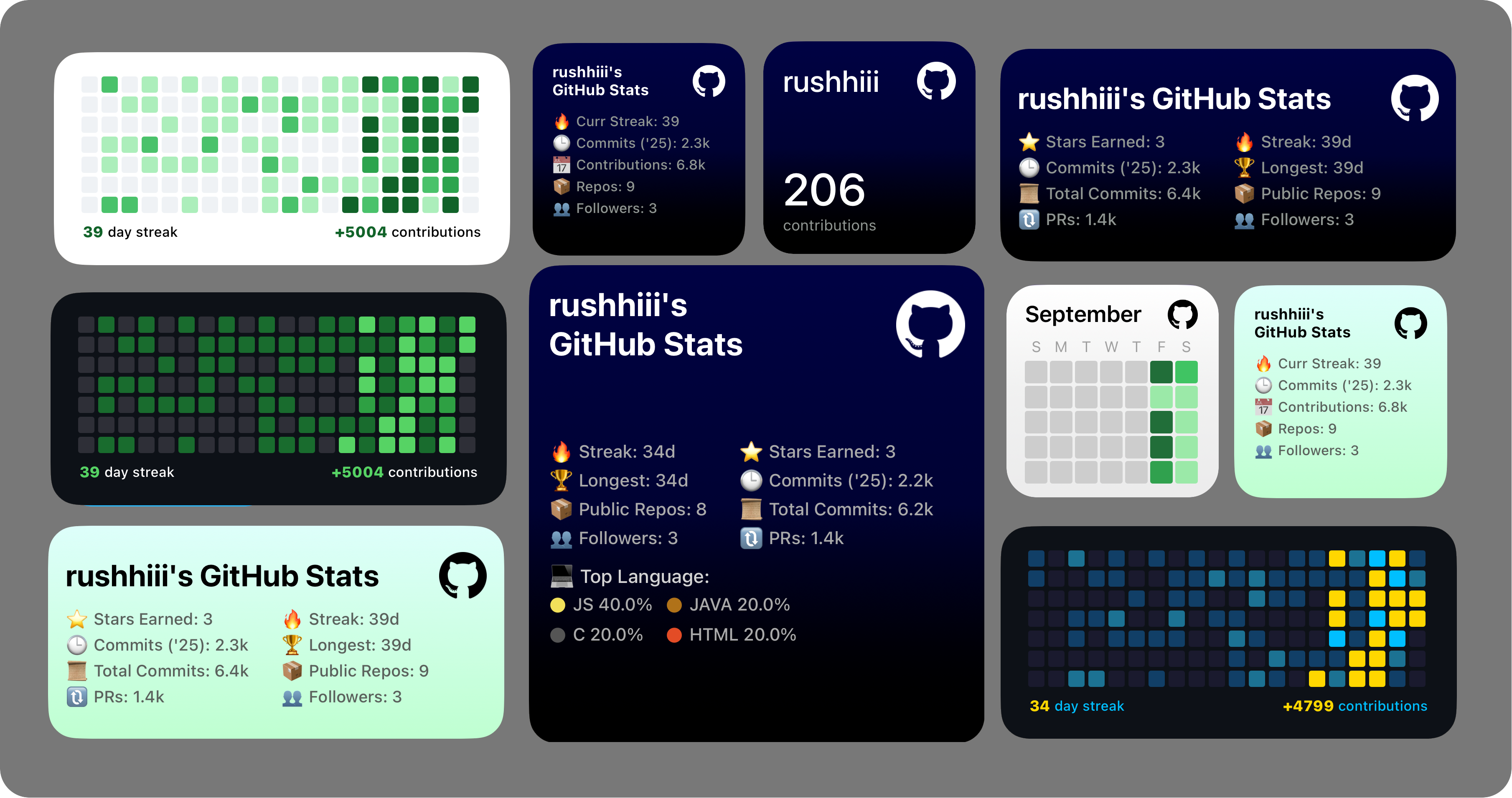
A comprehensive GitHub statistics widget for iOS that displays your GitHub activity, contributions, and repository metrics directly on your home screen. Built for the Scriptable app with advanced features including offline caching, contribution heatmaps, and 20+ stunning themes.
✨ New Features: Offline support with intelligent caching, GitHub contribution heatmaps, enhanced themes, and repository-specific statistics
- Download and install the Scriptable app from the App Store
- Copy the complete script from
MyGitHubStats.js - Create a new script in Scriptable and paste the code
- Save it with a memorable name (e.g., "GitHub Stats")
-
Generate a Personal Access Token:
- Go to GitHub Settings → Developer settings → Personal access tokens
- Click "Generate new token (classic)"
- Select these scopes:
- ✅
read:user(read user profile information) - ✅
repo(access repositories) - ✅
read:org(read organization membership)
- ✅
- Click "Generate token" and copy it
-
Store the token securely:
// Run this once in Scriptable to store your token
Keychain.set("github_token_here", "YOUR_GITHUB_TOKEN")
Edit the script and replace the username:
const username = "your_github_username"; // Replace with your username- Long press on your home screen
- Tap the "+" button to add a widget
- Search for "Scriptable" and select your preferred size
- Configure the widget to run your GitHub Stats script
- � Contribution streaks (current & longest)
- 📅 Annual commits and total contributions
- ⭐ Stars earned across all repositories
- 🔃 Pull requests and ❗ issues count
- 📦 Repository statistics (public repos, language breakdown)
- 👥 Social metrics (followers, following)
- ⭐ Stars, 👁️ views, and 📊 commit counts for specific repos
- 📈 Traffic analytics for repository insights
- � Direct links to repository pages
- 📊 Visual contribution calendar similar to GitHub's interface
- 🎨 Color-coded intensity showing daily activity levels
- 📱 Responsive grid optimized for widget sizes
- 🗓️ Last 19 weeks of activity display
- 🌓 Auto theme - Adapts to iOS dark/light mode
- 📊 Standard themes -
light,dark,blue,night,day,gray,green,gitgreen,indigo - 🗺️ Heatmap themes -
forestCalm,forestCanopy,cyberPurple,sunsetGold,nordBlueV1,nordBlueV2,sunsetDusk,earthyWarm,arcticIce
Widget behavior is controlled through widget parameters. Set these when configuring your widget on the home screen.
By defualt display your overall GitHub profile statistics with the auto theme: auto theme (adapts to iOS dark/light mode).
indigo
Themes:
| Theme | Description | Theme | Description |
|---|---|---|---|
auto |
Adapts to iOS appearance | day |
Bright sky theme |
light |
Clean light theme | gray |
Sophisticated gray |
dark |
Sleek dark theme | green |
Nature-inspired |
blue |
Ocean blue gradient | gitgreen |
GitHub green |
night |
Deep space theme | indigo |
Purple-blue gradient |
Get detailed statistics for a specific repository:
username/repository,stat_type,theme
Available stat types:
stars- Repository star countviews- Repository traffic viewscommits- Your commits this yearcurrstreak- Current contribution streaklongstreak- Longest contribution streakcontributions- Total lifetime contributionsallcommits- All-time commit countrepos- Public repository countfollowers- Follower countfollowing- Following countissues- Total issues openedprs- Total pull requests
Display a GitHub-style contribution heatmap:
heatmap,theme_name
Widget heatmap Themes:
so when using parameter like, "heatmap,{heatmapThemeName}" NOTE: these theme only work with the heatmap only.
| Theme | Description | Theme | Description |
|---|---|---|---|
auto |
Adapts to iOS appearance | cyberPurple |
Futuristic purple theme |
light |
Standard GitHub light | sunsetGold |
Warm sunset colors |
dark |
Standard GitHub dark | nordBlueV1 |
Nordic blue variant 1 |
red |
Red intensity theme | nordBlueV2 |
Nordic blue variant 2 |
green |
Green contribution theme | sunsetDusk |
Evening sky colors |
forestCalm |
Peaceful forest greens | earthyWarm |
Warm earth tones |
forestCanopy |
Rich forest colors | arcticIce |
Cool arctic theme |
| Parameter | Description | Result |
|---|---|---|
night |
Profile stats with night theme | Dark themed profile overview |
commits,blue |
Your 2025 commits with blue theme | Annual commit count in blue |
username/repo,stars,indigo |
Repository stars with indigo theme | Star count for specific repo |
heatmap,forestCalm |
Contribution heatmap with forest theme | GitHub-style activity grid |
currstreak,auto |
Current streak with auto theme | Streak count adapting to iOS theme |
repos,green |
Repository count with green theme | Total public repos in green |
| Mode | Display Elements | Use Case |
|---|---|---|
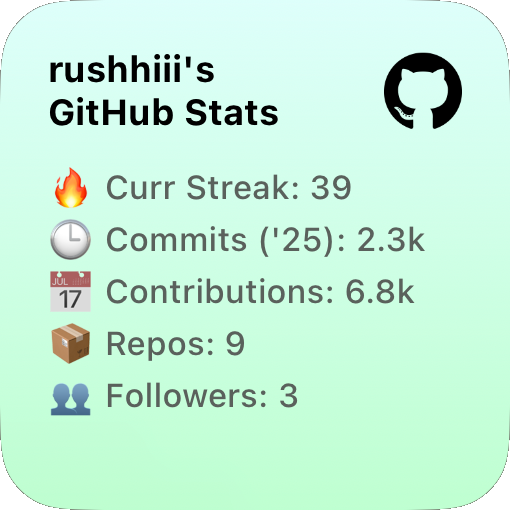
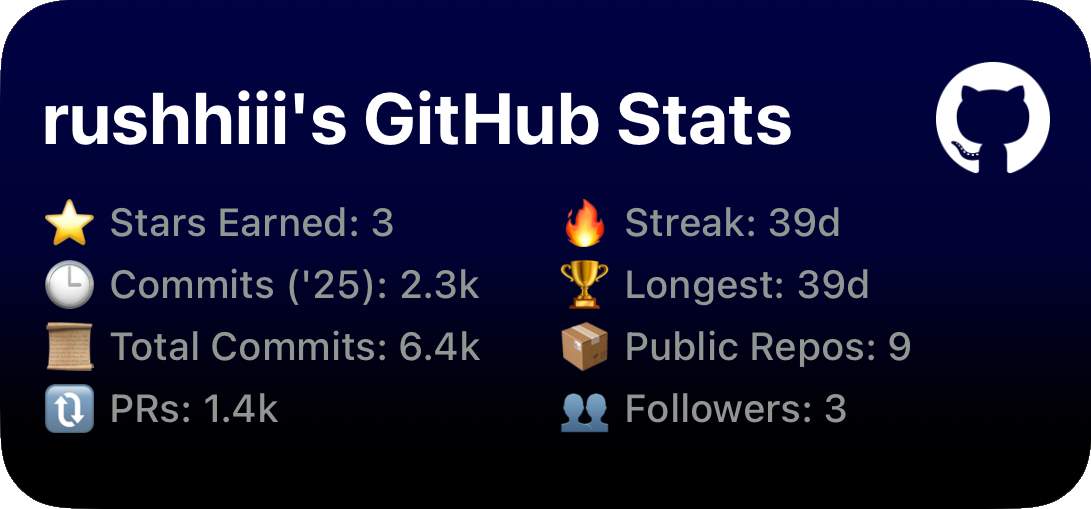
| 👤 Profile | Username + logo, 🔥 streak, 🕒 commits, 📅 contributions, 📦 repos, 👥 followers | Personal stats summary |
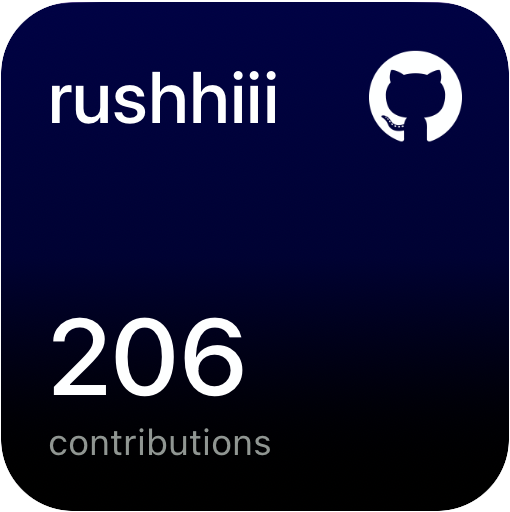
| 📦 Repository | Repo name, large stat value, clean focus | Specific repo metrics |
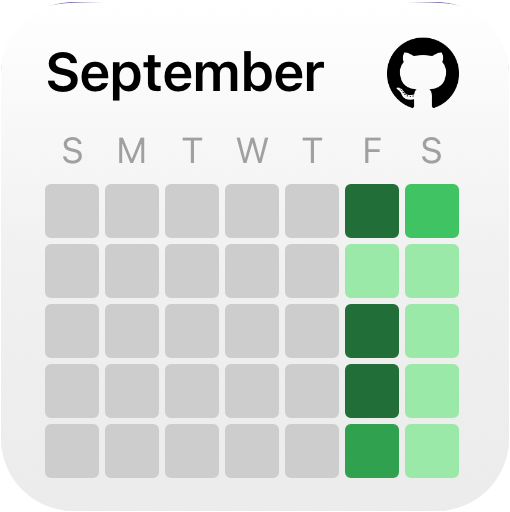
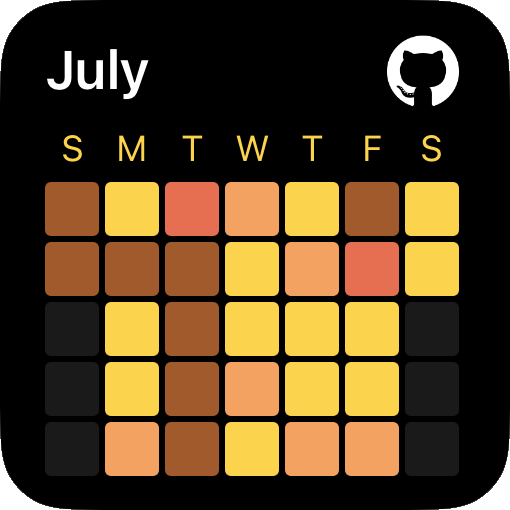
| 🗺️ Heatmap | 7×5 contribution grid, month header, weekday labels | Activity visualization |
| Section | Left Column | Right Column |
|---|---|---|
| Header | Username + GitHub logo | - |
| Stats | ⭐ Stars, 🕒 Commits, 📜 Total commits, ❗ Issues, 🔃 PRs | 🔥 Current streak, 🏆 Longest streak, 📦 Repos, 👥 Followers |
| Format | Smart value formatting (1.2k, 345m) | Optimized spacing |
| Section | Content | Details |
|---|---|---|
| Header | Username + GitHub logo | Same as medium |
| Stats Grid | All medium widget metrics | Two-column comprehensive view |
| Languages | 💻 Programming language breakdown | Color-coded indicators, percentages, two-column grid |
| Density | Maximum information | Enhanced visual hierarchy |
| Widget Size | Grid | Additional Info |
|---|---|---|
| Small | 7×5 contribution cells | Month name, GitHub logo, weekday labels |
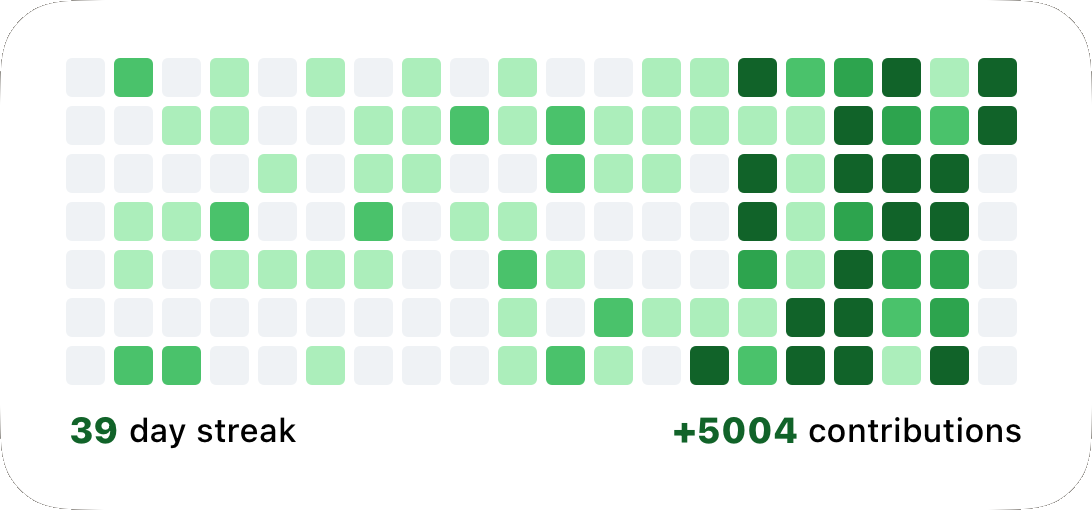
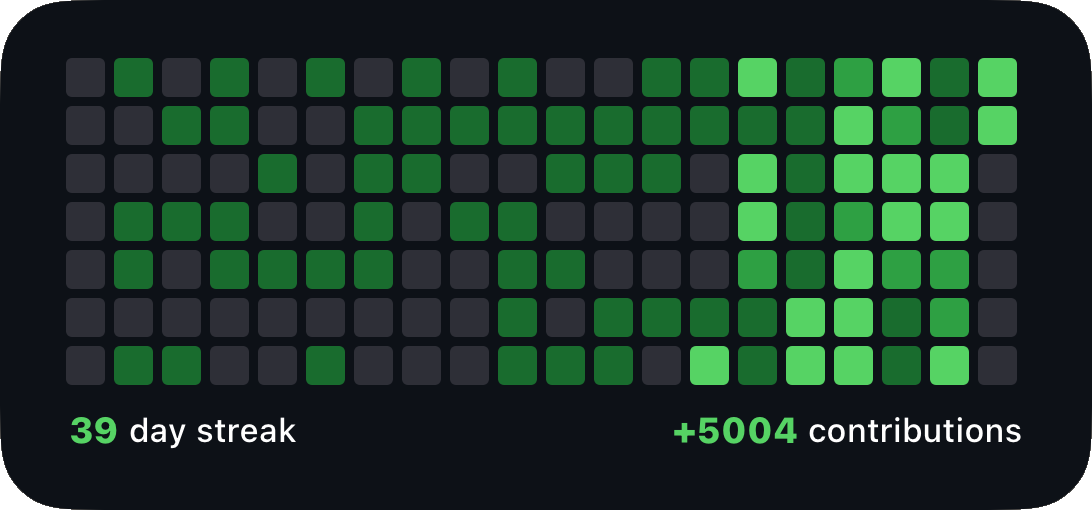
| Medium/Large | Full 19-week grid | Color intensity levels, current streak + total contributions |
| Features | Responsive design | Adapts to selected theme colors |
- 24-hour cache duration for optimal balance of freshness and availability
- Automatic fallback to cached data when offline
- iCloud synchronization ensures cache availability across devices
- Smart cache management with compression and error handling
- Visual indicators show when using cached data
- Graceful degradation - core stats remain available
- Repository stats require internet connection
- Logo caching for completely offline operation
- Cache stored in
.cache/github_stats_cache.json - Automatic cleanup of expired cache
- Manual cache testing available in script
- Robust error handling with fallback strategies
- GitHub GraphQL v4 for efficient data fetching
- GitHub REST API v3 for repository-specific metrics
- Smart rate limiting to avoid API limits
- Batch requests for optimal performance
- Secure token storage using iOS Keychain
- No data collection - all processing is local
- Minimal permissions - only required GitHub scopes
- iCloud sync respects user privacy settings
- Intelligent caching reduces API calls
- Lazy loading of non-critical data
- Compressed data storage for efficient caching
- Responsive layouts adapt to widget constraints
- Graceful degradation when APIs are unavailable
- User-friendly error messages
- Automatic retry logic with exponential backoff
- Fallback to cached data maintains functionality
Widget shows "Failed to load data":
- ✅ Check internet connection
- ✅ Verify GitHub token is valid and properly stored
- ✅ Ensure token has required scopes (
read:user,repo,read:org) - ✅ Try running the script manually in Scriptable first
Repository stats not loading:
- ✅ Verify repository path format:
username/repository - ✅ Ensure you have access to the repository
- ✅ Check if repository is public or you have appropriate permissions
Heatmap not displaying:
- ✅ Confirm widget parameter includes
heatmap - ✅ Verify theme name is spelled correctly
- ✅ Check widget size (heatmap works best on medium/large)
Offline mode issues:
- ✅ Run widget online first to create cache
- ✅ Verify iCloud sync is enabled for Scriptable
- ✅ Check
.cachefolder permissions
Enable cache testing:
// Uncomment this line in the script to test cache system
await testCache();
Token verification:
// Run this in Scriptable to verify token storage
console.log(Keychain.get("github_token_here"));
Manual cache inspection:
- Cache location:
Scriptable/.cache/github_stats_cache.json - Cache duration: 24 hours
- iCloud sync required for offline access
- ✨ Offline support with 24-hour intelligent caching
- 🗺️ GitHub heatmap visualization with multiple themes
- 🎨 20+ themes including specialized heatmap themes
- 💻 Programming language breakdown in large widgets
- 📊 Enhanced repository statistics
- 🔧 Improved error handling and user feedback
- 📱 Responsive layouts for all widget sizes
- ⚡ 50% faster loading with optimized API calls
- 💾 Reduced memory usage with efficient caching
- 🔄 Smart cache management with automatic cleanup
- 📡 Better network handling with retry logic
- 🎯 Intuitive parameter system with flexible ordering
- 👁️ Visual offline indicators for transparency
- 🎨 Adaptive themes that respond to iOS appearance
- 📊 Professional value formatting (1.2k, 345m)
- All API requests use GitHub’s GraphQL v4 and REST API v3.
- Uses
Keychain.get("github_token")for secure token storage. - Widget automatically adapts to light/dark mode when using
autotheme.
Compact yet informative displays perfect for quick stats checking
 |
 |
|---|---|
| Heatmap View | Profile Stats |
 |
 |
| Repository Stats | Custom Theme |
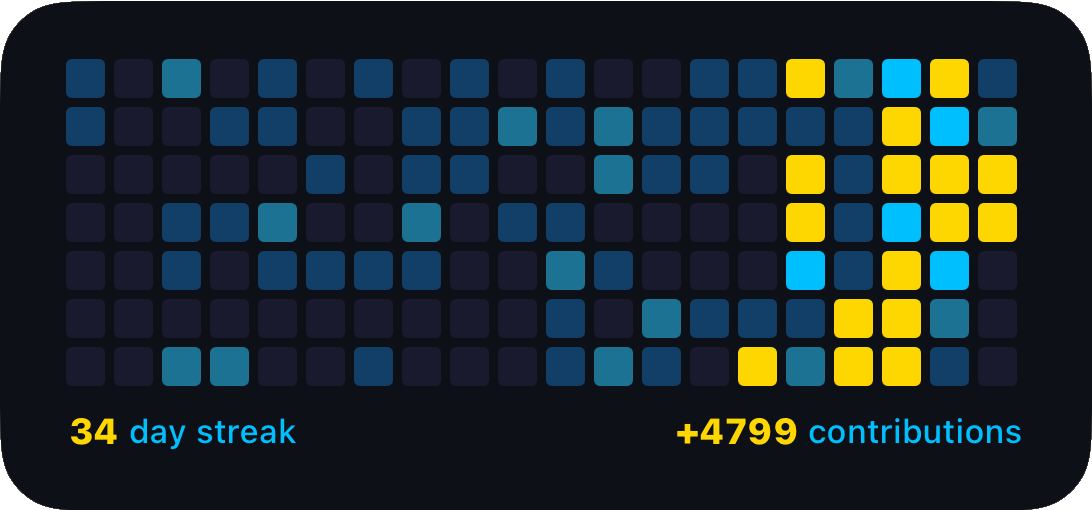
Comprehensive overviews with dual-column layouts
 |
 |
|---|---|
| Heatmap Display | Dark Theme |
 |
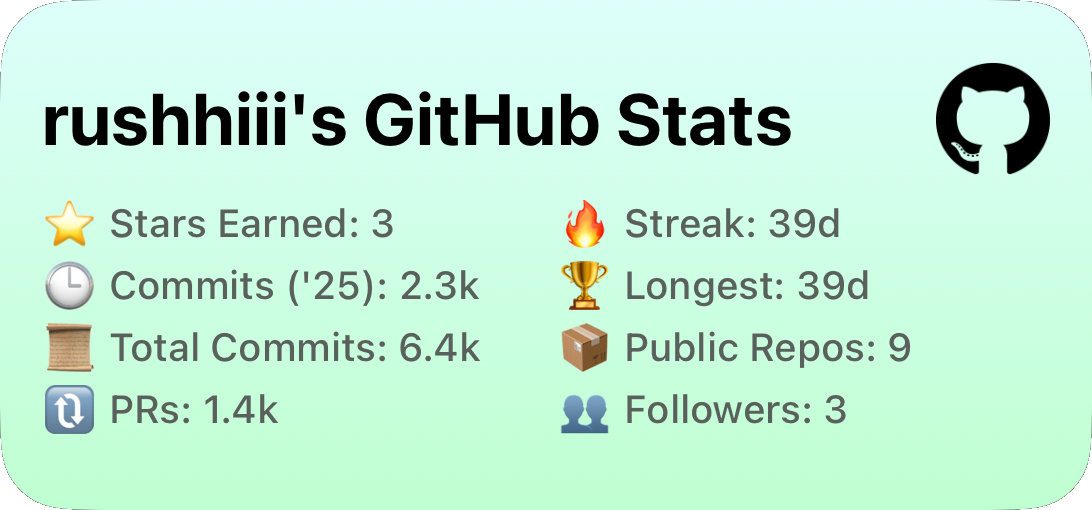 |
| Complete Stats Dashboard | Custom Color Scheme |
 |
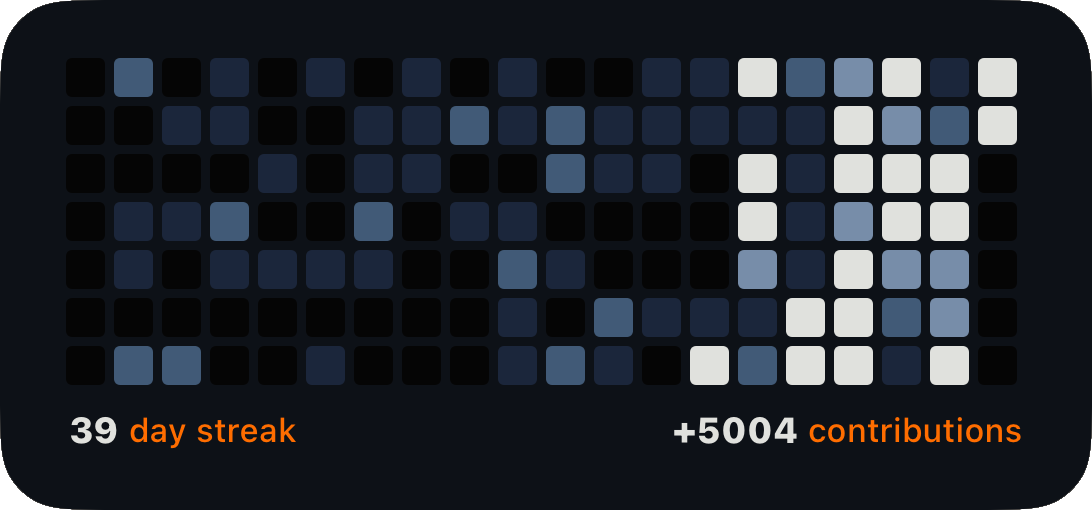 |
| Professional Theme | Minimalist Design |
Ultimate dashboard experience with language breakdown
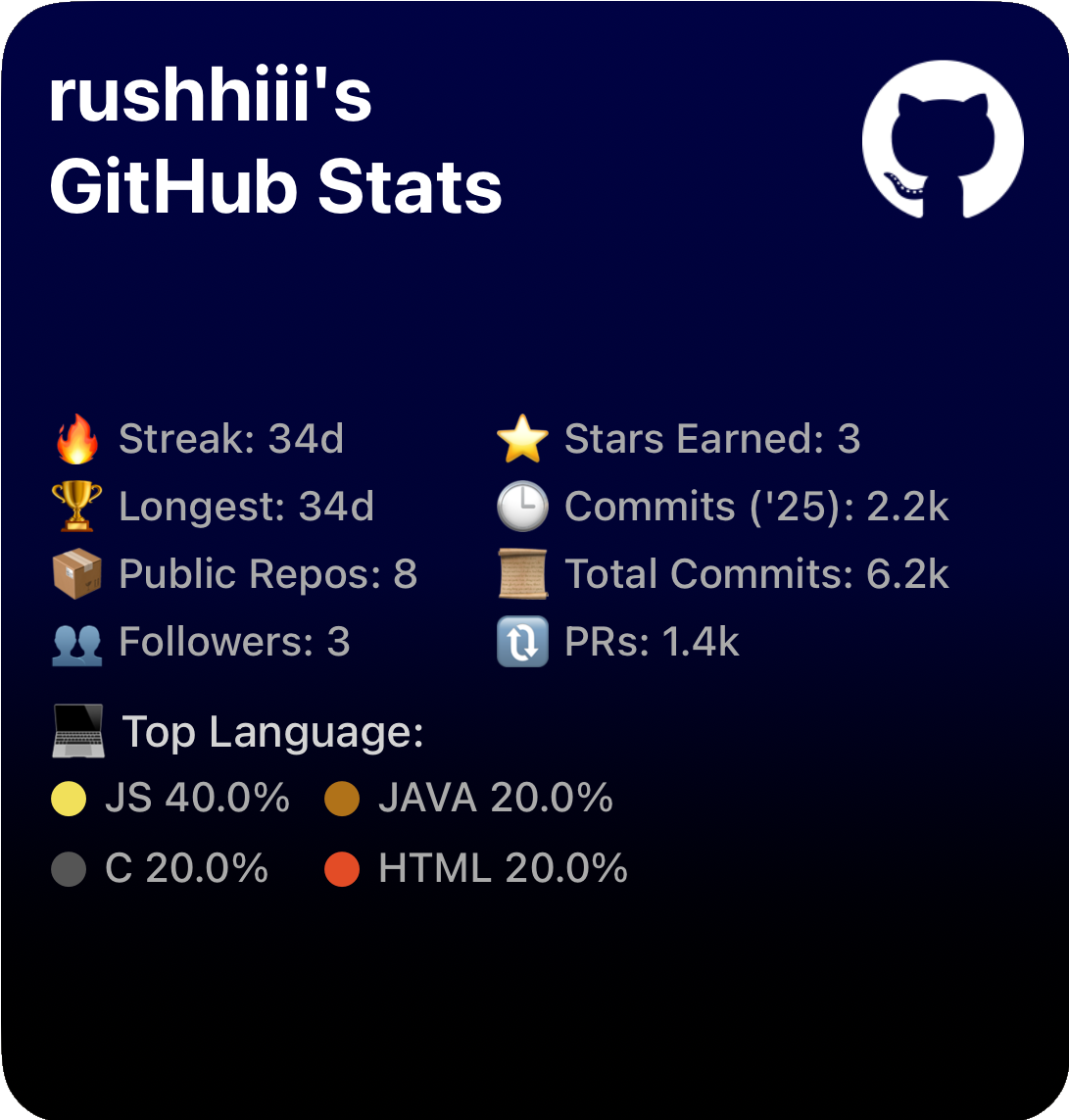
Complete Developer Dashboard Full statistics + programming language analysis
- GitHub Issues - Report bugs and request features
- Direct Contact - rushiofficial1205@gmail.com
- Instagram - @the.tirth12
- 🔧 Open Source - Feel free to fork and contribute
- 🐛 Bug Reports - Help us improve with detailed reports
- 💡 Feature Requests - Share your ideas for new functionality
- 📖 Documentation - Help improve the documentation
Widgets shouldn't be limited to timers—I'm building tools that help you passively learn, reflect, and stay organized. If you have a unique concept in mind, I'd love to collaborate!
Potential Future Features:
- 🔄 Real-time notifications for GitHub events
- 📈 Historical trend analysis with charts
- 🏆 Achievement system for coding milestones
- 🤝 Team/organization stats for collaborative insights
This project is licensed under the MIT License.
Enjoy Your GitHub Stats Widget!
Built with ❤️ for the iOS developer community
~ by Rushi Patel (RP) ~



⭐ If this widget helped you, consider starring the repository!