Chatbot with predefined resources made in Python3, which can chat with you and perform some example tasks. It uses NLP to analyze the user's message, classify it into a category and then respond with a suitable message or necessary information. It is hosted on flask and is available on heroku at the link specified above.
Home Page:
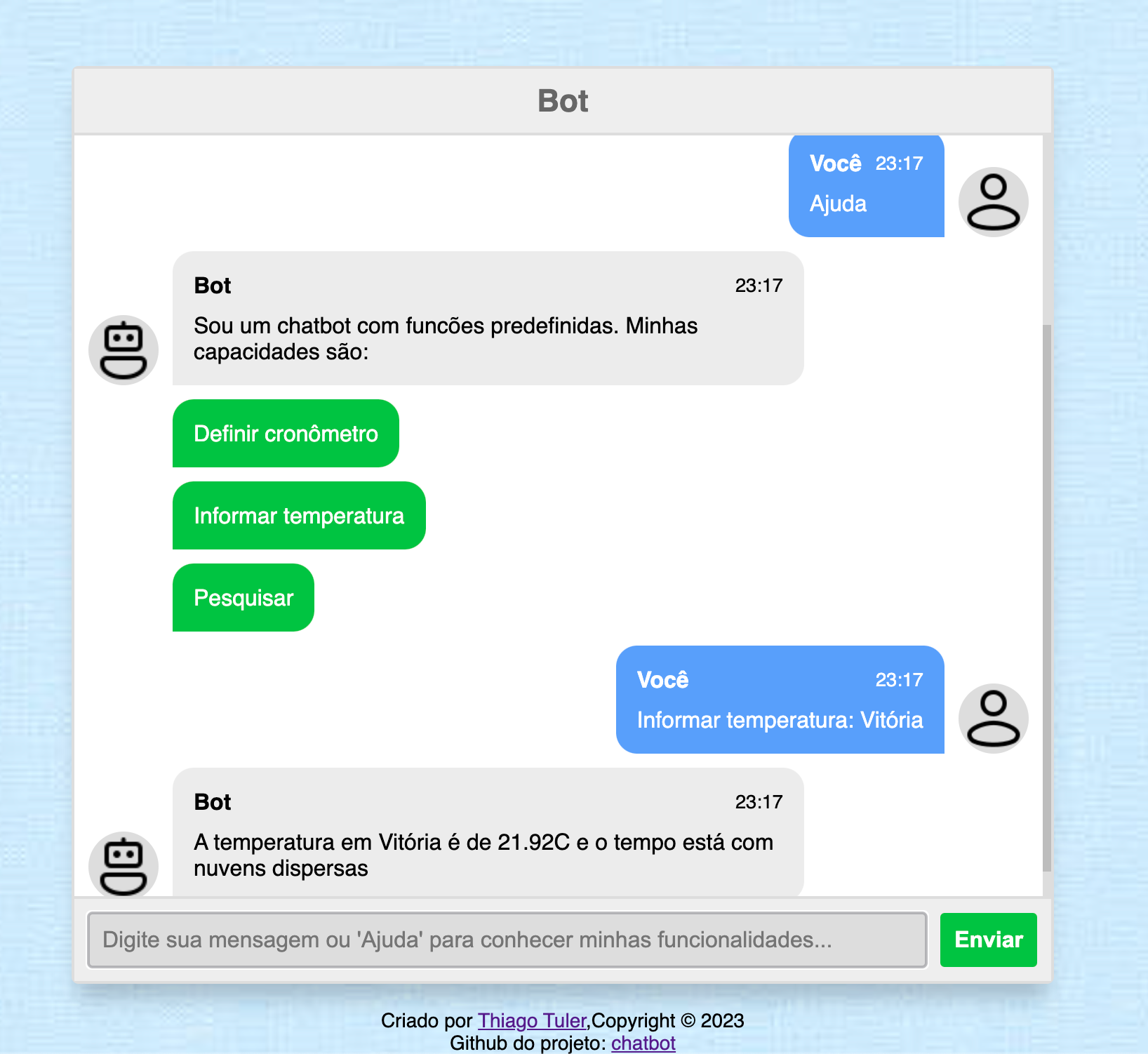
To run it locally on your system, follow these steps:
- Clone this repository onto your system. On Command Prompt, run the following command:
git clone https://github.com/thiagootuler/chatbot.git
- Go to the project directory and configure a virtual environment if you prefer.
- Make sure you have all the required libraries listed in requirements.txt. In case any of the libraries are missing, install them using pip. Type this command into your Command Prompt:
pip install -r requirements.txt
- Additionally, install the dependencies used by the nltk library (nltk_requirements.txt), running the nltk_config.py script:
python3 nltk_config.py
- Then, create an environment variables file (.env) based on the example file left and run the following commands to start the application:
python3 chatbot.py
- Enter the url provided after running the previous commands into your web browser
BOT is now ready to chat!
NOTE: If the intentions file is changed, it is recommended to retrain the model. To do so, run the following command:
cd src/static/models && python3 training.py