This document outlines the requirements and steps to execute the end-to-end pipeline and visual validation of the calculated trajectory for the project. It also discusses unit testing and includes notes on the creation of the work space and individual packages.
To install the necessary requirements for this project, use the pip command as follows:
pip install -r requirements.txt
You can execute the entire pipeline by running the shell script:
source pipeline.sh
Please note that the pipeline requires Torch with CUDA drivers installed. The pipeline does not include the Visual Validation of the calculated trajectory, which must be run separately.
To perform visual validation, you need to:
- Plan the path (if the pipeline hasn't been run):
python 1_plan_path.py - Show volume:
python 2_show_volume.py
This process ideally opens three browser windows in the terminal, each displaying the trajectory and one structure.
To conduct a unit test for the check_intersect_batch function, which is the main function that selects the trajectory meeting the desired constraints, use the following command:
python test.py
Detailed descriptions of the function and its operations can be found in the docstrings and inline comments in the script.

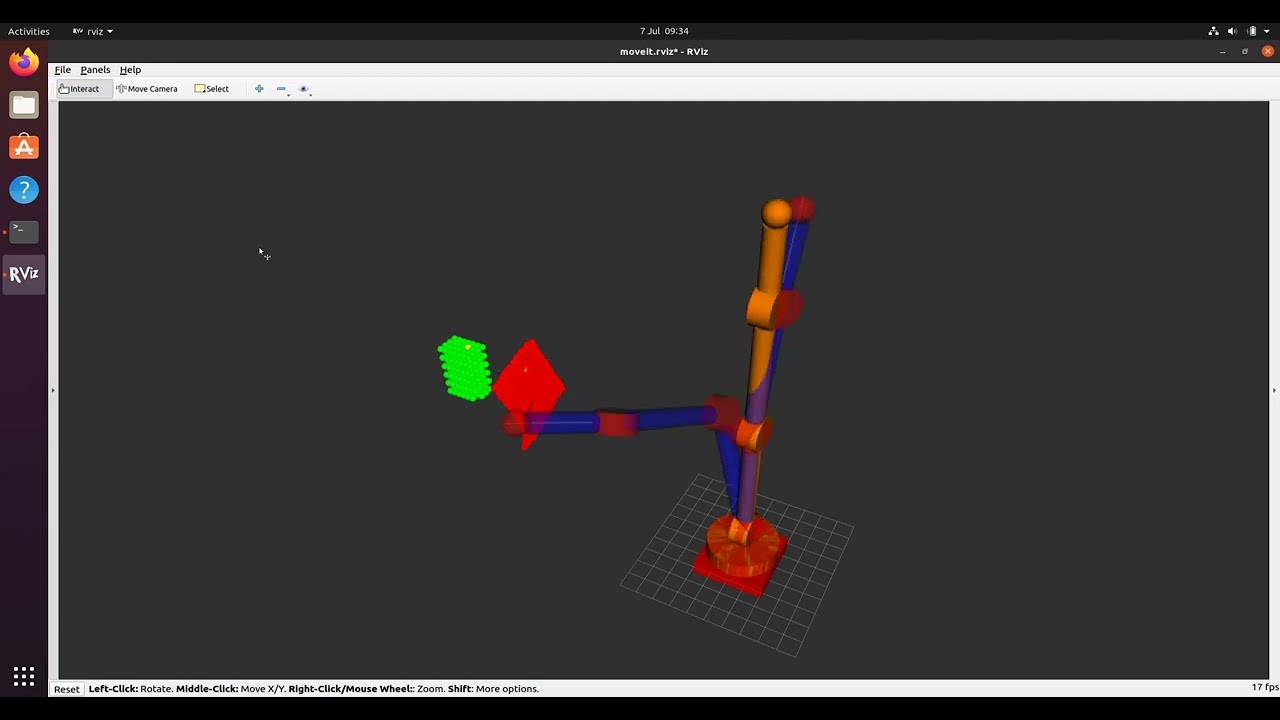
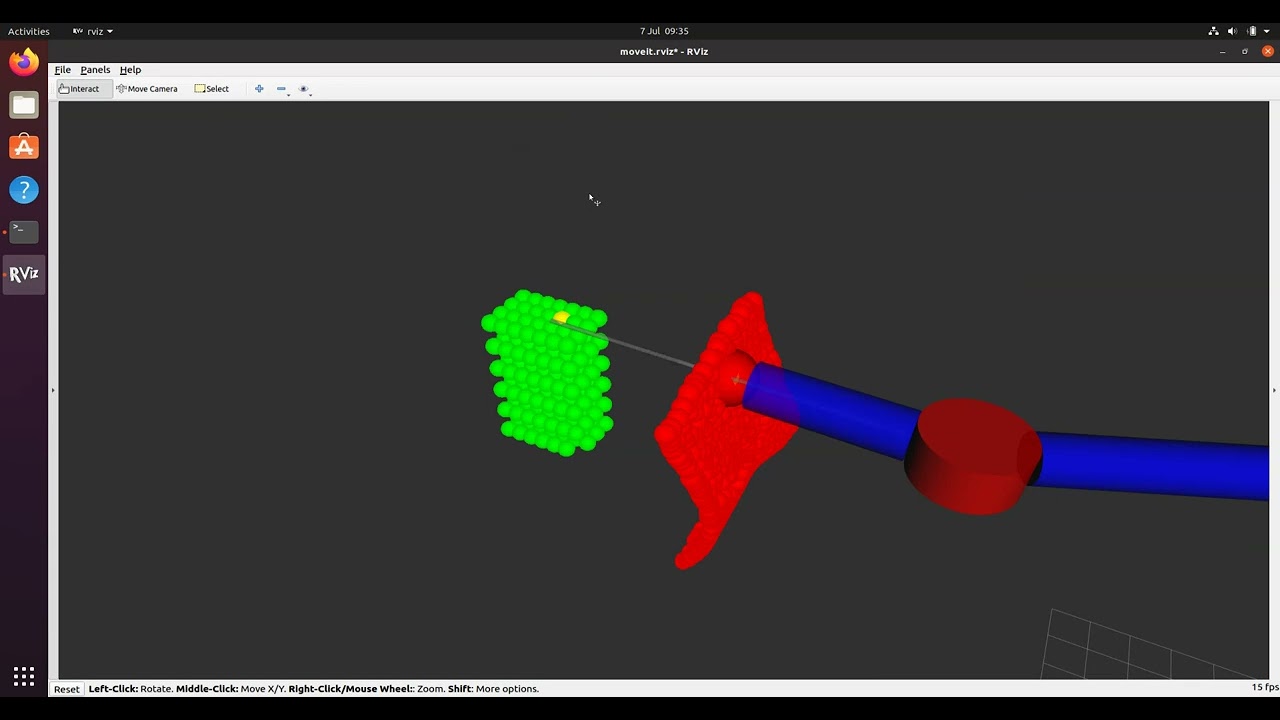
Below are some notes associated with the development of the repository, covering aspects such as workspace creation, package creation, and ROS topics.
The workspace was created using the catkin_make command, which generated the following directories:
srcandsrc/CMakeLists.txtdevelbuild
All packages were created within the src folder. New directories were made using the command:
catkin_create_pkg package_name dependencies
To display a list of ROS topics, use:
rostopic list
To echo data from a particular topic, use:
rostopic echo topic_name