A simple Web3 DApp (Decentralized Application) that allows users to purchase digital products using the Ethereum Virtual Machine (EVM) on a local Hardhat network.
This project is still under active development.
Please expect bugs, incomplete features, or UI changes.
💡 Feel free to report issues or suggest features via Issues.
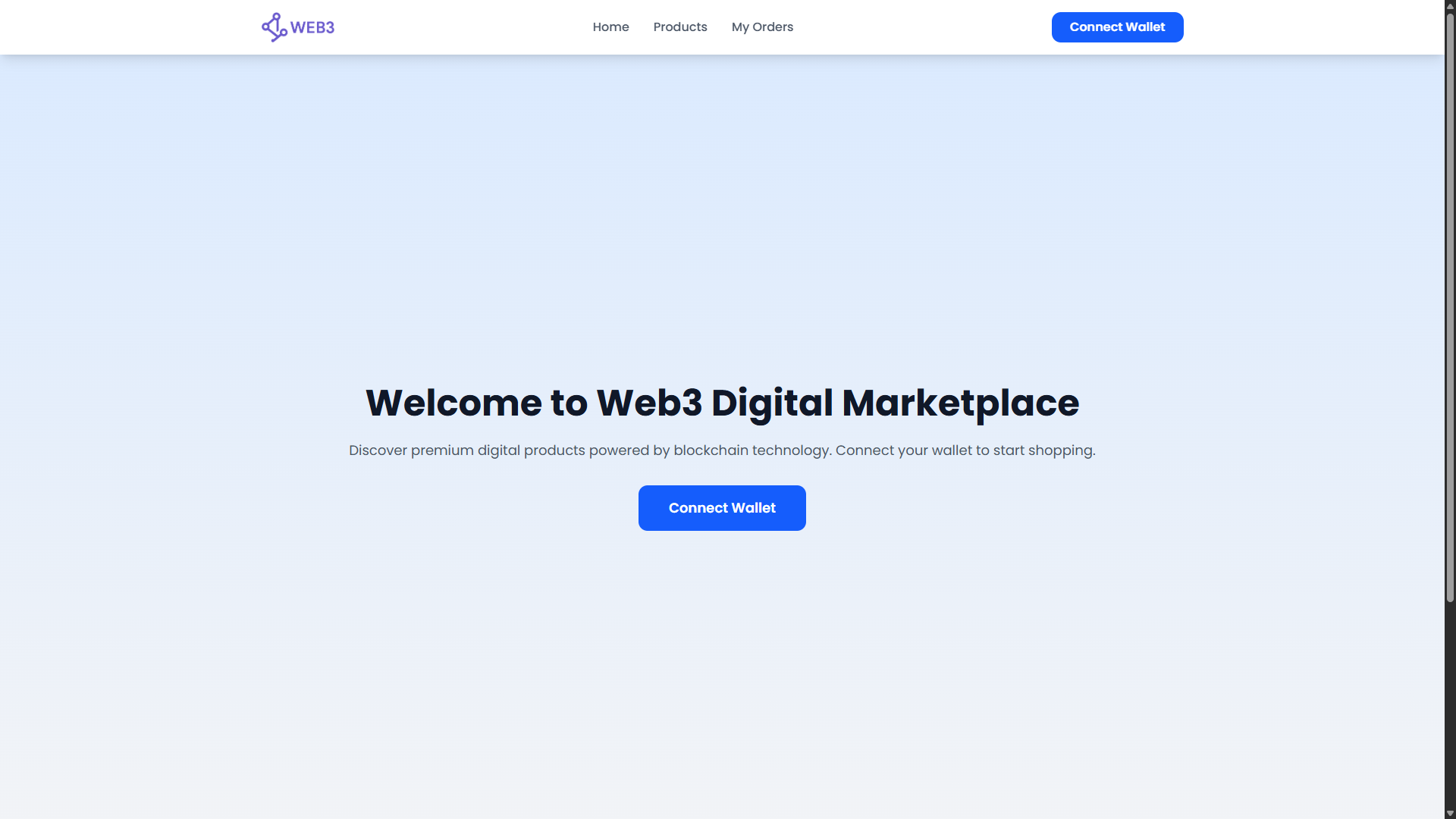
Landing Page
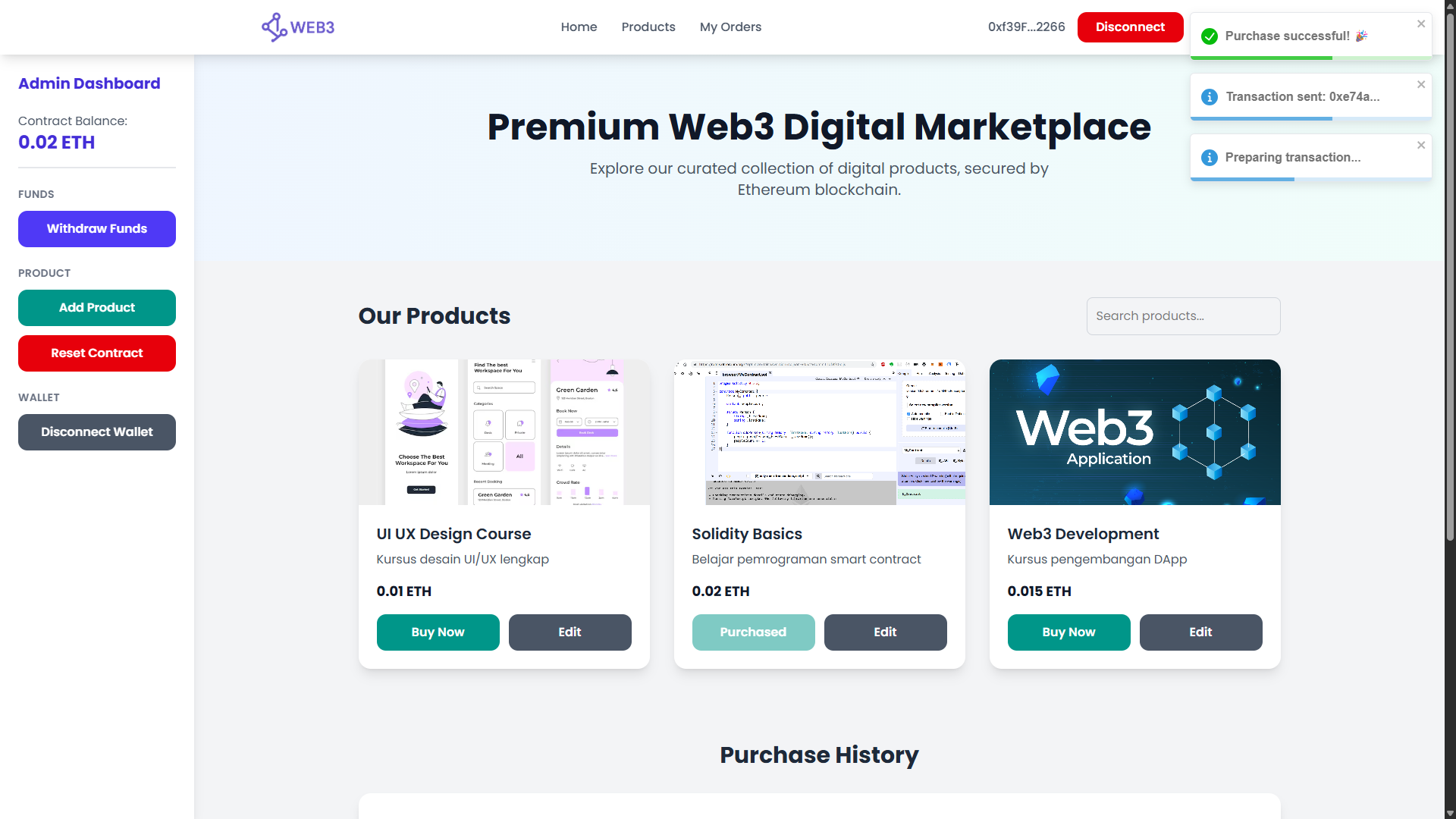
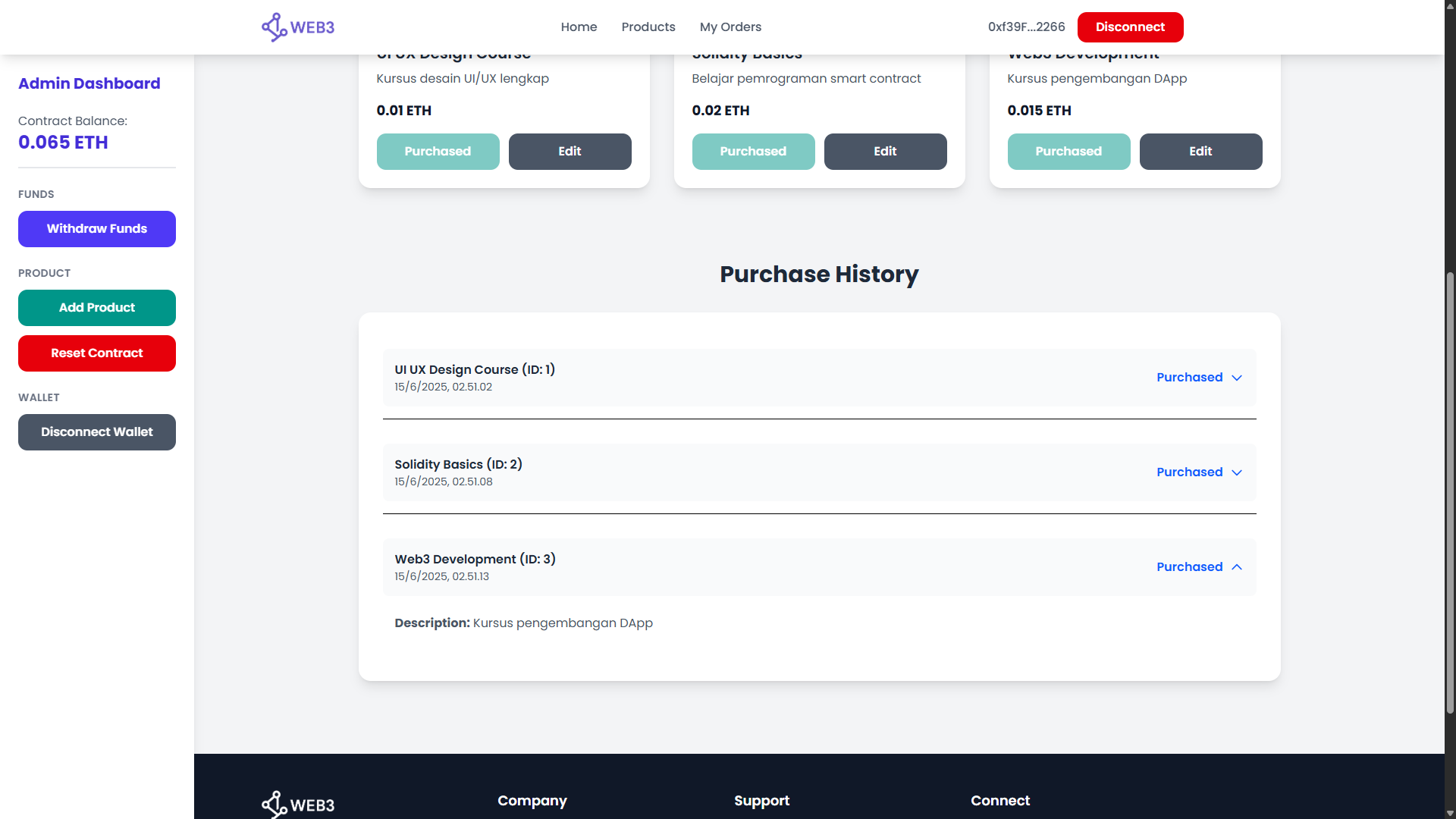
Dashboard
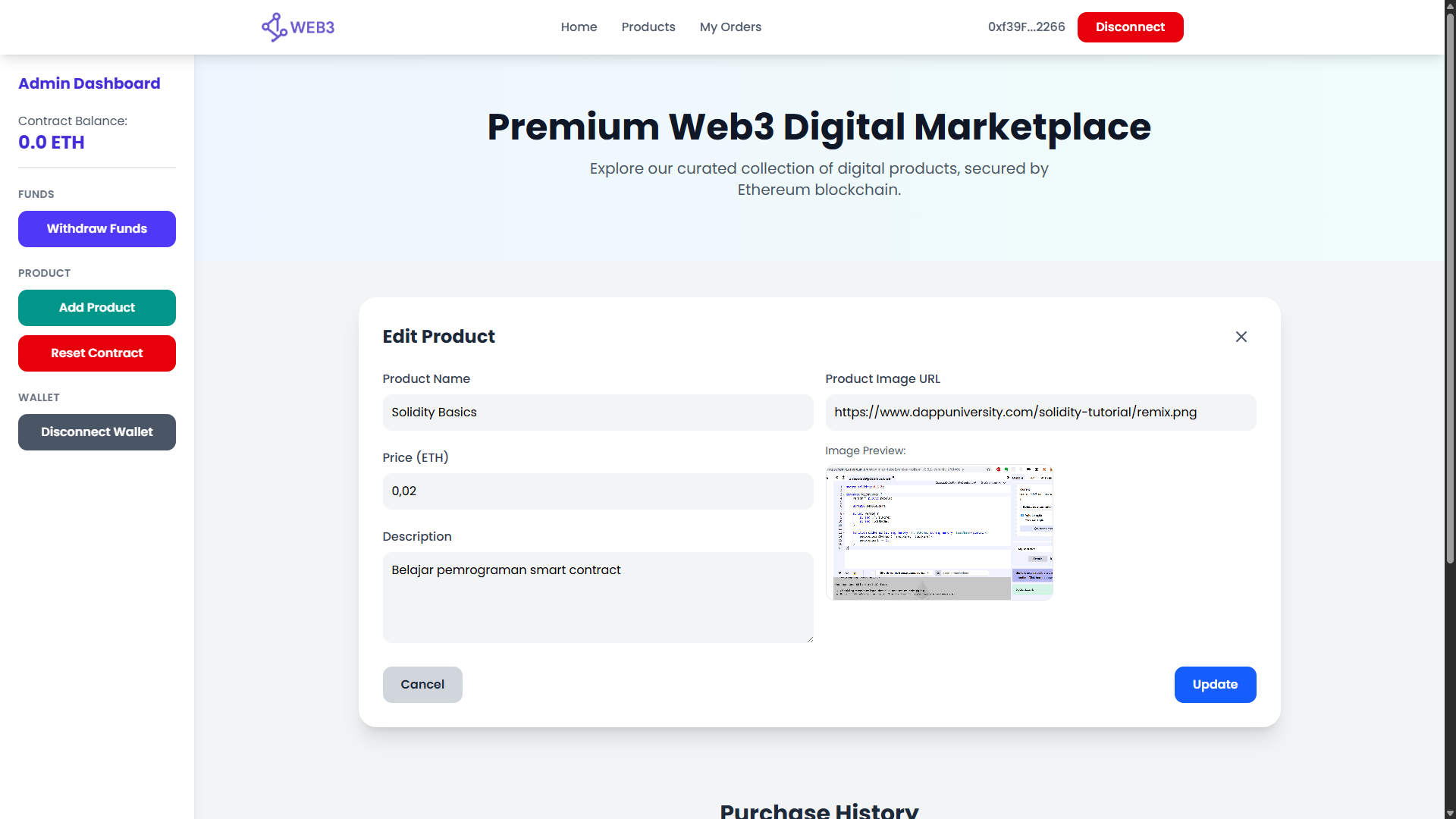
Edit Product
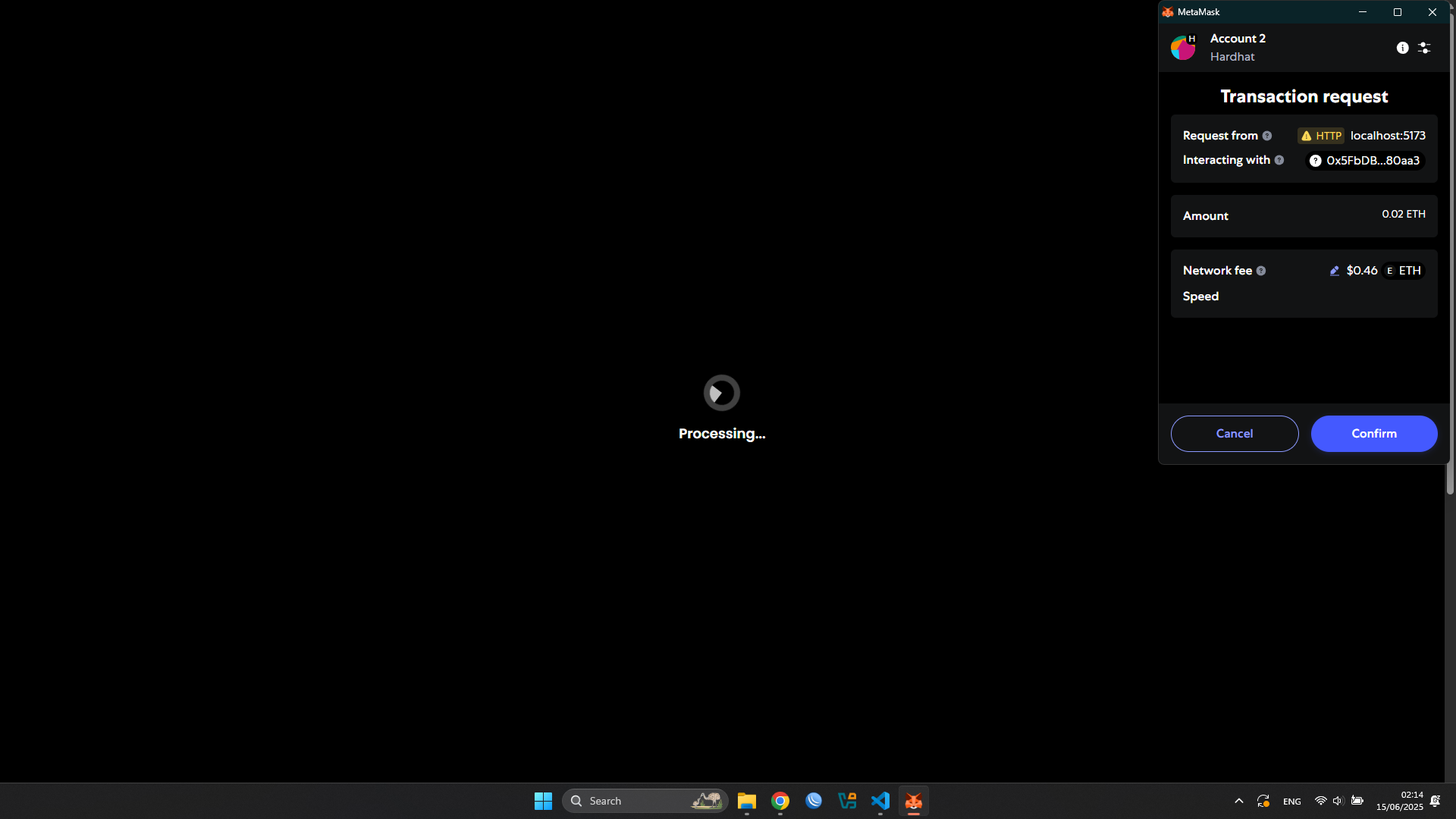
Transaction
Purchase History
project-root/
├── react/            # Frontend (React dApp)
└── solidity/         # Smart contracts & deployment scripts
- 🔐 Authenticate via wallet (Metamask)
- 💸 Purchase products using Ethereum (ETH)
- 🔄 Reset purchases (admin only)
- 📦 Smart contract includes ABI & auto-generated address
Make sure you have:
- Node.js v22+
- Metamask Extension
- Git
- VS Code or other text editor
git clone https://github.com/Fruzh/web3-local-testnet.git
cd web3-local-testnetInstall for both Hardhat (backend) & React (frontend):
npm run installIf Hardhat hasn’t been installed yet in this project:
npm run install:hardhatThis will start a local blockchain at http://127.0.0.1:8545 with 20 demo accounts.
Example account:
Account #0: 0x5Fb... (Private Key: 0xabc...)
-
Install Metamask Extension from metamask.io
-
Import an Account from Hardhat output:
- Click "Import Account"
- Paste one of the private keys shown in your terminal
-
Add Local Network:
- Network Name:
Hardhat - RPC URL:
http://127.0.0.1:8545 - Chain ID:
31337 - Symbol:
ETH
- Network Name:
-
Select the "Hardhat" network in Metamask.
npm run startIn a new terminal:
npm run deployThis will:
- Deploy
TokoDigital.sol - Generate:
contract-address.jsoncontract-abi.json
- Store them in
react/src/contracts/ - Start the frontend on
http://localhost:5173
- Open
http://localhost:5173 - Click "Connect Wallet"
- Click "Buy Now" to purchase a product
- If you are the contract owner, a Reset Contract button will appear