Tutorial Area Transitions
This tutorial shows how to link two modules with area transitions. You will:
- Create a new module with the Map Builder
- Add a door transition from the new module to the Jedi Enclave
- Add a trigger transition from the Jedi Enclave to the new module
- Create waypoints that the transitions use
Open Tools → Layout Editor.... Download the Enclave Surface kit if needed (Indoor → Download Kits... or Download/Update Kits... on the layout toolbar). Create a simple layout.
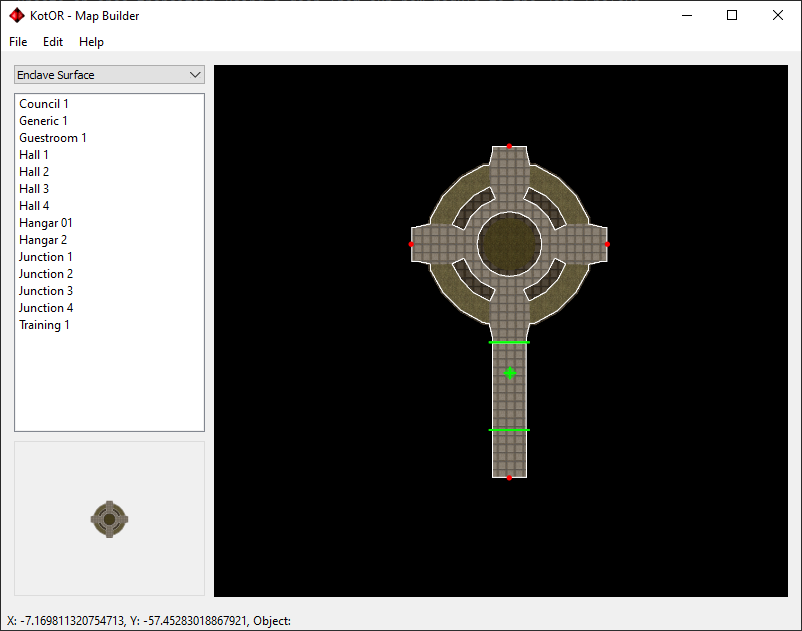
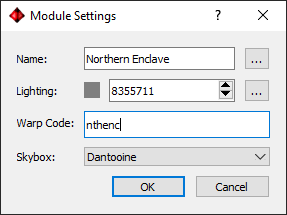
Set the warp code and module options from the Layout editor’s indoor/module fields (e.g. nthenc). Use File → Settings on the main window only for Holocron paths and global options. Build via Indoor → Build Module.... Test in-game with warp nthenc.
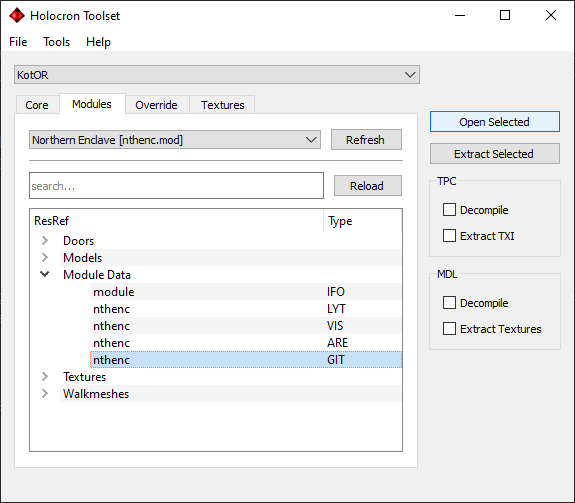
In the main window Modules tab click Refresh, find your module, and open its GIT. Select the door between the two hallway models; right-click -> Edit Instance.
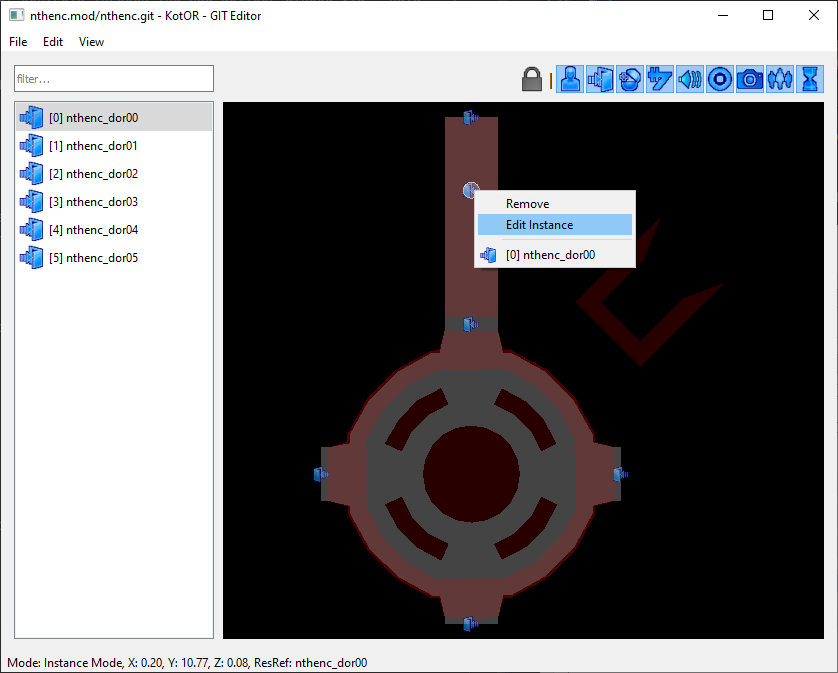
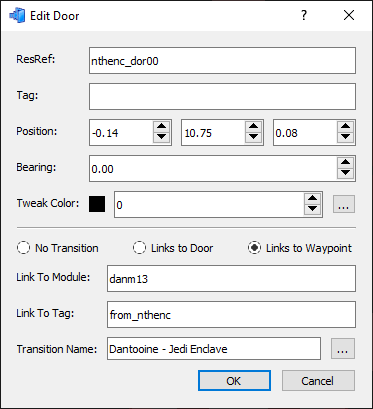
Set:
- Links To Waypoint -- transition will teleport to a waypoint in the target module
- Link To Module -- danm13 (Jedi Enclave warp code)
- Link To Tag -- tag of the waypoint in the target module we will teleport to (e.g. from_nthenc)
- Transition Name -- text shown when facing the transition
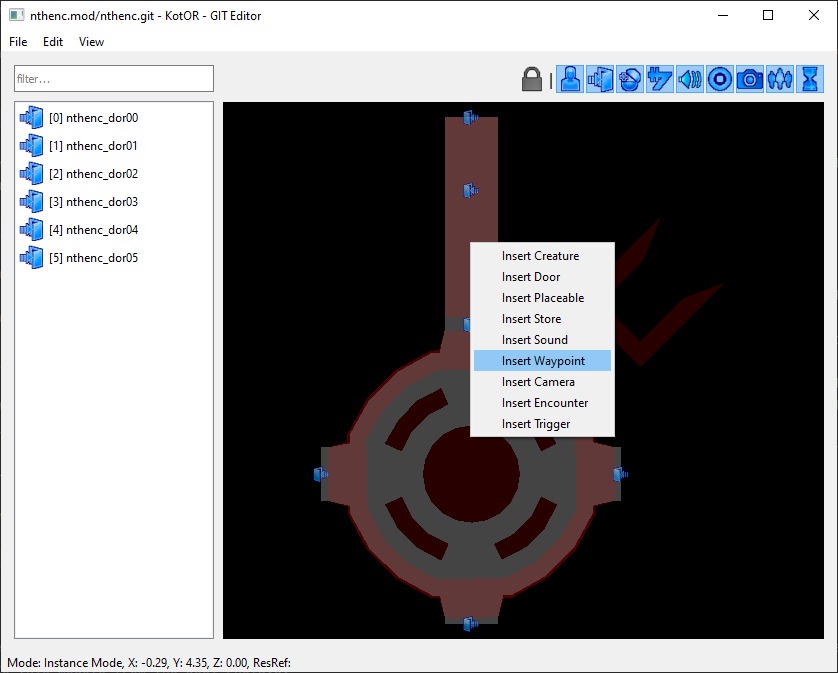
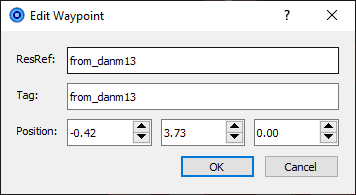
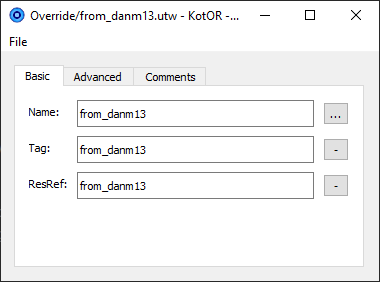
Right-click in the new module -> Insert Instance -> add a waypoint in front of the door. Right-click it -> Edit Instance. Set ResRef and Tag (e.g. from_danm13). Right-click -> Edit Resource to create the waypoint file; match ResRef/Tag. Save the GIT.
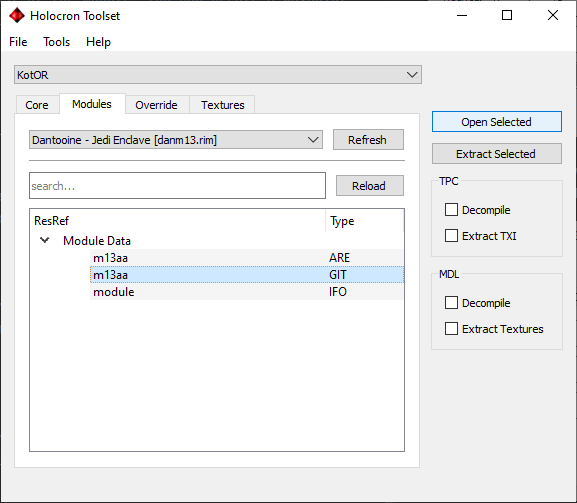
Open the Jedi Enclave module GIT (e.g. danm13).
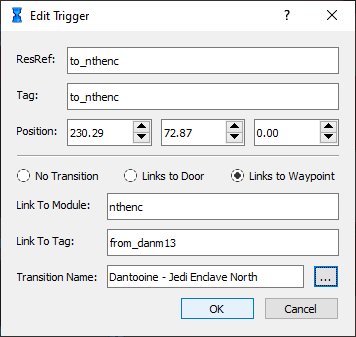
Right-click behind the Ebon Hawk -> Insert Trigger. Right-click the trigger -> Edit Instance. Set:
- ResRef and Tag -- e.g. from_nthenc (Tag must match the door’s Link To Tag in the new module)
- Links To Waypoint
- Link To Module -- nthenc (your new module)
- Link To Tag -- from_danm13 (waypoint in the new module)
- Transition Name
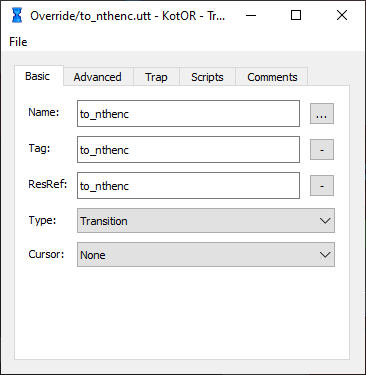
Right-click trigger -> Edit Resource; set Type to Transition. Use Edit Geometry to draw the trigger volume (right-click -> Insert vertices, drag, then Finish Editing).
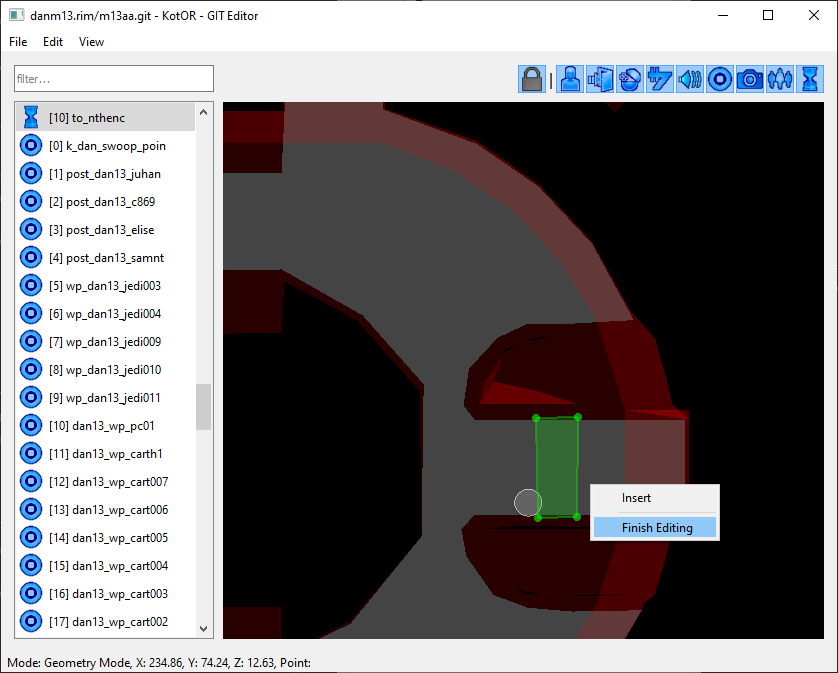
Right-click -> Insert Waypoint in front of the trigger (away from the door). Edit Instance: set Tag and ResRef to from_nthenc. Edit Resource to create the waypoint file with the same values. Save the GIT.
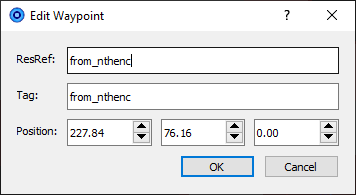
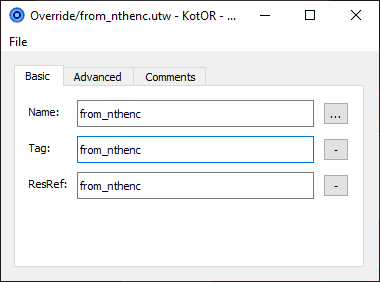
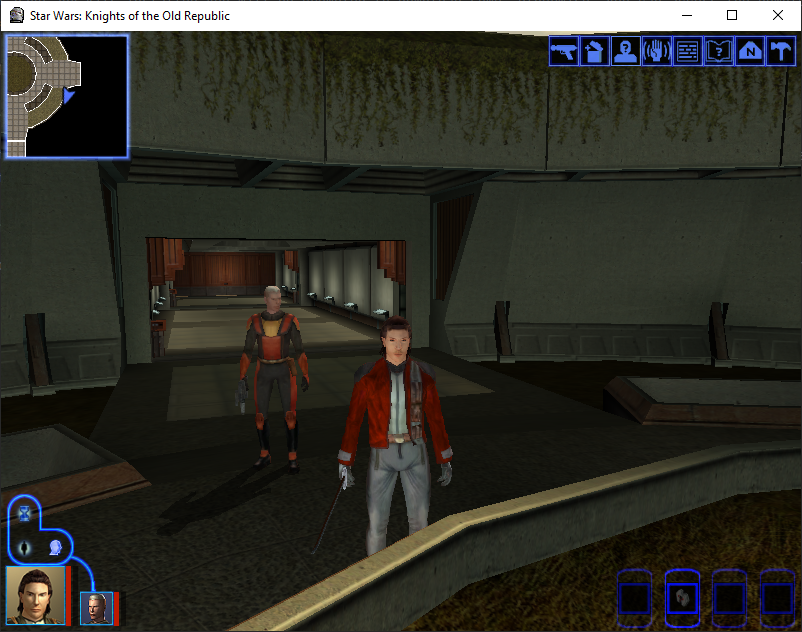
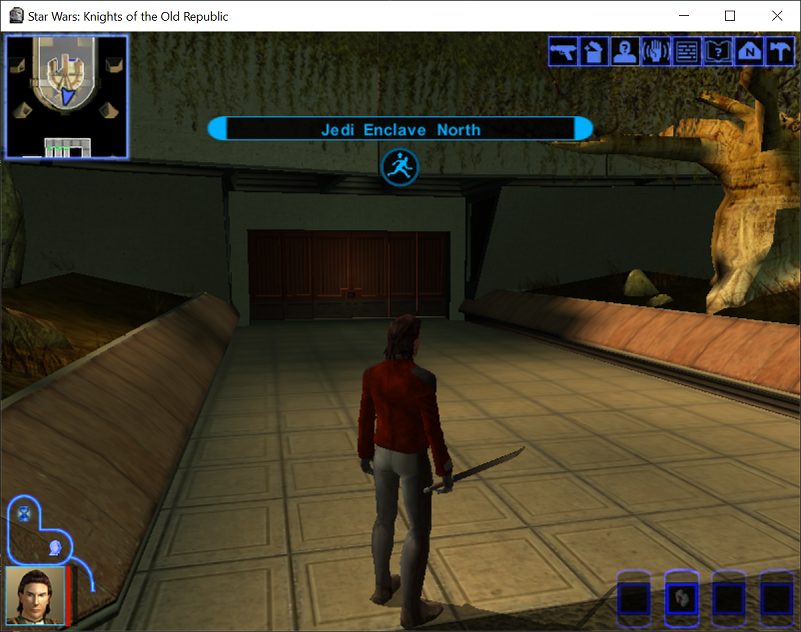
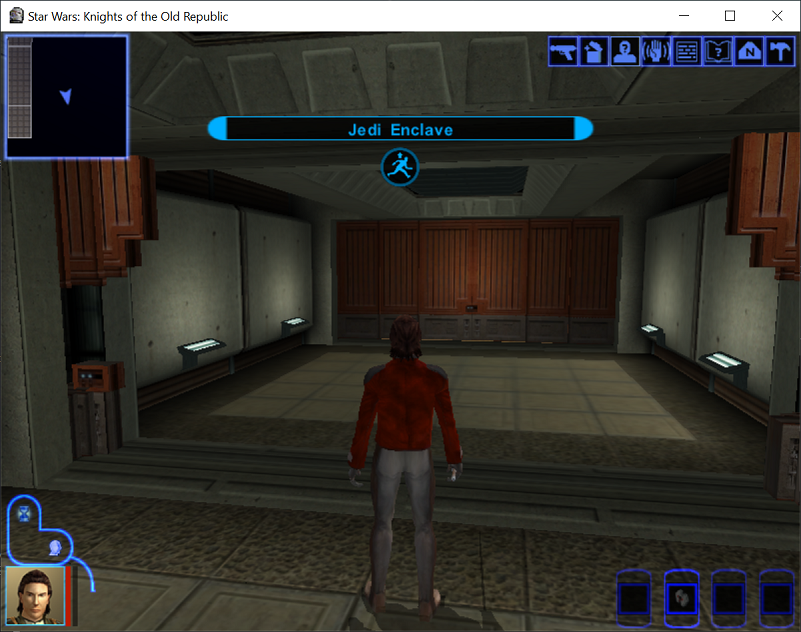
You should be able to move between the Jedi Enclave and the new module via the door and the trigger.
- Tutorial: Creating a new store -- Store and dialogue workflow
- Tutorial: Creating static cameras -- Camera placement in modules
- Tutorial: Creating custom robes -- Item creation and texture workflow
- Indoor Map Builder User Guide -- Building Modules
- Area Modding and Room Transitions -- LYT/VIS/WOK concepts; Deadly Stream workflows (e.g. Adding Rooms to a Module) are community context, not engine SSOT
- GFF-UTD -- Door instances and links
- GFF-UTT -- Trigger format
- GFF-GIT -- Placing instances