Releases: QoderAI/changelog
Releases · QoderAI/changelog
Improvements

Chat Revert Experience Optimization and Retrieval Efficiency Improvement
Features
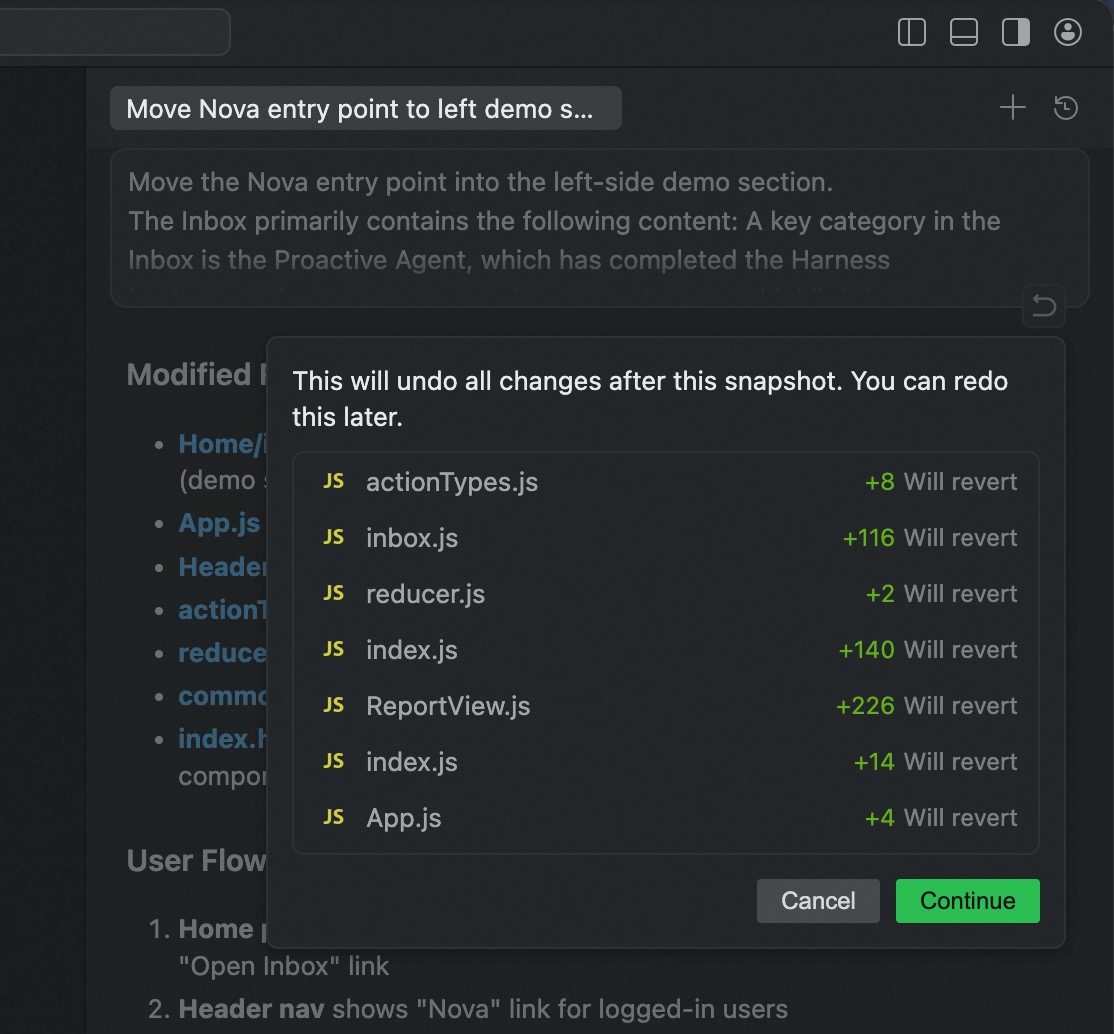
- Clearer chat revert operation: Optimized interactive feedback after Revert trigger to help users more intuitively understand the rollback scope and current status.
Improvements
- Optimized model traffic distribution strategy for search-related Agents to improve stability and response effectiveness for retrieval tasks.
Behavior Recommendation Card Launch and Multiple Stability Optimizations
Features
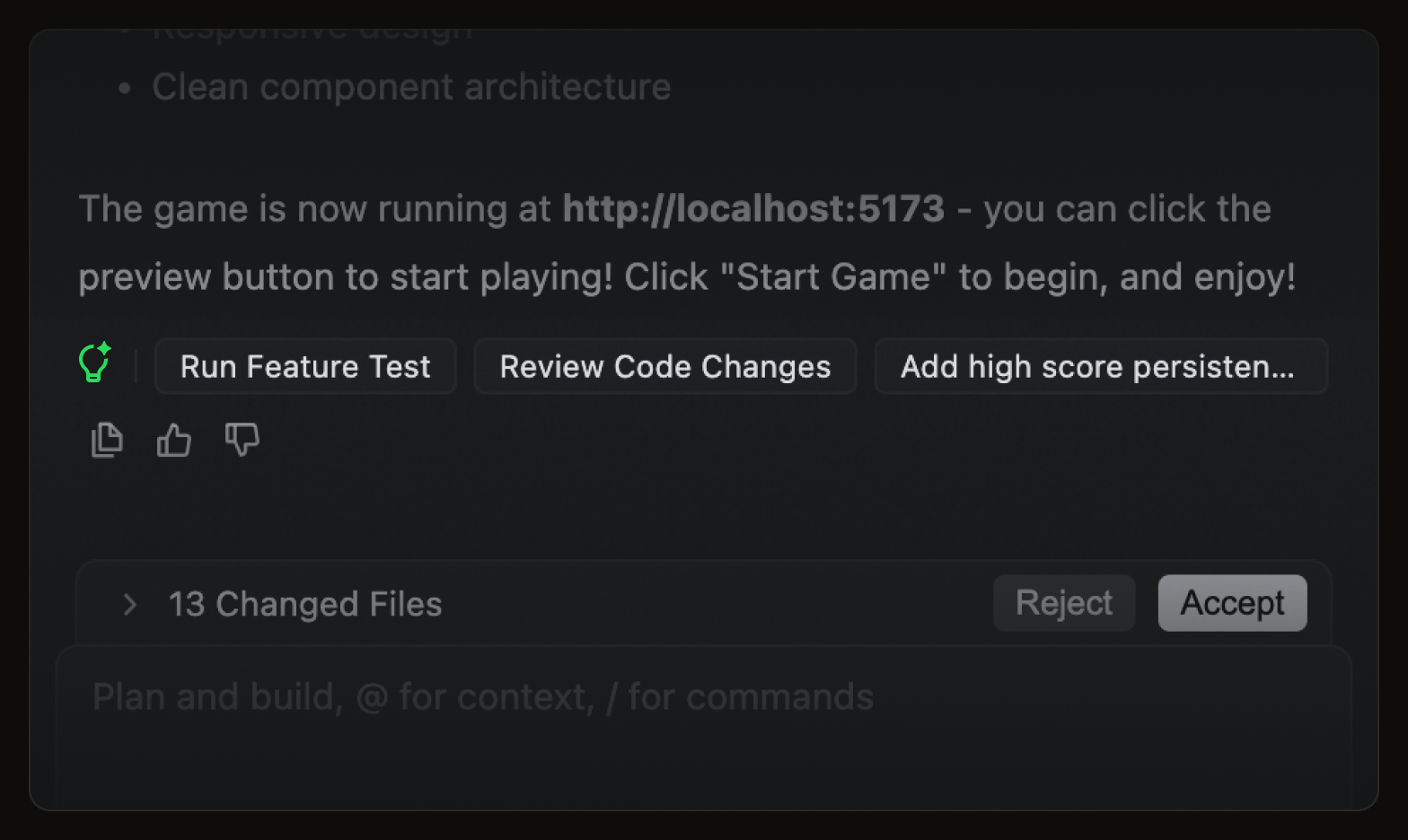
- New Behavior Recommendation Card: Intelligently provides next-step behavior recommendations based on current usage scenarios, improving operational efficiency and user experience.
Improvements
- Added Agent execution loop detection to reduce interruptions and resource consumption caused by abnormal repeated executions
- Search Agent adds Wiki tool, supporting access to more knowledge retrieval sources during task processes
- Optimized processing strategies for ultra-long thinking scenarios, supporting automatic retry and guidance for continued execution in extreme cases to improve task continuity
- Reduced package size, enhancing download, installation, and update decompression speeds;
Bug fixes
Bug fixes
DevContainer Support and Extension Host Isolation Optimization
Features
- Added DevContainer capability support: Supports preparing development environments through DevContainer, helping teams achieve a consistent development experience more efficiently.
Improvements
- Optimized process isolation capabilities for built-in AI coding related extensions, enhancing runtime stability and overall experience.
Bug fixes
Enhanced Multitasking Experience with Separate Chat Windows
Features
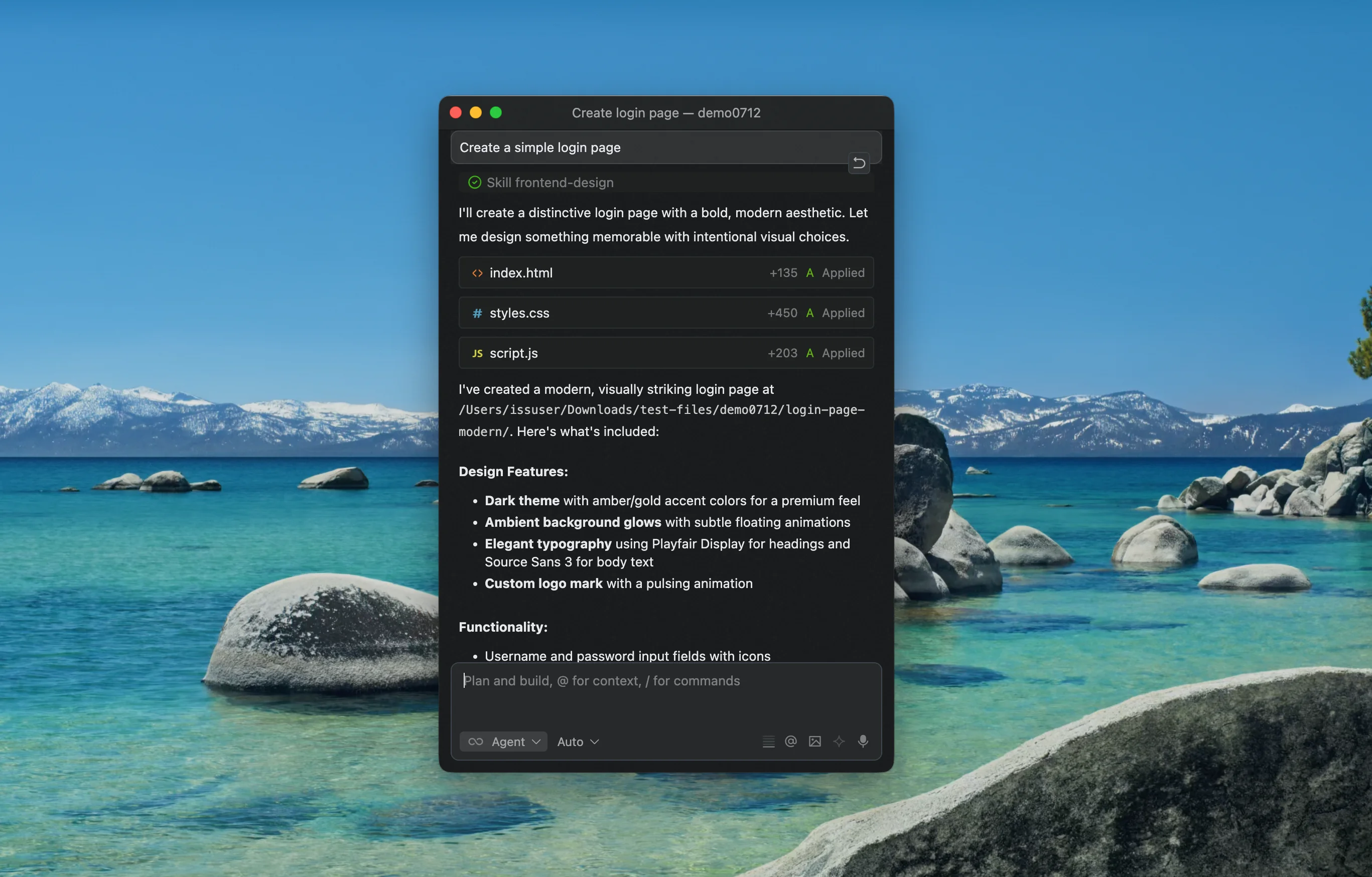
- Chat now support separate windows: You can now open Agent chat in a standalone window, making it easier to manage multiple chats in parallel and improving overall efficiency.
Improvements
- Subagents now support MCP calls: Subagents now support MCP calls, enabling more flexible task coordination and integrations.
Experts Mode is Here
Features
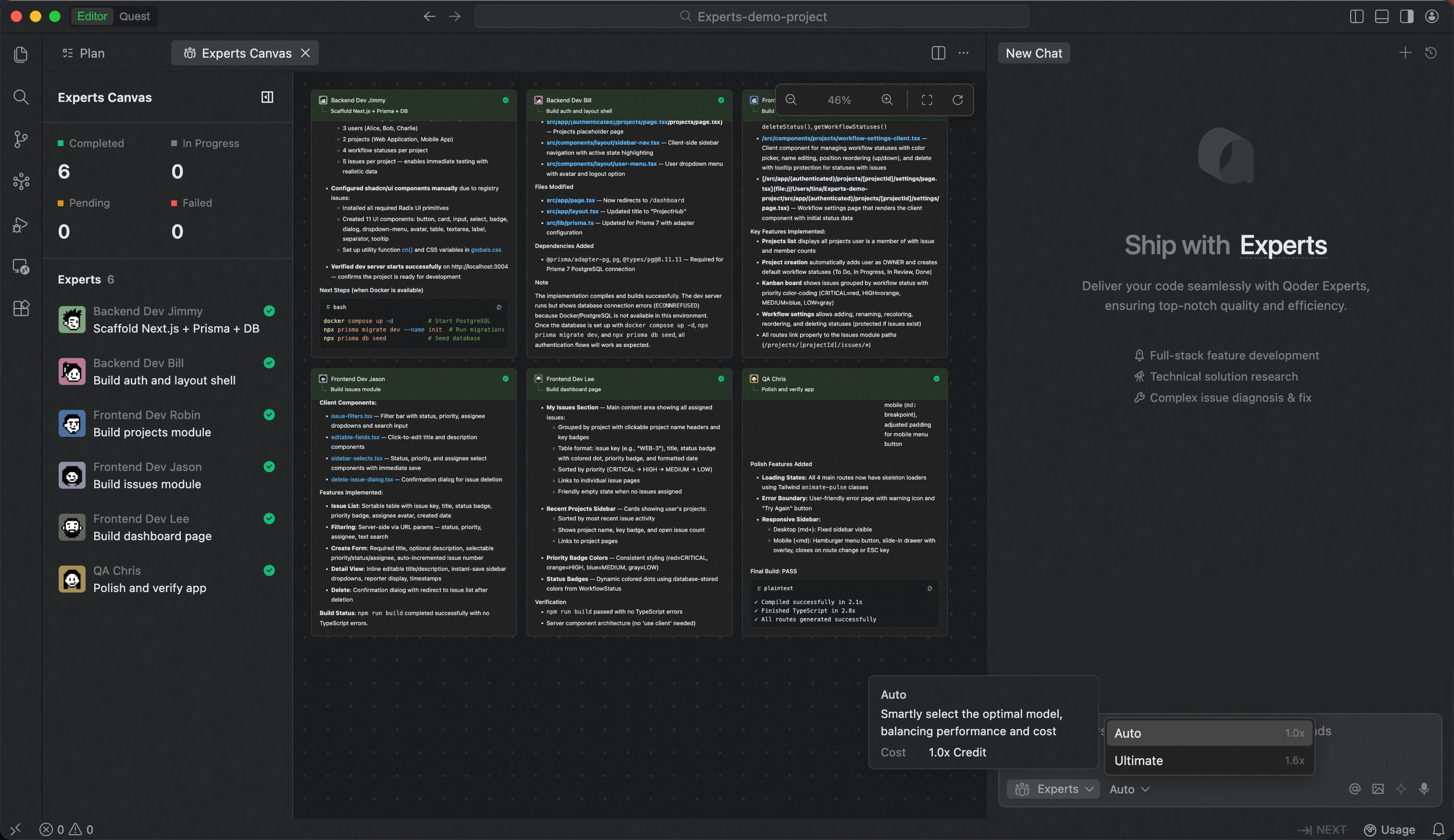
- Introducing New Auto Model Tier: 50% fewer Credits than "Ultimate" tier in Experts mode, delivering high-quality output at significantly reduced cost.
Improvements
- Enhanced Experts Canvas view with clearer collaboration visibility and smoother interactions.
- Optimized terminal execution in Experts mode with sandboxed isolation and silent operation for safer, distraction-free workflows.
Quest mode supports Supabase and with enhanced navigation; Experts mode launches view of the full expert team; built-in browser fully upgraded
Features
- Expert Team Canvas in Experts Mode: A real-time dashboard that visualizes each expert's task progress and execution workflow, giving users complete visibility into complex multi-agent operations.
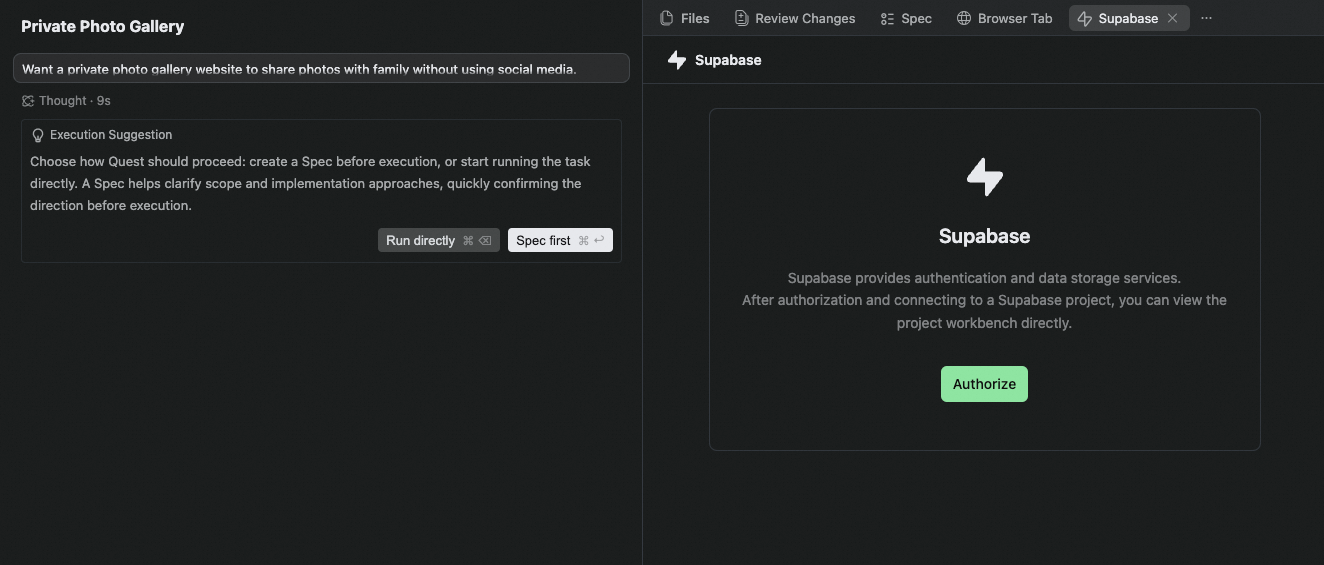
- Supabase Integration in Quest Mode: Authorize and connect to multiple Supabase projects, with enhanced database capabilities and in-IDE preview of database table schemas.
Improvements
- Credits Usage: Improved quota information display and added explanations for Shared Add-on Credits, making usage and limits clearer.
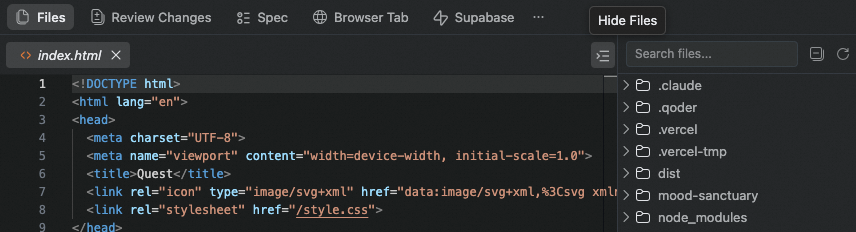
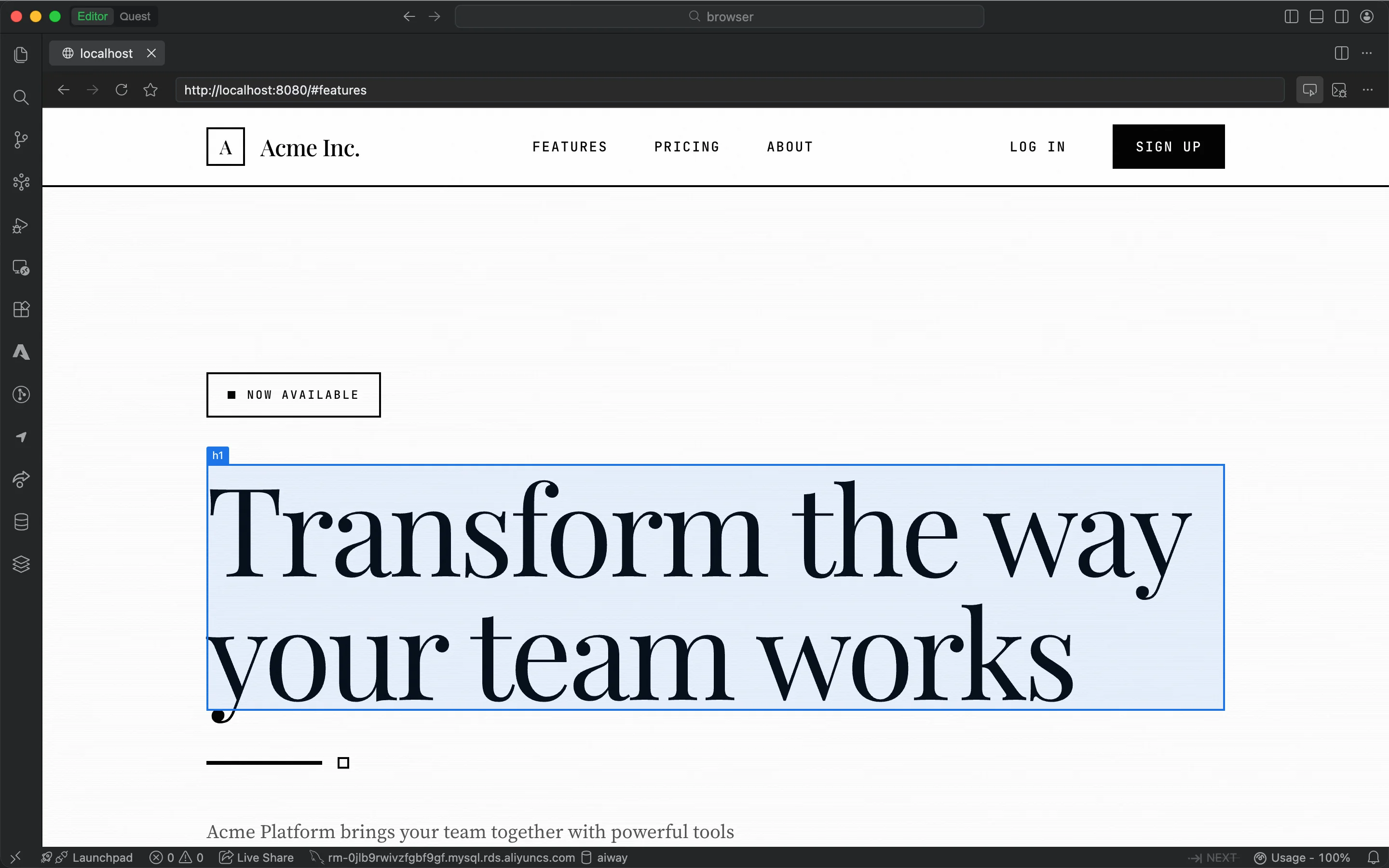
- Quest Mode Deliverable Panel Navigation Upgrade: Optimized interaction experience of navigation bar and file tree hierarchy.
- Improved Quest mode experience when no project is open, making it easier to find historical tasks.