


Browse, search, and analyze your Claude Code conversation history.
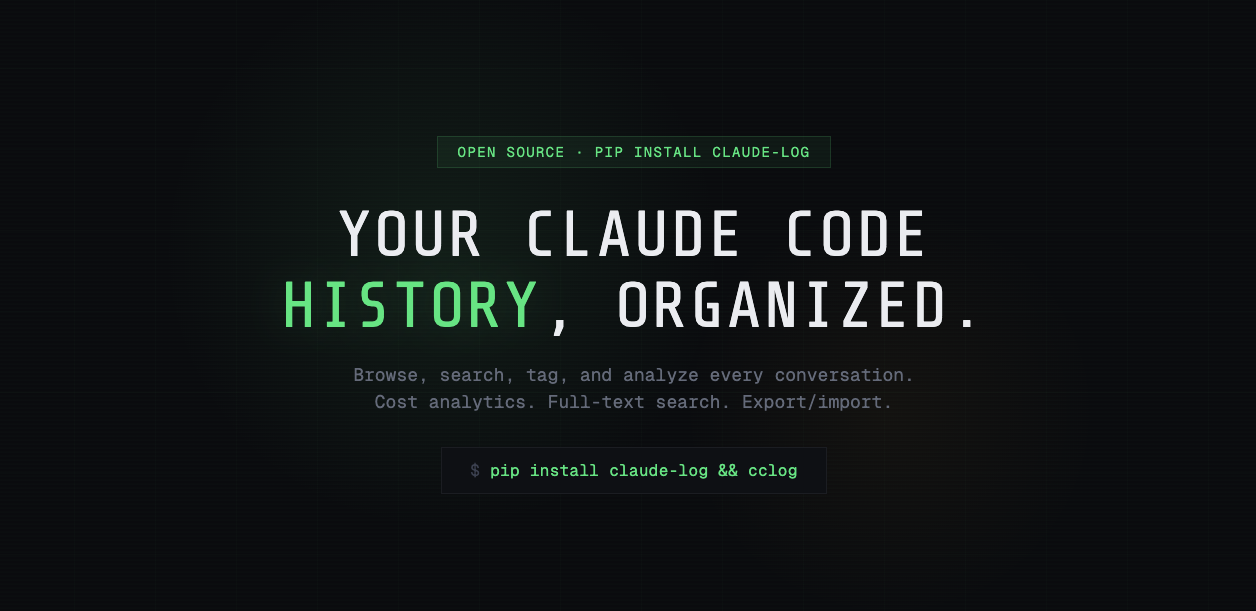
pip install claude-logcclog # opens browser at localhost:9117
cclog --port 3000 # custom port
cclog --no-open # don't auto-open browser
cclog --host 0.0.0.0 # bind to all interfaces
cclog --claude-home /path/to # custom claude directory- Search — full-text search across all conversations via Whoosh
- Browse — conversations grouped by project with auto-summaries
- Analytics — token usage, estimated cost, model breakdown, activity heatmap
- Tag & organize — name, tag, and favorite conversations
- Export / Import — export per project or per chat, import on any machine
- Resume — copy
claude --resume <id>command from any conversation - Read-only — never modifies
~/.claude/, metadata stored separately in~/.local/share/cclog/ - API — full REST API with Swagger docs at
/docs
cclog reads your Claude Code history from ~/.claude/ in read-only mode and serves a web UI.
~/.claude/                      <- read-only (never modified)
├── history.jsonl
├── projects/
│   └── -Users-you-project/
│       ├── session-id.jsonl    <- full conversation
│       └── sessions-index.json
└── sessions/

~/.local/share/cclog/           <- cclog's data
├── metadata.json               <- tags, renames, favorites
└── index/                      <- search index
| Method | Endpoint | Description |
|---|---|---|
| GET | /api/v1/projects |
List projects with stats |
| GET | /api/v1/sessions/:id |
Full conversation |
| PATCH | /api/v1/sessions/:id/meta |
Update name, tags, favorite |
| POST | /api/v1/sessions/:id/delete |
Soft-delete |
| GET | /api/v1/search?q=query |
Full-text search |
| GET | /api/v1/analytics/overview |
Dashboard analytics |
| GET | /api/v1/export/session/:id |
Export single conversation |
| GET | /api/v1/export/project/:id |
Export project conversations |
| POST | /api/v1/import |
Import from zip |
Interactive docs at /docs (Swagger UI).
Python, FastAPI, Whoosh, Jinja2
MIT