
A composable GAN API and CLI. Built for developers, researchers, and artists.
HyperGAN is currently in open beta.

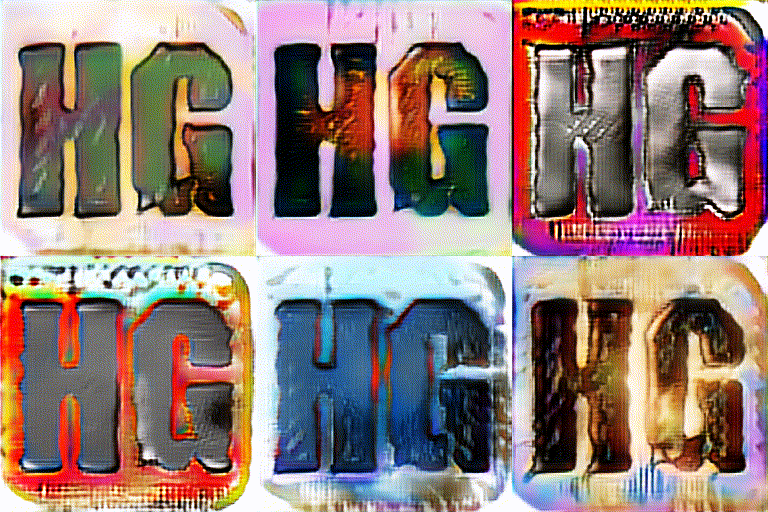
Logos generated with examples/colorizer, AlphaGAN, and the RandomWalk sampler
- About
- Showcase
- Documentation
- Changelog
- Quick start
- The pip package hypergan
- Training
- Sampling
- API
- Configuration
- Datasets
- Contributing
- Versioning
- Sources
- Papers
- Citation
Generative Adversarial Networks consist of 2 learning systems that learn together. HyperGAN implements these learning systems in Tensorflow with deep learning.
For an introduction, see here http://blog.aylien.com/introduction-generative-adversarial-networks-code-tensorflow/
HyperGAN is currently in open beta.

0.9 samples are still training.
See the full changelog here: Changelog.md
- For 256x256, we recommend a GTX 1080 or better. 32x32 can be run on lower-end GPUs.
- CPU training is extremely slow. Use a GPU if you can!
- Python3
pip3 install hypergan --upgradeIf you use virtualenv:
  virtualenv --system-site-packages -p python3 hypergan
source hypergan/bin/activateIf installation fails try this.
pip3 install numpy tensorflow-gpu hyperchamber pillow pygameIf the above step fails see the dependency documentation:
- tensorflow - https://www.tensorflow.org/install/
- pygame - http://www.pygame.org/wiki/GettingStarted
hypergan new mymodelThis will create a mymodel.json based off the default configuration. You can change configuration templates with the -c flag.
hypergan new mymodel -lSee all configuration templates with --list-templates or -l.
  # Train a 32x32 gan with batch size 32 on a folder of folders of pngs, resizing images as necessary
hypergan train folder/ -s 32x32x3 -f png -c mymodel --resizeOn ubuntu sudo apt-get install libgoogle-perftools4 and make sure to include this environment variable before training
LD_PRELOAD="/usr/lib/libtcmalloc.so.4" hypergan train my_datasetHyperGAN does not cache image data in memory. Images are loaded every time they're needed, so you can increase performance by pre-processing your inputs, especially by resampling large inputs to the output resolution. e.g. with ImageMagick:
convert image1.jpg -resize '128x128^' -gravity Center -crop 128x128+0+0 image1.pngIf you wish to modify hypergan
git clone https://github.com/255BITS/hypergan
cd hypergan
python3 setup.py developMake sure to include the following 2 arguments:
CUDA_VISIBLE_DEVICES= hypergan --device '/cpu:0'Don't train on CPU! It's too slow.
hypergan -h # Train a 32x32 gan with batch size 32 on a folder of pngs
hypergan train [folder] -s 32x32x3 -f png -b 32 --config [name] # Train a 256x256 gan with batch size 32 on a folder of pngs
hypergan train [folder] -s 32x32x3 -f png -b 32 --config [name] --sampler static_batch --sample_every 5 --save_samplesBy default hypergan will not save samples to disk. To change this, use --save_samples.
One way a network learns:
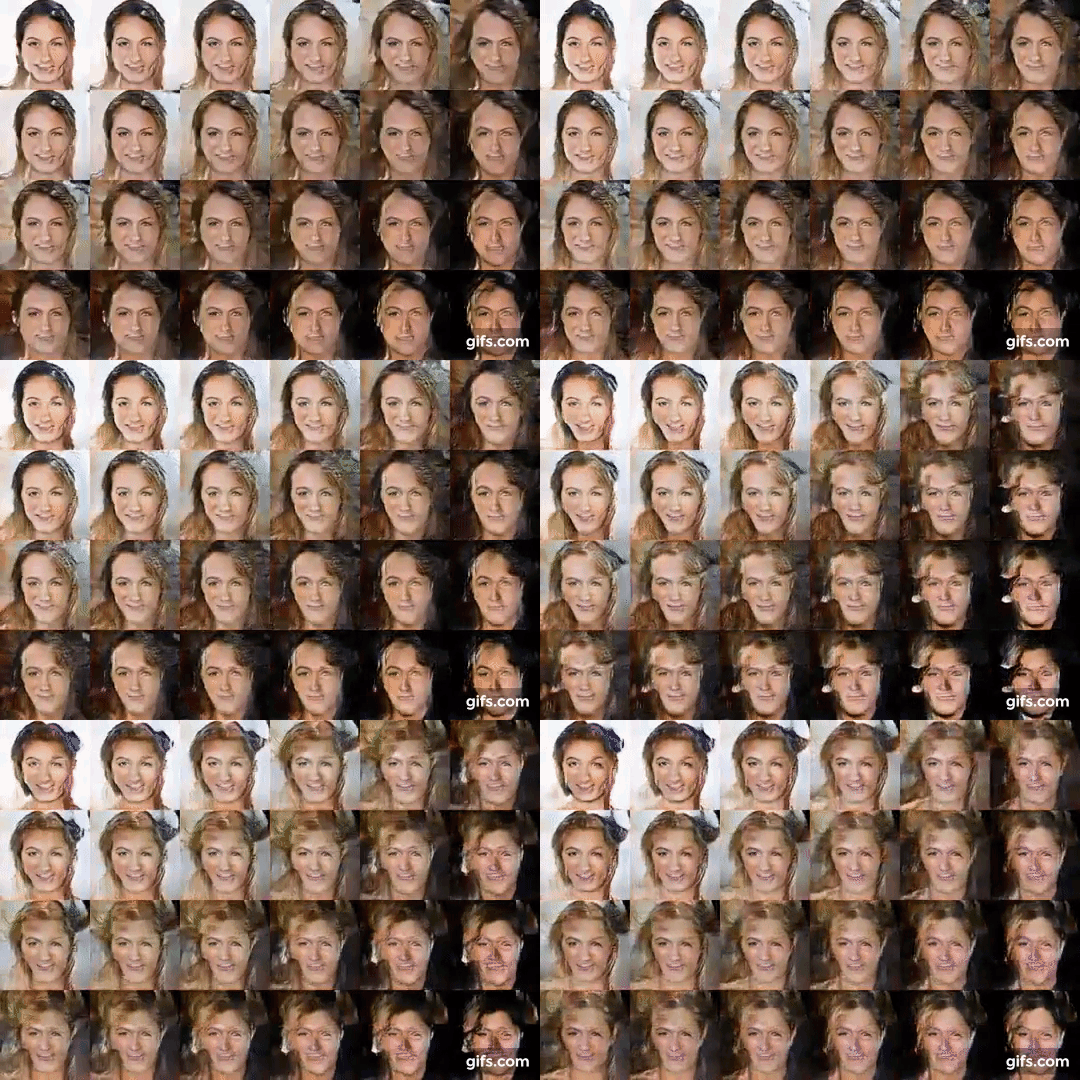
To create videos:
ffmpeg -i samples/%06d.png -vcodec libx264 -crf 22 -threads 0 gan.mp4To see a detailed list, run
hypergan -hSee the API documentation at https://s3.amazonaws.com/hypergan-apidocs/0.9.0/index.html
import hypergan as hgSee the example documentation https://github.com/255BITS/HyperGAN/tree/master/examples
Each example is capable of random search. You can search along any set of parameters, including loss functions, trainers, generators, etc.
To build a new network you need a dataset. Your data should be structured like:
[folder]/[directory]/*.png
Datasets in HyperGAN are meant to be simple to create. Just use a folder of images.
The default mode of hypergan.
[folder]/*.png
For jpg(pass -f jpg)
Training with labels allows you to train a classifier.
Each directory in your dataset represents a classification.
Example: Dataset setup for classification of apple and orange images:
 /dataset/apples
 /dataset/oranges
You must pass --classloss to hypergan cli to activate this feature.
Configuration in HyperGAN uses JSON files. You can create a new config with the default template by running hypergan new mymodel.
You can see all templates with hypergan new mymodel -l.
A hypergan configuration contains all hyperparameters for reproducing the full GAN.
In the original DCGAN you will have one of the following components:
- Encoder
- Generator
- Discriminator
- Loss
- Trainer
Other architectures may differ. See the configuration templates.
A base class for each of the component types listed below.
A generator is responsible for projecting an encoding (sometimes called z space) to an output (normally an image). A single GAN object from HyperGAN has one generator.
This generator supports any resolution. Works using a combination of final_depth and depth_increase in order to scale output size.
For example: the shape of final_depth=16 and depth_increase=16 when working on images of 64x64x3
64x64x3 -> 32x32x16 -> 16x16x32 -> 8x8x48 -> 4x4x64
The same network on 128x128x3:
128x128x3 -> 64x64x16 -> 32x32x32 -> 16x16x48 -> 8x8x64 -> 4x4x80
| attribute | description | type |
|---|---|---|
| final_depth | The features for the last convolution layer(before projecting to final output). | int > 0 |
| depth_increase | Working backwards, each previous layer will contain this many more features. | int > 0 |
| activation | Activations to use. See activations | f(net):net |
| final_activation | Final activation to use. This is usually set to tanh to squash the output range. See activations. | f(net):net |
| layer_filter | On each resize of G, we call this method. Anything returned from this method is added to the graph before the next convolution block. See common layer filters | f(net):net |
| layer_regularizer | This "regularizes" each layer of the generator with a type. See layer regularizers | f(name)(net):net |
| block | This is called at each layer of the generator, after the resize. Can also be the string deconv |
f(...) see source code |
| resize_image_type | See tf.resize_images for values | enum(int) |
Sometimes referred to as the z-space representation or latent space. In dcgan the 'encoder' is random uniform noise.
Can be thought of as input to the generator.
| attribute | description | type |
|---|---|---|
| z | The dimensions of random uniform noise inputs | int > 0 |
| min | Lower bound of the random uniform noise | int |
| max | Upper bound of the random uniform noise | int > min |
| projections | See more about projections below | [f(config, gan, net):net, ...] |
| modes | If using modes, the number of modes to have per dimension | int > 0 |
This encoder takes a random uniform value and outputs it as many possible types. The primary idea is that you are able to query Z as a random uniform distribution, even if the gan is using a spherical representation.
Some projection types are listed below.


One of many
On/Off
Uses categorical prior to choose 'one-of-many' options.
A discriminator's main purpose(sometimes called a critic) is to separate out G from X, and to give the Generator a useful error signal to learn from.
Note a discriminator can be an encoder sometimes(like in the case of AlphaGAN)
Architecturally similar to the ResizeConvGenerator.
For example: the shape of initial_depth=16 and depth_increase=16 when working on images of 64x64x3
64x64x3 -> 32x32x16 -> 16x16x32 -> 8x8x48 -> 4x4x64
The same network on 128x128x3:
128x128x3 -> 64x64x16 -> 32x32x32 -> 16x16x48 -> 8x8x64 -> 4x4x80
| attribute | description | type |
|---|---|---|
| activation | Activations to use. See activations | f(net):net |
| initial_depth | The initial number of filters to use. | int > 0 |
| depth_increase | Increases the filter sizes on each convolution by this amount | int > 0 |
| final_activation | Final activation to use. None is common here, and is required for several loss functions. | f(net):net |
| layers | The number of convolution layers | int > 0 |
| layer_filter | Append information to each layer of the discriminator | f(config, net):net |
| layer_regularizer | batch_norm_1, layer_norm_1, or None | f(batch_size, name)(net):net |
| fc_layer_size | The size of the linear layers at the end of this network(if any). | int > 0 |
| fc_layers | fully connected layers at the end of the discriminator(standard dcgan is 0) | int >= 0 |
| noise | Instance noise. Can be added to the input X | float >= 0 |
| progressive_enhancement | If true, enable progressive enhancement | boolean |
Wasserstein Loss is simply:
 d_loss = d_real - d_fake
 g_loss = d_fake
d_loss and g_loss can be reversed as well - just add a '-' sign.
 d_loss = (d_real-b)**2 - (d_fake-a)**2
 g_loss = (d_fake-c)**2
a, b, and c are all hyperparameters.
Includes support for Improved GAN. See hypergan/losses/standard_gan_loss.py for details.
Supervised loss is for labeled datasets. This uses a standard softmax loss function on the outputs of the discriminator.
This is currently untested.
No good results yet
Not working as well as the others
Use with the AutoencoderDiscriminator.
See the began configuration template.
| attribute | description | type |
|---|---|---|
| batch_norm | batch_norm_1, layer_norm_1, or None | f(batch_size, name)(net):net |
| create | Called during graph creation | f(config, gan, net):net |
| discriminator | Set to restrict this loss to a single discriminator(defaults to all) | int >= 0 or None |
| label_smooth | improved gan - Label smoothing. | float > 0 |
| labels | lsgan - A triplet of values containing (a,b,c) terms. | [a,b,c] floats |
| reduce | Reduces the output before applying loss | f(net):net |
| reverse | Reverses the loss terms, if applicable | boolean |
Determined by the GAN implementation. These variables are the same across all trainers.
| attribute | description | type |
|---|---|---|
| g_learn_rate | Learning rate for the generator | float >= 0 |
| g_beta1 | (adam) | float >= 0 |
| g_beta2 | (adam) | float >= 0 |
| g_epsilon | (adam) | float >= 0 |
| g_decay | (rmsprop) | float >= 0 |
| g_momentum | (rmsprop) | float >= 0 |
| d_learn_rate | Learning rate for the discriminator | float >= 0 |
| d_beta1 | (adam) | float >= 0 |
| d_beta2 | (adam) | float >= 0 |
| d_epsilon | (adam) | float >= 0 |
| d_decay | (rmsprop) | float >= 0 |
| d_momentum | (rmsprop) | float >= 0 |
| clipped_gradients | If set, gradients will be clipped to this value. | float > 0 or None |
| d_clipped_weights | If set, the discriminator will be clipped by value. | float > 0 or None |
- CelebA aligned faces http://mmlab.ie.cuhk.edu.hk/projects/CelebA.html
- MS Coco http://mscoco.org/
- ImageNet http://image-net.org/
Contributions are welcome and appreciated! We have many open issues in the Issues tab.
HyperGAN uses semantic versioning. http://semver.org/
TLDR: x.y.z
- x is incremented on stable public releases.
- y is incremented on API breaking changes. This includes configuration file changes and graph construction changes.
- z is incremented on non-API breaking changes. z changes will be able to reload a saved graph.
- GAN - https://arxiv.org/abs/1406.2661
- DCGAN - https://arxiv.org/abs/1511.06434
- InfoGAN - https://arxiv.org/abs/1606.03657
- Improved GAN - https://arxiv.org/abs/1606.03498
- Adversarial Inference - https://arxiv.org/abs/1606.00704
- Energy-based Generative Adversarial Network - https://arxiv.org/abs/1609.03126
- Wasserstein GAN - https://arxiv.org/abs/1701.07875
- Least Squares GAN - https://arxiv.org/pdf/1611.04076v2.pdf
- Boundary Equilibrium GAN - https://arxiv.org/abs/1703.10717
- Self-Normalizing Neural Networks - https://arxiv.org/abs/1706.02515
- Variational Approaches for Auto-Encoding Generative Adversarial Networks - https://arxiv.org/pdf/1706.04987.pdf
- CycleGAN - https://junyanz.github.io/CycleGAN/
- DiscoGAN - https://arxiv.org/pdf/1703.05192.pdf
- Softmax GAN - https://arxiv.org/abs/1704.06191
- The Cramer Distance as a Solution to Biased Wasserstein Gradients - https://arxiv.org/abs/1705.10743
- Improved Training of Wasserstein GANs - https://arxiv.org/abs/1704.00028
- DCGAN - https://github.com/carpedm20/DCGAN-tensorflow
- InfoGAN - https://github.com/openai/InfoGAN
- Improved GAN - https://github.com/openai/improved-gan
- Hyperchamber - https://github.com/255bits/hyperchamber
If you wish to cite this project, do so like this:
  255bits(Martyn, Mikkel et al),
  HyperGAN, (2017),
  GitHub repository,
  https://github.com/255BITS/HyperGAN