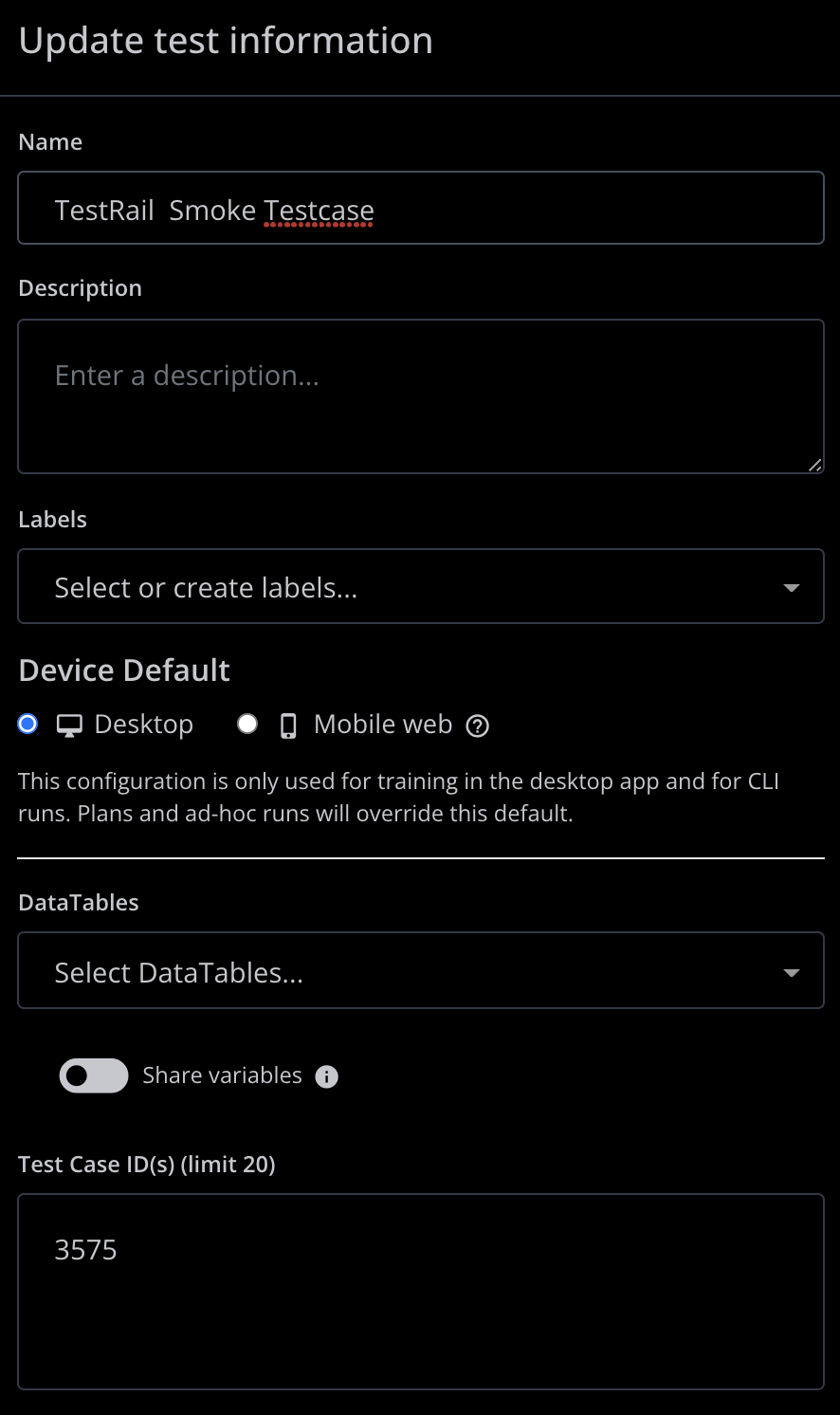
A small script to parse the JSON response from mabl webhooks, and construct API requests to update testrail test cases programatically. As a pre-requisite you'll need to have the testrail testcase id's associated with mabl through the test case id field.
To get started, navigate to https://autocode.com/signup/?goto=%2Finstall%2Fymusleh%2Fmy-webhook%2F and signup to create a free webhook.
Once you've created your first webhook project from the Run section of the toolbar you can retreive your webhook url.

You can then use this url to create a new webhook in the mabl application under the settings->webhooks section.
Once the webhook url is create in autocode, and connected to mabl, simply paste the code provided in the repo to your main.js file. Some additional parameters within the script will need to be updated such as username and password as environment variables. As well as the testrail instance url. Once these parameters are updated, your webhook should listen for any post execution results api calls from mabl triggered via plan runs which will execute the script to update your testrail instance.
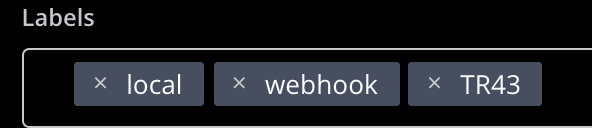
Additional functionality can be added by parsing additional fields of the mabl generated JSON payload and leveraging additional fields provided by the testrail api. Project id's following the format TR can be parsed by the additional script provided to generate a new test run for that given project with only the test cases included in the mabl plan run.