A unified AI chat platform that aggregates OpenAI, Gemini, Claude, and Grok into a single workspace — allowing you to manage conversations and budgets in one place with pay-as-you-go pricing while eliminating the need for multiple monthly subscriptions.
This personal project is hosting on https://chat.ericlauchiho.me, and is built on top of an open source project https://github.com/ChatGPTNextWeb/NextChat.
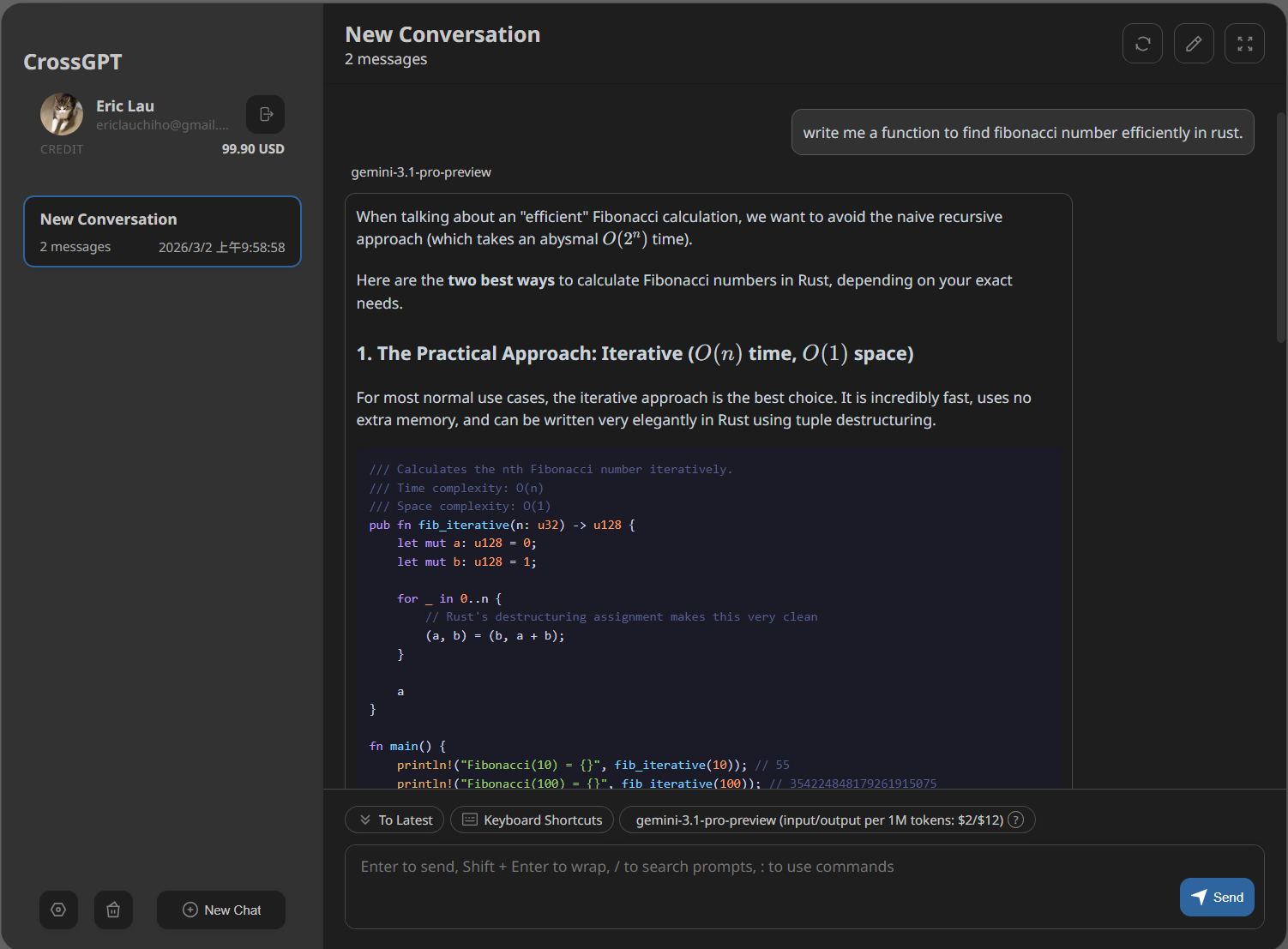
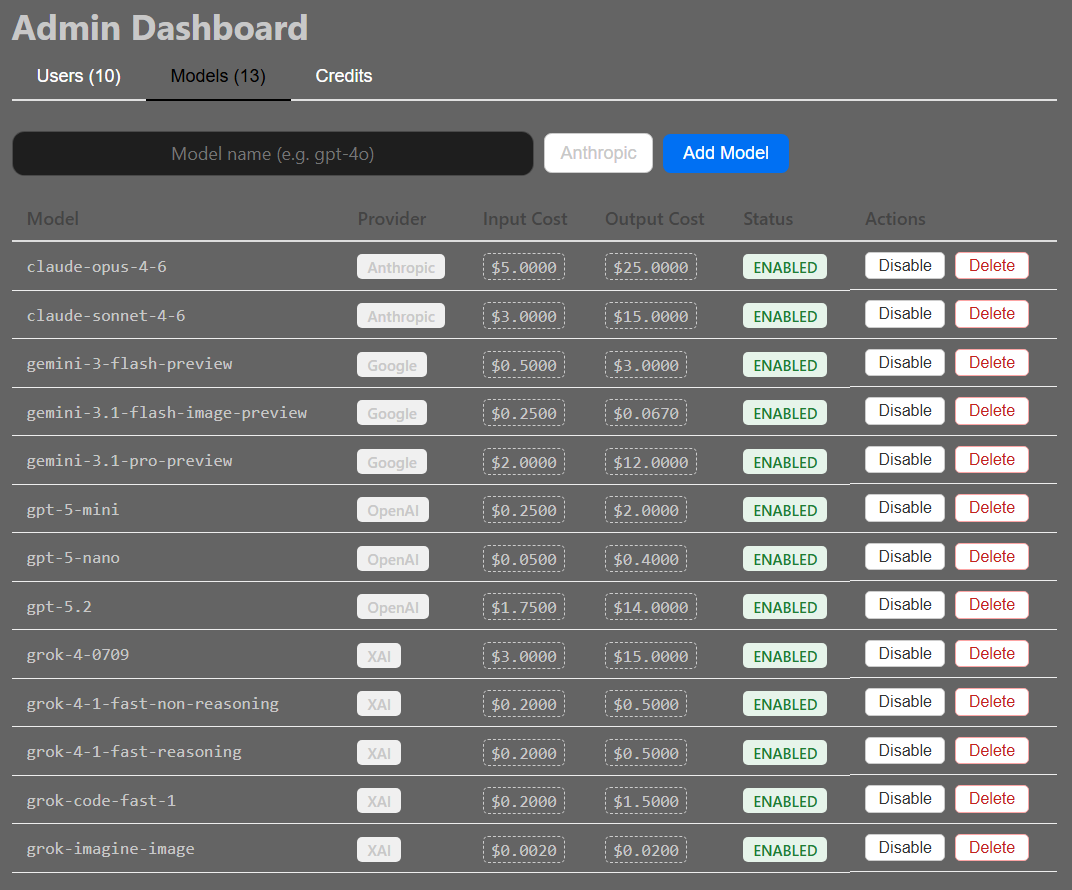
This website is a non-commercial, personal learning project and is provided "as-is" under the MIT License. I am not a business or service provider, and I hold zero accountability or liability for any bugs, logical errors, or unintended behavior.
Regarding "Credits" & Currency:
- Any "credits," "points," or "balances" displayed on this website are strictly for simulation and educational purposes only.
- They hold no real-world value and cannot be exchanged for cash, crypto, or any other assets.
- There is no functionality to "charge" or "top-up" accounts using real money (including credit cards, cash, or cryptocurrency).
- Do not attempt to use real financial information on this site.
Currently the website is hosted at my personal Raspberry Pi 4B (running Raspberry Pi OS, a Debian GNU/Linux system).
The website is deployed using docker compose with configuration file located at docker-compose.yml. The bash script used at my Raspberry Pi 4B to deploy and execute the website is following:
git -C /home/eric/projects/crossgpt pull
docker compose -f /home/eric/projects/crossgpt/docker-compose.yml up -d --build
All the API Key for accessing the LLM chatbot API are stored at the environment variables at the Raspberry Pi 4B.
Requires docker and docker compose commands, verified that the setup is working for following versions:
- Docker version 28.3.1,
- Docker Compose version v2.38.1
See Dockerfile and docker-compose.yml for more information.
Requires Node.js v20, verified that the setup is with following versions on Windows 11 terminal (not WSL):
- v24.13.1
The following environment variables are required for local development and production deployment:
# for LLM models API access
OPENAI_API_KEY='your OpenAI API key'
GOOGLE_API_KEY='your Google API key'
XAI_API_KEY='your XAI API key'

# for Google SSO login
GOOGLE_CLIENT_ID='your Google SSO Client ID'
GOOGLE_CLIENT_SECRET='your Google SSO Client Secret'
NEXTAUTH_URL='your application URL, http://localhost:3000 for localhost dev'
NEXTAUTH_SECRET='a random secret you generated for security purpose, use openssl rand -base64 32'

# app setting
DEFAULT_MODEL='default model to use, e.g. gpt-5-mini'

# DB setting
CROSSGPT_DB_DATA_PATH='specifying data path at the host machine, only required when running via Docker Compose'- Get Google OAuth Credentials:
- Go to Google Cloud Console
- Create OAuth 2.0 Client ID
- Add redirect URI:
https://localhost:3000/api/auth/callback/google
- install nodejs and yarn first
- config local env vars in
.env.local - run following to start the app:
yarn
yarn dev
- Get Google OAuth Credentials:
- Go to Google Cloud Console
- Create OAuth 2.0 Client ID
- Add redirect URI:
https://your_side_url/api/auth/callback/google
- config env vars in
~/.bash_profileor~/.bashrcor other shell config files. - build and Deploy on Serverside:
git -C /home/eric/projects/crossgpt pull
docker compose -f /home/eric/projects/crossgpt/docker-compose.yml up -d --build
-
Unauthenticated Access:
User visits any route → Middleware checks auth → Redirects to /login -
Login Process:
User clicks "Sign in with Google" → Google OAuth flow → User authorizes → Redirected back to app → Session created → Redirected to /chat -
Protected Routes:
- all routes except
/loginand/api/auth/*.
- all routes except
-
Public Routes:
/login- Login page/api/auth/*- Authentication endpoints
- Storage: JWT tokens (no database required)
- Duration: 30 days
- Security: Encrypted with
NEXTAUTH_SECRET - Refresh: Automatic before expiration
import { auth } from "@/auth";

const session = await auth();
const user = session?.user; // { id, email, name, image }import { useSession } from "next-auth/react";
const { data: session } = useSession();
const user = session?.user; // { id, email, name, image }GET /api/userReturns:
{
  "user": {
    "id": "google-user-id",
    "email": "user@example.com",
    "name": "John Doe",
    "image": "https://lh3.googleusercontent.com/..."
  }
}The session provides these user properties:
| Property | Type | Description | Example |
|---|---|---|---|
| id | string | Google user ID (unique) | "108123456789012345678" |
| string | User's email address | "user@example.com" | |
| name | string | User's full name | "John Doe" |
| image | string | URL to Google profile picture | "https://lh3.googleusercontent.com/..." |
- The implementation uses NextAuth.js v5 (latest version)
- No database required for basic authentication
- All routes except
/loginand/api/auth/*require authentication - User sessions last 30 days by default
- The user profile component is displayed in the sidebar
- Users can sign out using the logout button in the sidebar
This app has integrated with Google Single Sign-On (SSO) authentication. Here's a complete overview:
-
Authentication Configuration
- auth.config.ts - NextAuth configuration with Google provider
- auth.ts - NextAuth initialization and exports
- middleware.ts - Route protection middleware
- types/next-auth.d.ts - TypeScript type definitions for session
-
Login Page
- app/login/page.tsx - Login page component with Google sign-in button
- app/login/login.module.scss` - Styling for login page
- app/icons/google.svg - Google logo icon
- app/icons/logout.svg - Logout icon
-
User Profile Component
- app/components/user-profile.tsx` - User profile display with sign-out button
- app/components/user-profile.module.scss` - User profile styling
- app/components/session-provider.tsx` - NextAuth session provider wrapper
-
API Routes
- app/api/auth/[...nextauth]/route.ts` - NextAuth API handler
- app/api/user/route.ts` - User session info endpoint

