





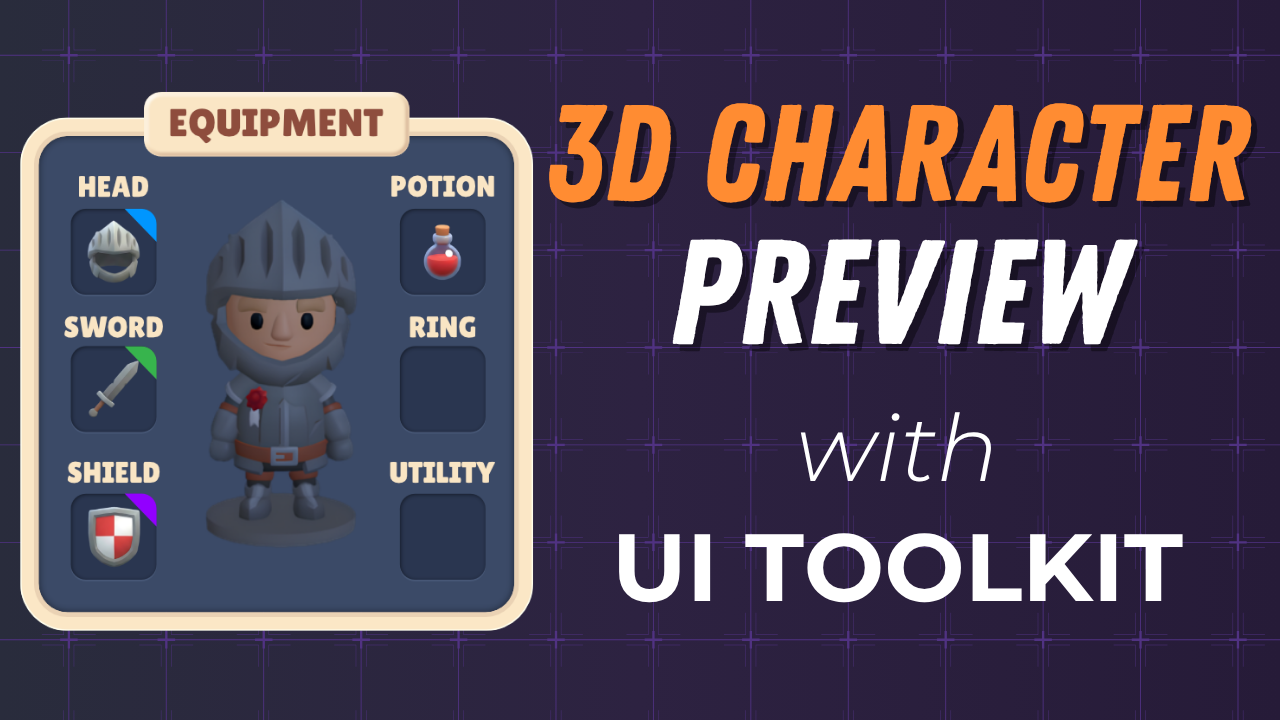
Build a complete inventory and equipment system in Unity 6 using UI Toolkit. You'll start from scratch with a reusable window system, design the full UI layout in UI Builder, wire up drag-and-drop item management, render a 3D character preview, and connect everything to player data. No prior UI Toolkit experience needed.
Watch the full playlist | Part 1 Repo | Part 2 Repo | Part 3 Repo | Part 4 Repo | Part 5 Repo | Part 6 coming soon
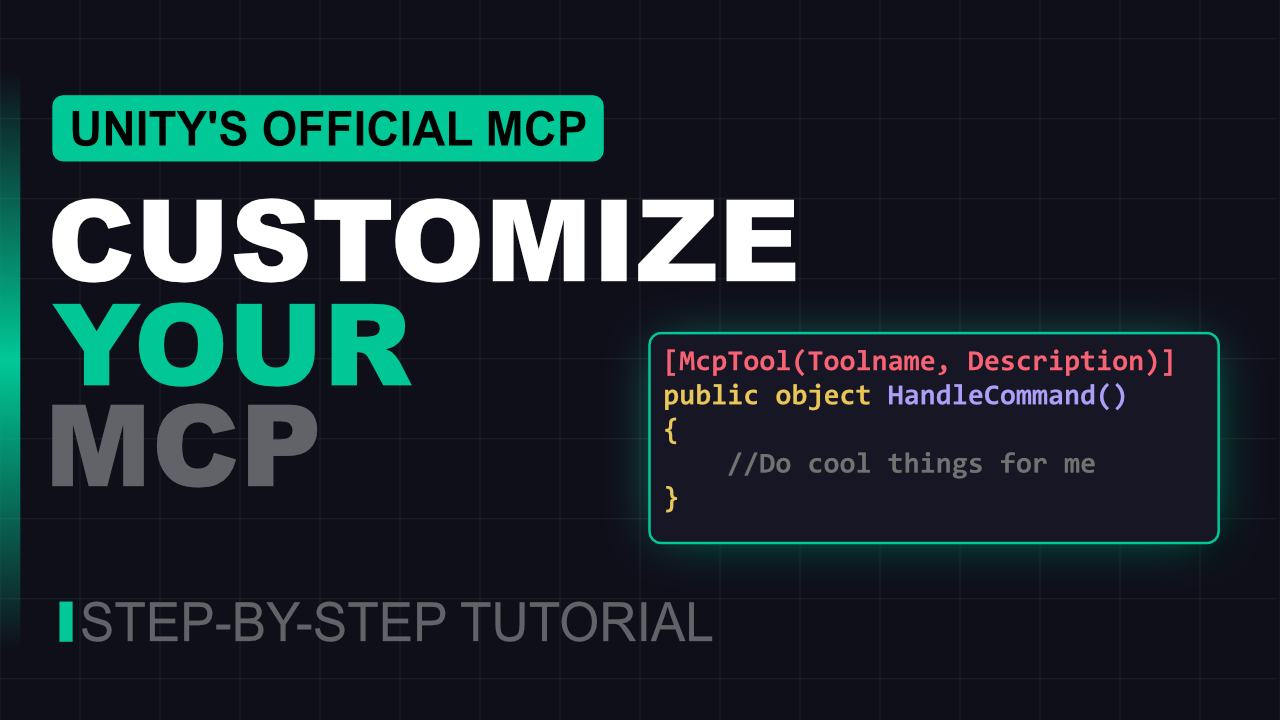
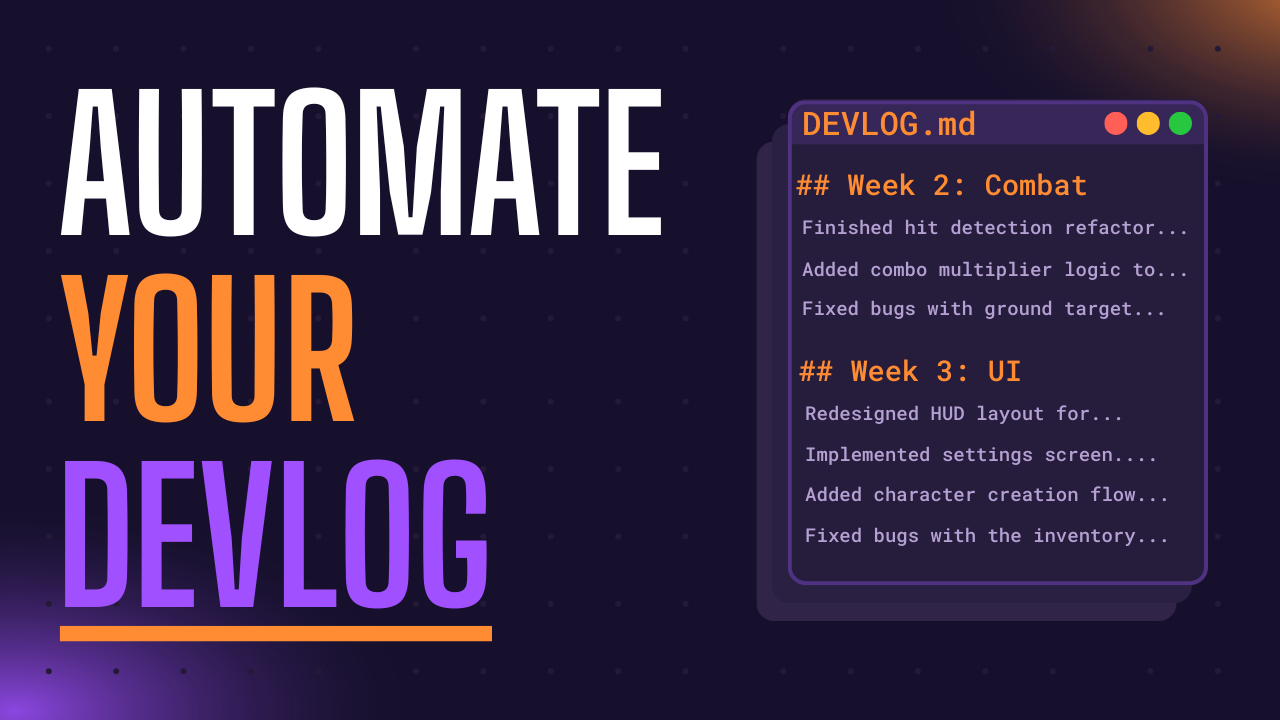
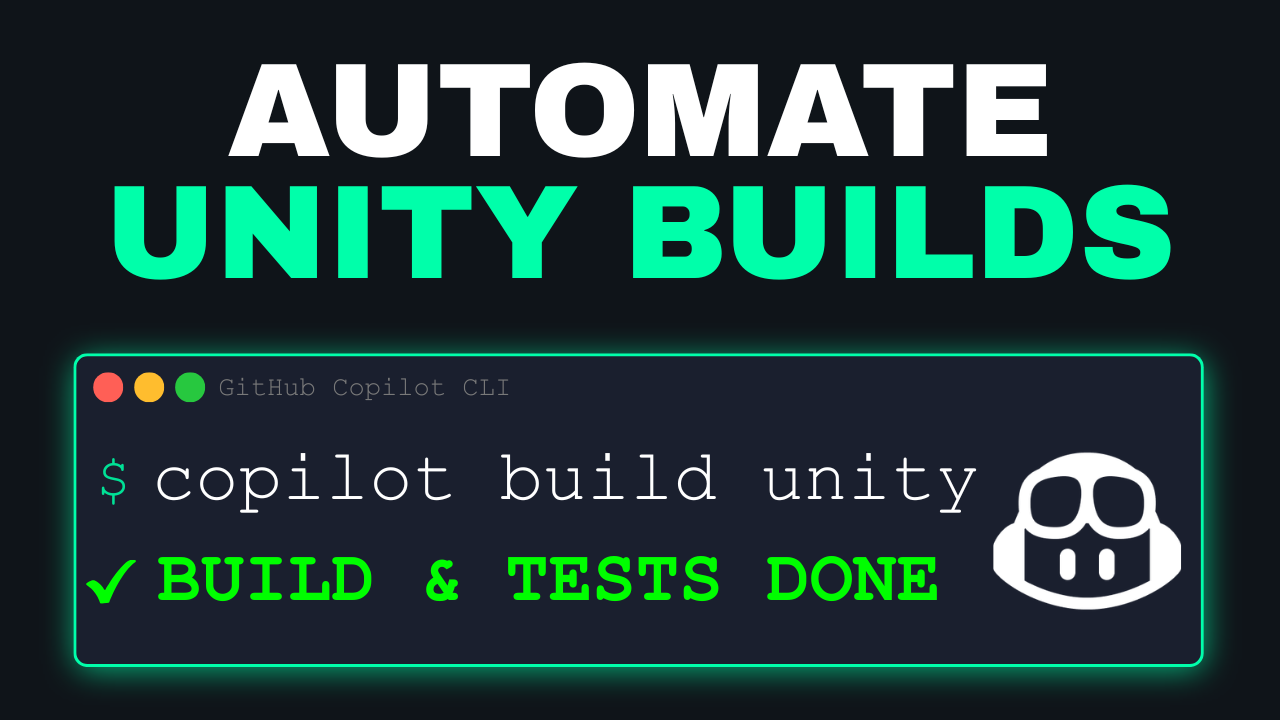

Older tutorials hosted on this org. These were published before the YouTube channel but are still useful references.
| Topic | Repos |
|---|---|
| UI Toolkit | Runtime Inventory, Health Bars, Progress Bars, Map System, Spatial Inventory Pt 1, Pt 2, Custom Editor |
| Input System | Configurable Camera, Touch Input, C# Action Callbacks, Point & Click Movement |
| AI | Behavior Trees |
| Addressables | Dynamic Loading, Remote Catalog |
| Cloud Services | Player Data (Cloud Save) |
| Getting Started | Unity Basics, Selection Logic, Compass (uGUI) |
I'm a Microsoft developer advocate, independent game developer, and mom. By day I focus on open source, AI, and developer tools at Microsoft. I've spent over a decade working on cool creator tech across Xbox, .NET, Unity, and more. By night (and on the weekends) I run an indie game studio and have been making and shipping games for just as long. I co-host Quest to Compile, a game developer podcast with my brother and make bi-weekly tutorials on game development.
- New videos: youtube.com/@staceyhaffner
- Legacy written tutorials: whatupgames.com/tutorials
