- source: https://github.com/jul/yahi
- doc: https://yahi.readthedocs.io/en/latest/
- ticketting: https://github.com/jul/yahi/issues
Given a regexp for a log, enables to quicly create aggregation statisctics by writing few code and generates a all in one web page with all vizualisations and data (that requires javascript to work and has some dependencies).
The library comes with a script that aggregates various data from common log format (apache, nginx) : speed_shoot.
And a script to generate the all in one view yahi_all_in_one_maker.
The demo being there
python -m pip install yahi
First you need a geoIP database in legacy format::
    mkdir ~/.yahi
    wget -O- https://mailfud.org/geoip-legacy/GeoIP.dat.gz | \
        zcat > ~/.yahi/GeoIP.dat
    wget -O- https://mailfud.org/geoip-legacy/GeoIPv6.dat.gz | \
        zcat > ~/.yahi/GeoIPv6.dat
And thanks to mailfud for keeping these legacy databases.
Simplest usage is:
speed_shoot /var/log/apache/access*log* > data.js
It reads gzipped file format automatically.
And then:
yahi_all_in_one_maker data.js
To create a all in one HTML page with all JS/CSS/data included that has a multi route view. It includes various external libraries to work : D3js (charting), jquery, google js api (geo chart).
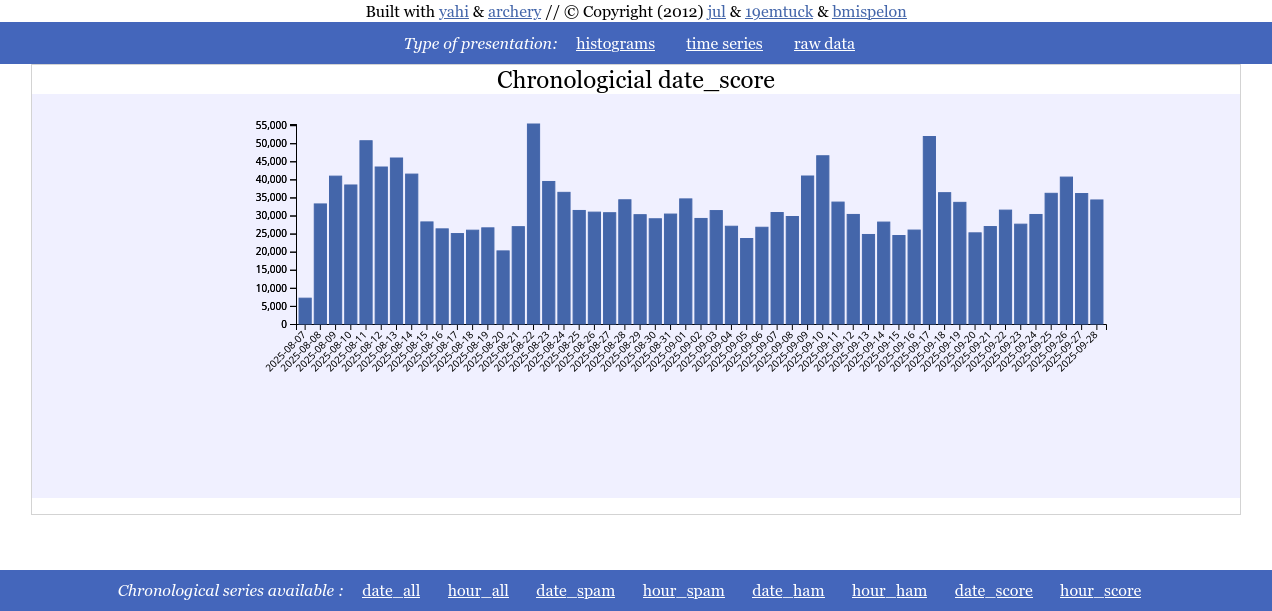
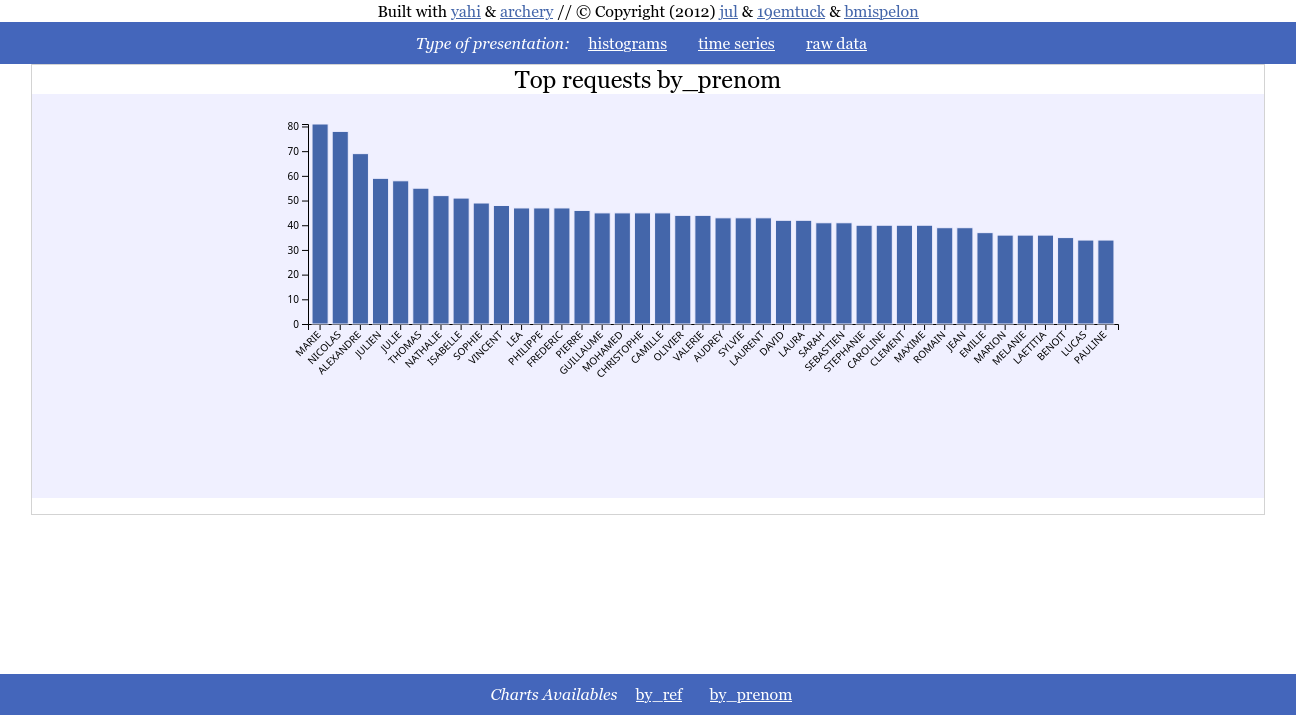
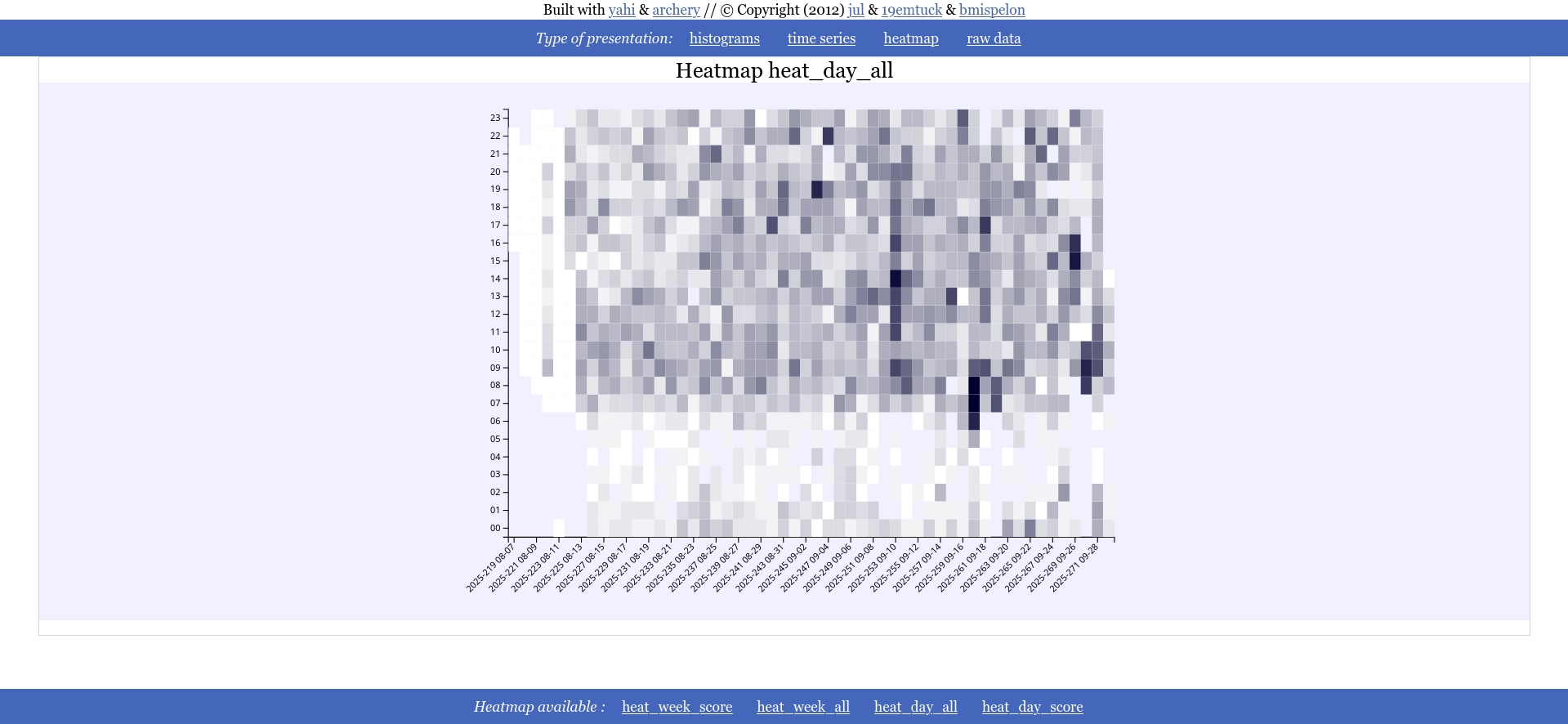
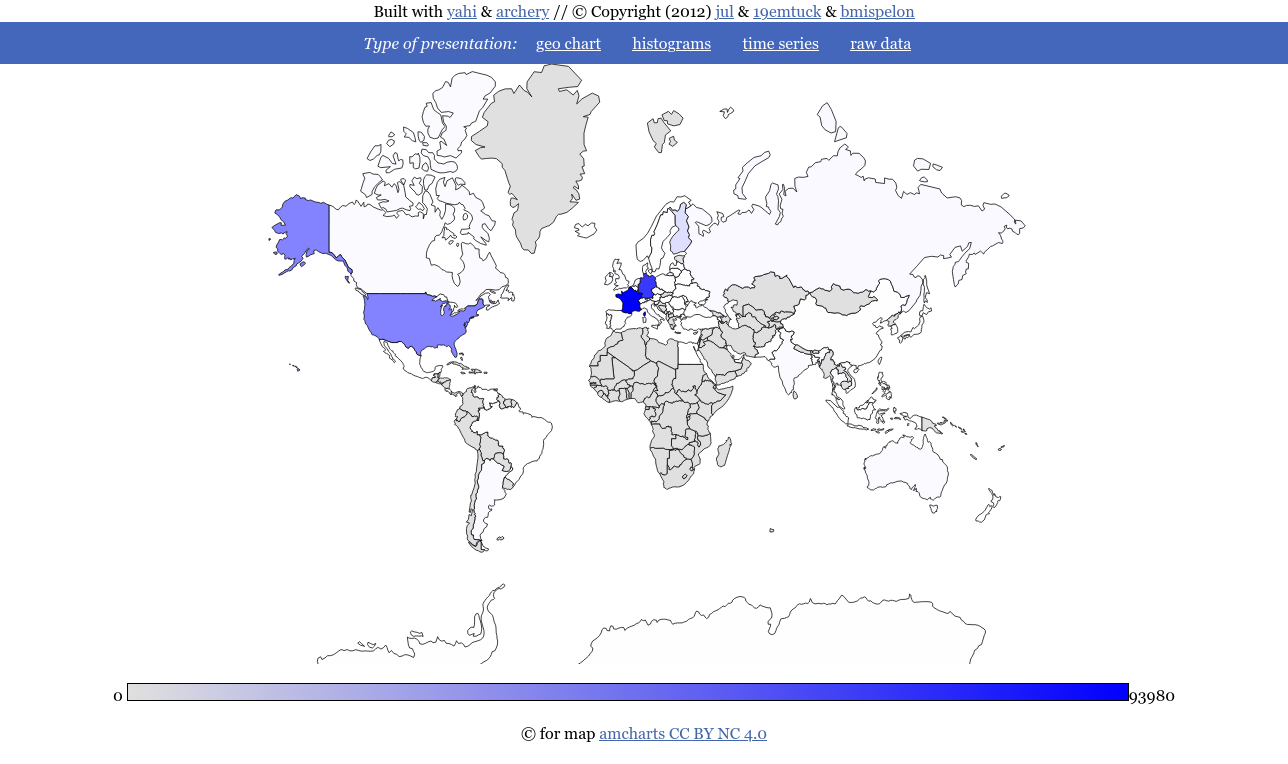
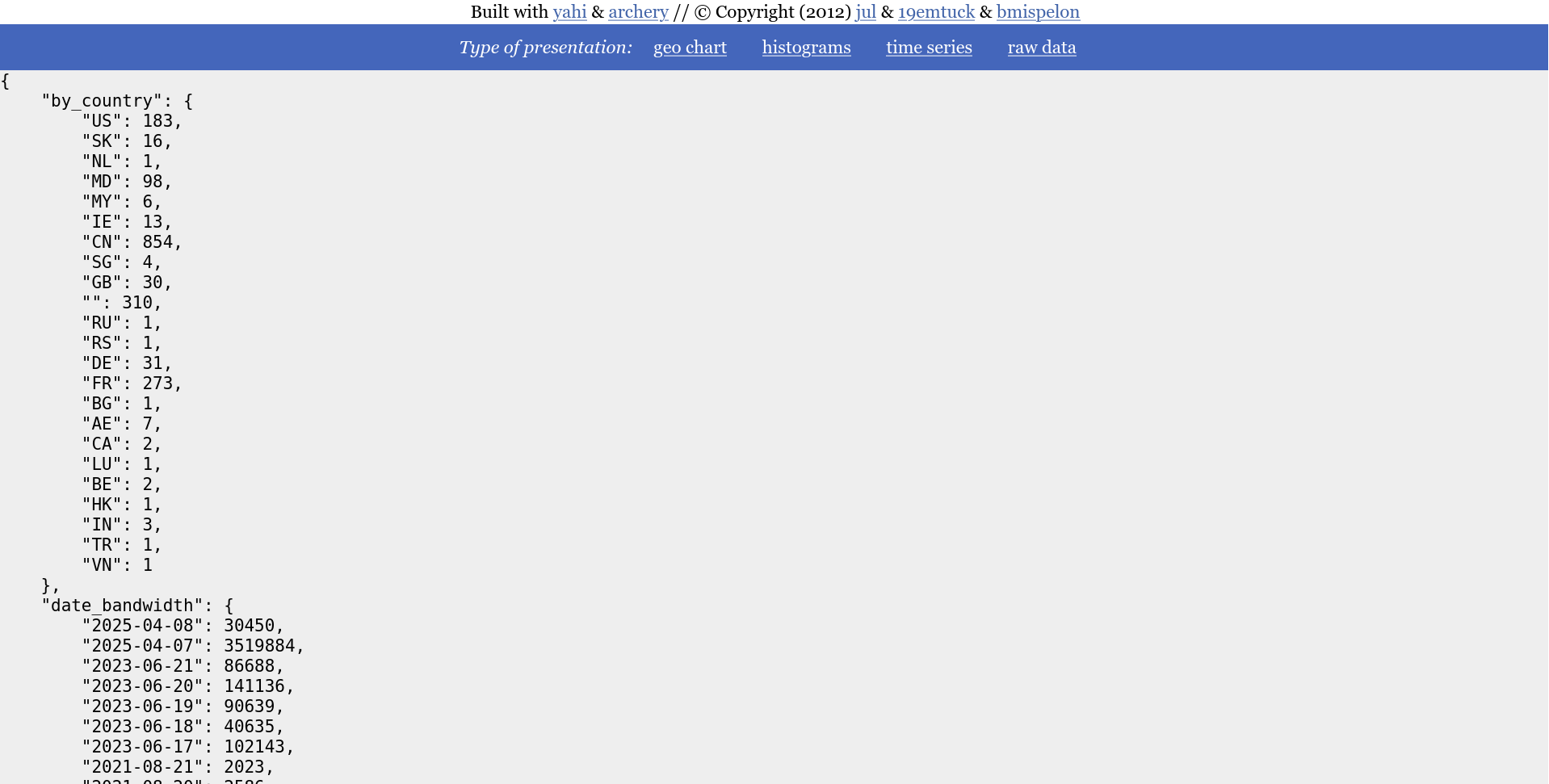
speed shoot is in fact a template of how to use yahi as a module::
    #!/usr/bin/env python
    from archery import mdict
    from yahi import notch, shoot
    from datetime import datetime


    context=notch()

    date_formater= lambda dt :"%s-%s-%s" % ( dt.year, dt.month, dt.day)
    context.output(
        shoot(
            context,
            lambda data : mdict({
                'by_country': mdict({data['_country']: 1}),
                'date_hit': mdict({date_formater(data['_datetime']): 1 }),
                'date_bandwidth': mdict({date_formater(data['_datetime']): int(data["bytes"]) }),
                'hour_hit': mdict({data['_datetime'].hour: 1 }),
                'hour_bandwidth': mdict({data['_datetime'].hour: int(data["bytes"]) }),
                'by_os': mdict({data['_platform_name']: 1 }),
                'by_dist': mdict({data['_dist_name']: 1 }),
                'by_browser': mdict({data['_browser_name']: 1 }),
                'by_bandwidth_by_browser': mdict({data['_browser_name']: int(data["bytes"]) }),
                'by_ip': mdict({data['ip']: 1 }),
                'by_bandwidth_by_ip': mdict({data['ip']: int(data["bytes"]) }),
                'by_status': mdict({data['status']: 1 }),
                'by_url': mdict({data['uri']: 1}),
                'by_agent': mdict({data['agent']: 1}),
                'by_referer': mdict({data['referer']: 1}),
                'ip_by_url': mdict({data['uri']: mdict( {data['ip']: 1 })}),
                'bytes_by_ip': mdict({data['ip']: int(data['bytes'])}),
                'date_dayofweek_hit' : mdict({data['_datetime'].weekday(): 1 }),
                'weekday_browser' : mdict({data['_datetime'].weekday():
                    mdict({data["_browser_name"] :1 })}),
                'total_line' : 1,
            }),
        ),
)Archery is a pun on trait.
Yahi is a remembrance of a native american tribes that was versed in archery so that somewhere on the net we remember the genocides committed in the name of civilisation.
Yahi is thus a concrete application of archery for aggregation based on 2 functions :
- notch to prepare your log aggregations
- shoot to actually aggregate
Let's have a thought for the native americans that are still second ranks citizens in their own lands.
- adding heatmap charts (documented but not integrated in speedshoot)
- adding convenience function regexp_reader that reads a file like csv.DictReader
- improving documentation
- improved plotting for large series
- hiding categories when no data for it are present
- NEW : date_formater from shoot accepts "%s" as an input for timestamp
- docs : adding a section on how to misuse yahi to parse CSV
- pointing to the correct URL for the doc
- adding the number of lines matched at the end of the parsing cf #28/#27
- update README on pypi (et on github)
- removal of useless/duplicate stats in speed_shoot
- enhancing faq thanks to @armandoF
- now fully self in one file all dependencies are now in the file
- bug when there is no undected geo localized IP in template
- removing google JS api because it is heavy as shit and google is evil #22
- fix : missing dates
- fix #21 html injections through ref and uri
- -g options now applies to the DIRECTORY where both GeoIP.dat and GeoIPv6.dat are
- fix #18 wrong date formatting resulting in bad date ordeer
- fix #19 create ~/.yahi on startup if not exists
- fixing the template issue the nice way
- fix #16 no templates in the package
- fix #17 crashing of the HTML when JSON embedded is too big
- wording in README
- adding tests in the package so package does not install if tests dont pass
- oopsies removed needless pictures of the package
- adding yahii_all_in_one_maker to generate the all in one HTML file with visualization from speed_shoot
- preparing a new release that generates all in one html static pages
- Adding varnish incomplete regexp for log parsing (I miss 2 fields)