





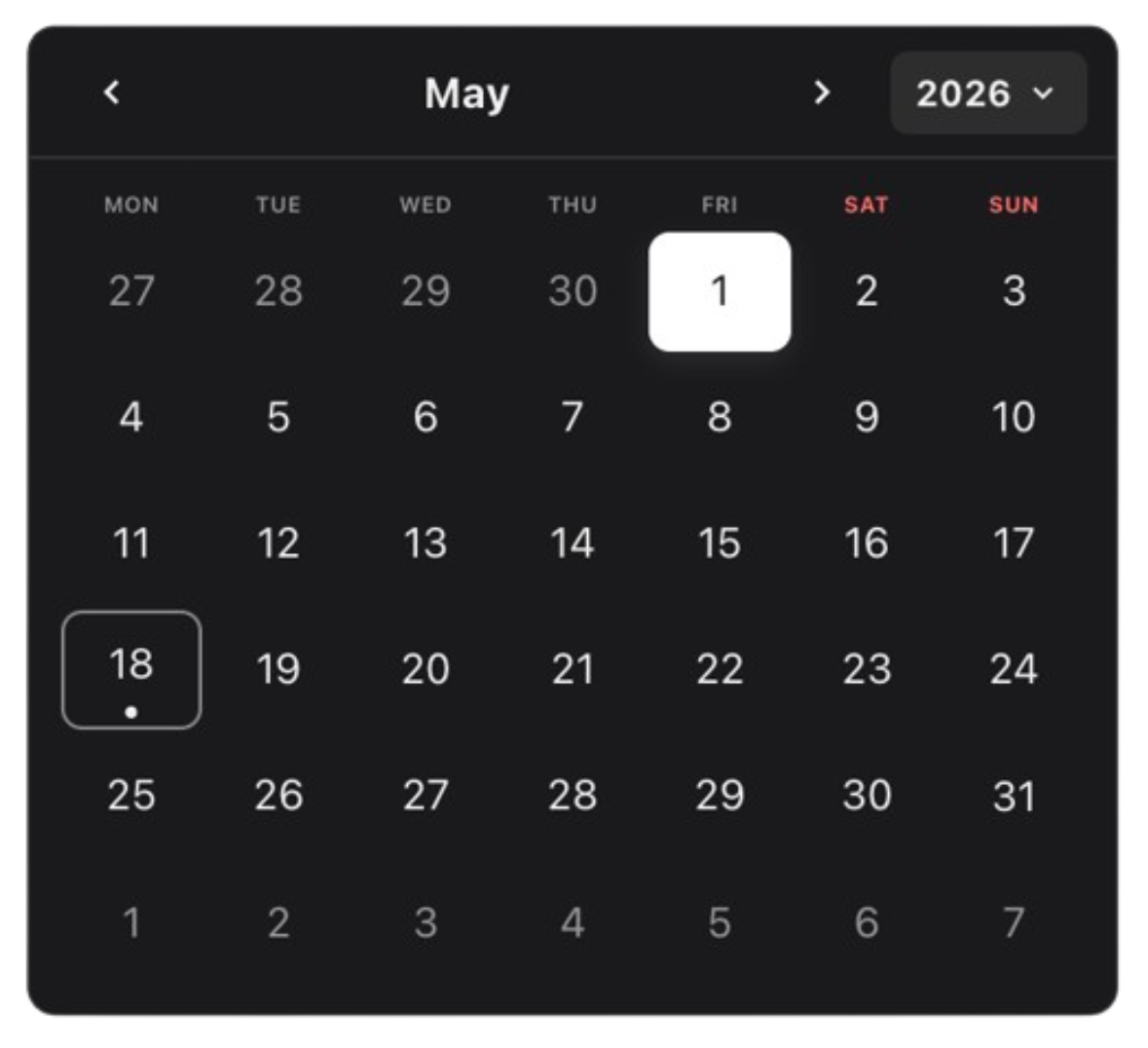
The modular calendar toolkit that starts tiny and grows into exactly what your product needs.
Monolithic pickers ship everything: the grid, the nav, the time picker, the presets, the opinions, the layout, the weight. DateForge ships only what you use.
Start with two components. Add only the pieces your workflow earns: range selection, multi-select, time, presets, manual input, selected-date chips, track pickers, custom layouts, themes, appearances, and tokens. DateForge is not one picker with a long prop list — it is a toolkit of focused modules that share one calendar brain.
Modular · Composable · Tokenized
Start minimal. Scale infinitely. Add only the modules you need.
The module mix, selection modes, visual tokens, and focused props unlock ~2.0 trillion built-in calendar configurations without forcing you into one prebuilt UI.
Use built-in themes and appearances, or create your own with first-class APIs. Shape selection with flexible presets, disabled rules, min/max bounds, timezone-aware dates, and single, multiple, or range modes. Build a classic picker, a date track, a 12-month range board, a month-only selector, a time-only control, or a fully custom booking flow from the same parts.
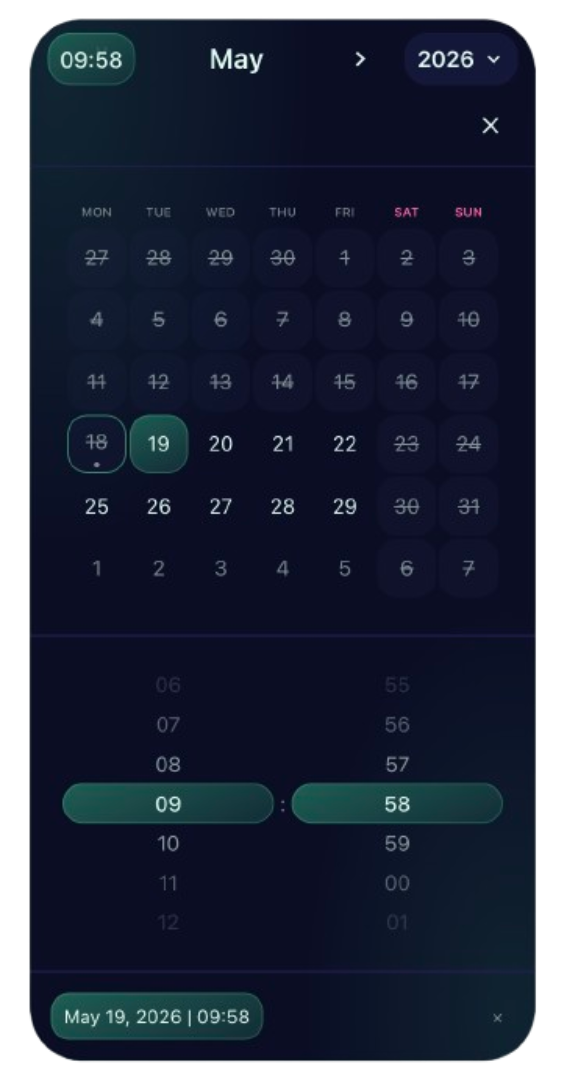
Most date pickers ask you to accept their shape. DateForge lets you forge yours.
- Ship less by default — import a tiny
CalendarDaysgrid andCalendarNav, then stop. No unused time picker, no bundled presets, no hidden panel waiting in your JavaScript. - Compose real product workflows — add modules when the UX needs them: range previews, multi-month layouts, inline time grids, shortcuts, manual input, selected-date summaries, or mobile-friendly tracks.
- Keep one shared state model — every module plugs into the same provider, so custom layouts feel native instead of stitched together.
- Style it like your system — themes, appearances, gradients, CSS-grid placement, and tokenized styling let the calendar look built-in, not embedded.
- Grow without rewriting — the same API covers a two-component date picker, a booking range calendar, a time-aware scheduler, or a dense operations tool.
- Built for serious apps — accessible interactions, SSR-safe defaults, timezone handling, React 18/19 support, zero runtime dependencies, and tree-shakeable module entry points.
<Calendar mode="range" value={range} onChange={setRange}>
  <CalendarNav showMonthPicker compactYears />
  <CalendarDays />
  <CalendarPresets presets={presets} />
  <CalendarSelectedDates />
</Calendar>
Remove a line, remove a feature. Add a module, add a workflow. That is the core idea.
npm i @dateforge/react-calendarNo global CSS import is required — styles are bundled into the modules and apply automatically.
| Module | Use it for |
|---|---|
CalendarNav |
Month/year navigation, popups, clear, optional time |
CalendarDays |
Classic month grid for single, multiple, and range |
CalendarSelectedDates |
Selected-date chips, overflow, per-chip clear |
CalendarInfo |
Selection metrics, relative hints, empty text, home / clear |
CalendarManualInput |
Typed dates, keyboard-first editing, per-date remove |
CalendarPresets |
Shortcuts like Today, Last 7 days, custom ranges |
CalendarTimeGrid |
Inline hour/minute/second selection |
CalendarMonthsGrid |
Month-only picking or fast month jumps |
CalendarYearsGrid |
Year-only picking or fast year jumps |
CalendarDaysTrack |
Scrollable day track for compact/mobile layouts |
CalendarMonthsTrack |
Scrollable month track |
CalendarYearsTrack |
Scrollable year track |
import { useState } from "react";
import { Calendar } from "@dateforge/react-calendar";
import { CalendarNav, CalendarDays } from "@dateforge/react-calendar/modules";

export function Example() {
  const [date, setDate] = useState<Date | null>(null);

  return (
    <Calendar mode="single" value={date} onChange={setDate}>
      <CalendarNav showMonthPicker compactYears />
      <CalendarDays />
    </Calendar>
  );
}