QueryPie Access Control Platform (ACP) is an integrated access control solution that provides DAC, SAC, KAC, WAC in a single unified platform. It covers both cloud and on-premises environments, providing unified management of all access from databases to systems, Kubernetes, and web applications.
- DAC (Database Access Controller): Preview of Key Features
- SAC (System Access Controller): Preview of Key Features
- KAC (Kubernetes Access Controller): Preview of Key Features
- WAC (Web Access Controller): Preview of Key Features
It enhances enterprise data security through RBAC/ABAC-based dynamic access control, web SQL editor, real-time auditing, and anomaly detection alerts. With Docker-based easy installation and web-based interface, it provides a hybrid solution that combines the convenience of SaaS with the powerful security of on-premises.
QueryPie ACP Community Edition lets you experience the key features available in QueryPie ACP Enterprise Edition:
Important: Community Edition supports up to 5 active users only. (If you need to register more than 5 users, please consider upgrading to the Enterprise Plan.)
QueryPie ACP runs as a typical web application and also includes proxy-based network server functionality.
- CPU: 4 vCPUs (AMD64 Architecture)
- Memory: 16 GB RAM
- Storage: 100 GB+ disk space
- OS: Linux with Docker or Podman
Cloud Instances:
- AWS EC2:
m6i.xlargeorm7i.xlarge - GCP Compute Engine:
c4-standard-4,n4-standard-4(or any AMD64 -standard-4 models)
For developers testing and trial purposes (ARM64 supported):
- CPU: 4 vCPUs (ARM64 Architecture)
- Memory: 16 GB RAM
- Storage: 30 GB+ disk space
- OS: Linux or macOS with Docker
Cloud Instances:
- AWS EC2:
t4g.xlargeorm7g.xlarge
For multi-user production environments:
- CPU: 8 vCPUs (AMD64 Architecture)
- Memory: 32 GB RAM
- Storage: 100 GB+ disk space
- OS: Linux with Docker or Podman
Cloud Instances:
- AWS EC2:
m6i.2xlargeorm7i.2xlarge - GCP Compute Engine:
c4-standard-8,n4-standard-8(or any AMD64 -standard-8 models)
Note: ARM64 Architecture CPU environments or macOS environments are recommended for trial use and testing purposes for developers.
📄 For detailed requirements, see: Prerequisites
QueryPie installation is automated using Docker. Follow these simple steps:
Open your Linux server terminal and run this single command from your home directory:
bash <(curl -s https://dl.querypie.com/setup.v2.sh)⏱️ Installation time: Typically 7-10 minutes
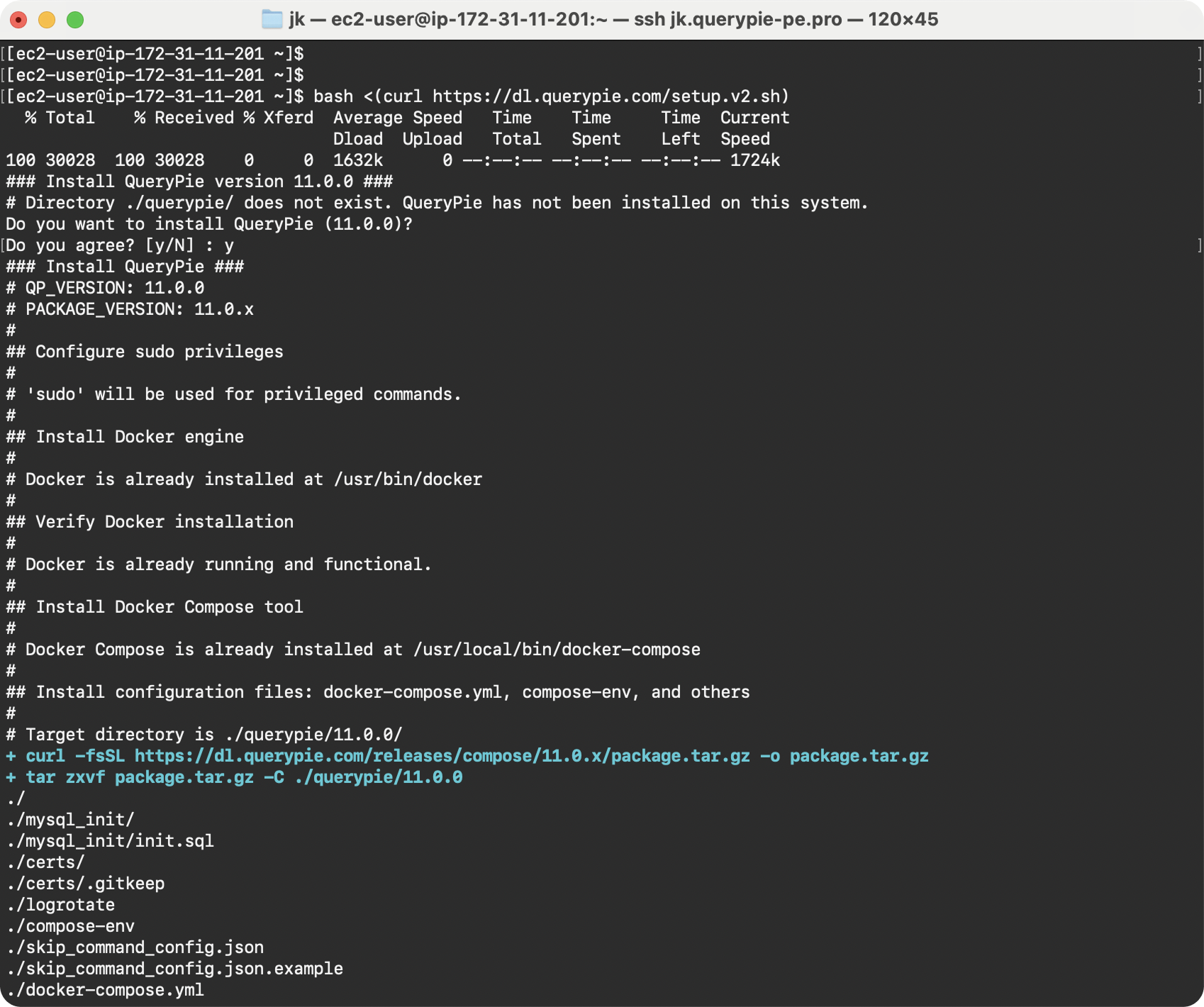
Installation in progress
While installation is running, apply for your free license:
- Fill out the license application form
- A
.crtlicense file will be sent to your email
Once installation completes, open QueryPie in your browser:
http://<your-server-ip>
or
https://<your-server-ip>
Note: Make sure your server IP is accessible from your computer
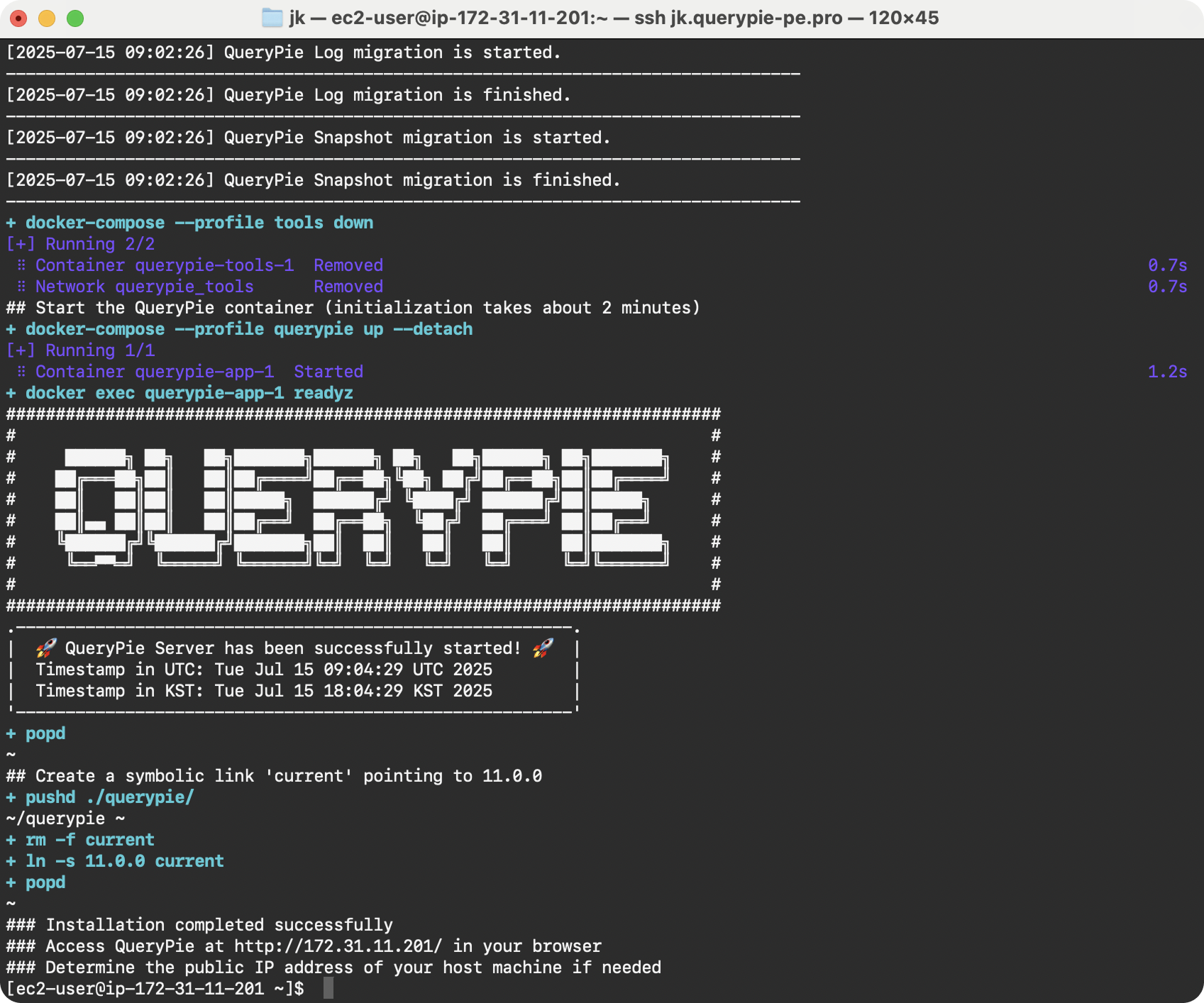
Installation completed successfully
Upload your .crt license file or copy-paste the PEM content:
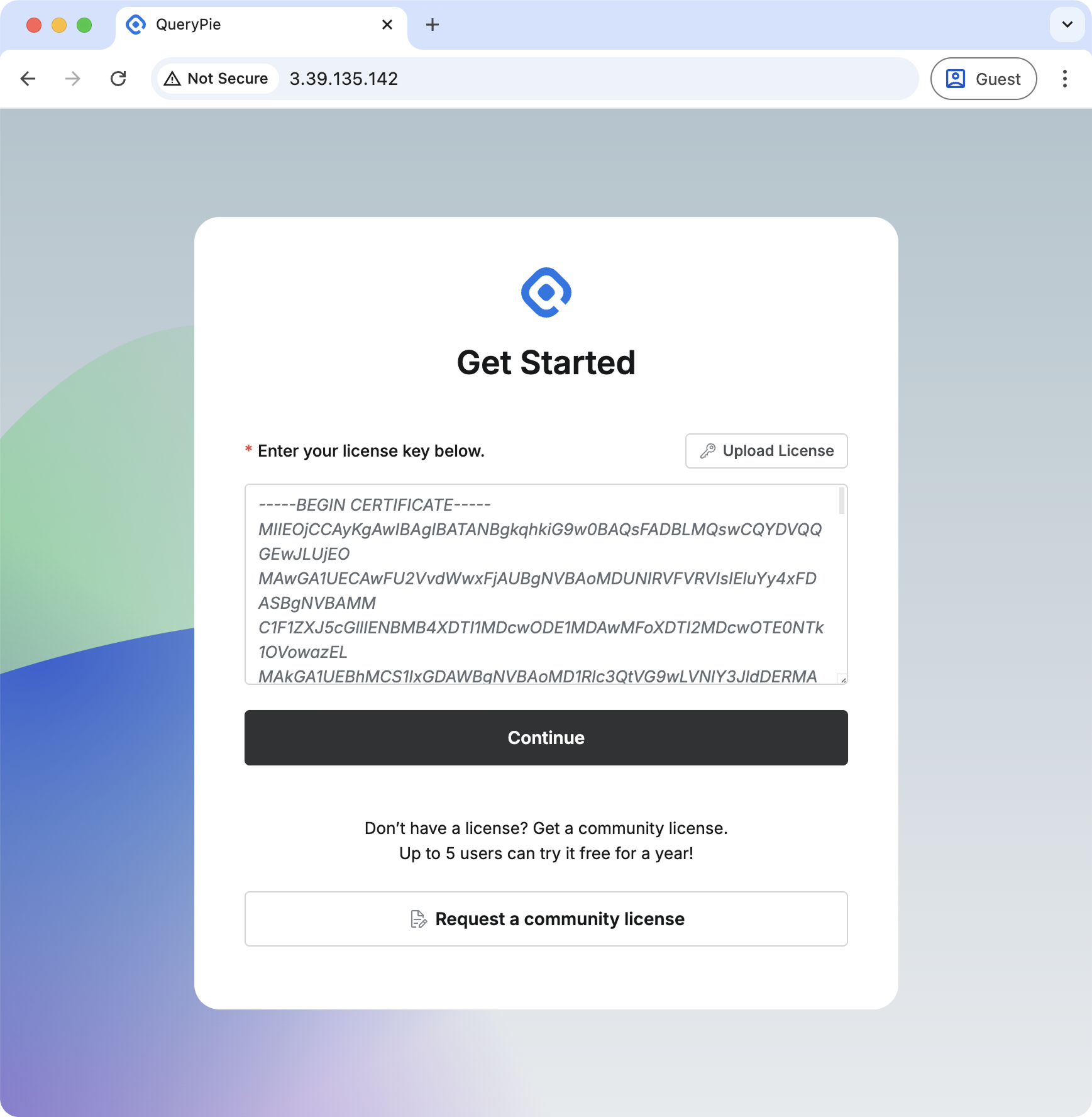
Enter license in PEM format
Use the default admin credentials:
- Username:
qp-admin - Password:
querypie
🔒 You'll be prompted to change the password on first login for security
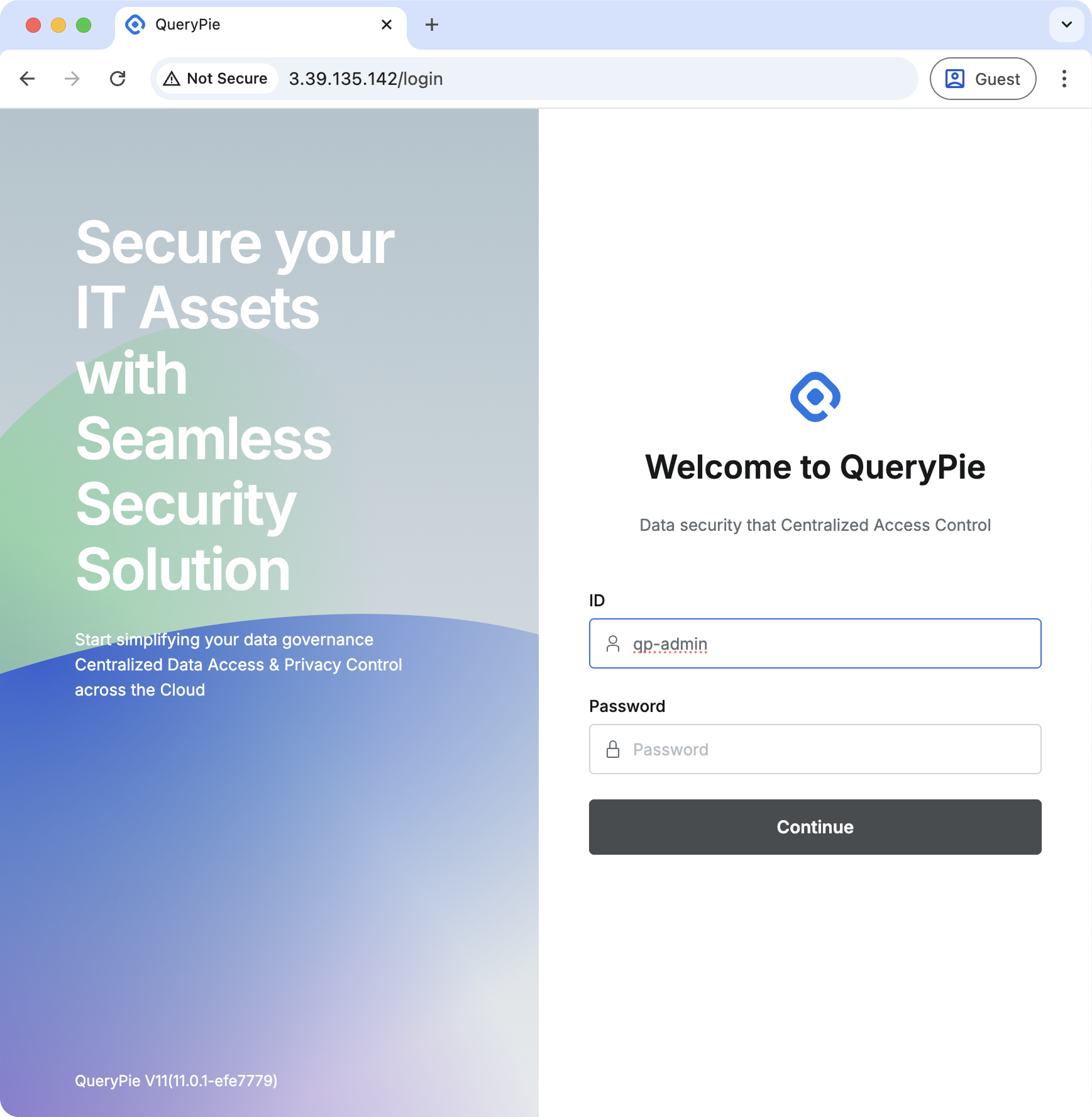
Initial login screen
Congratulations! QueryPie is now ready to use.
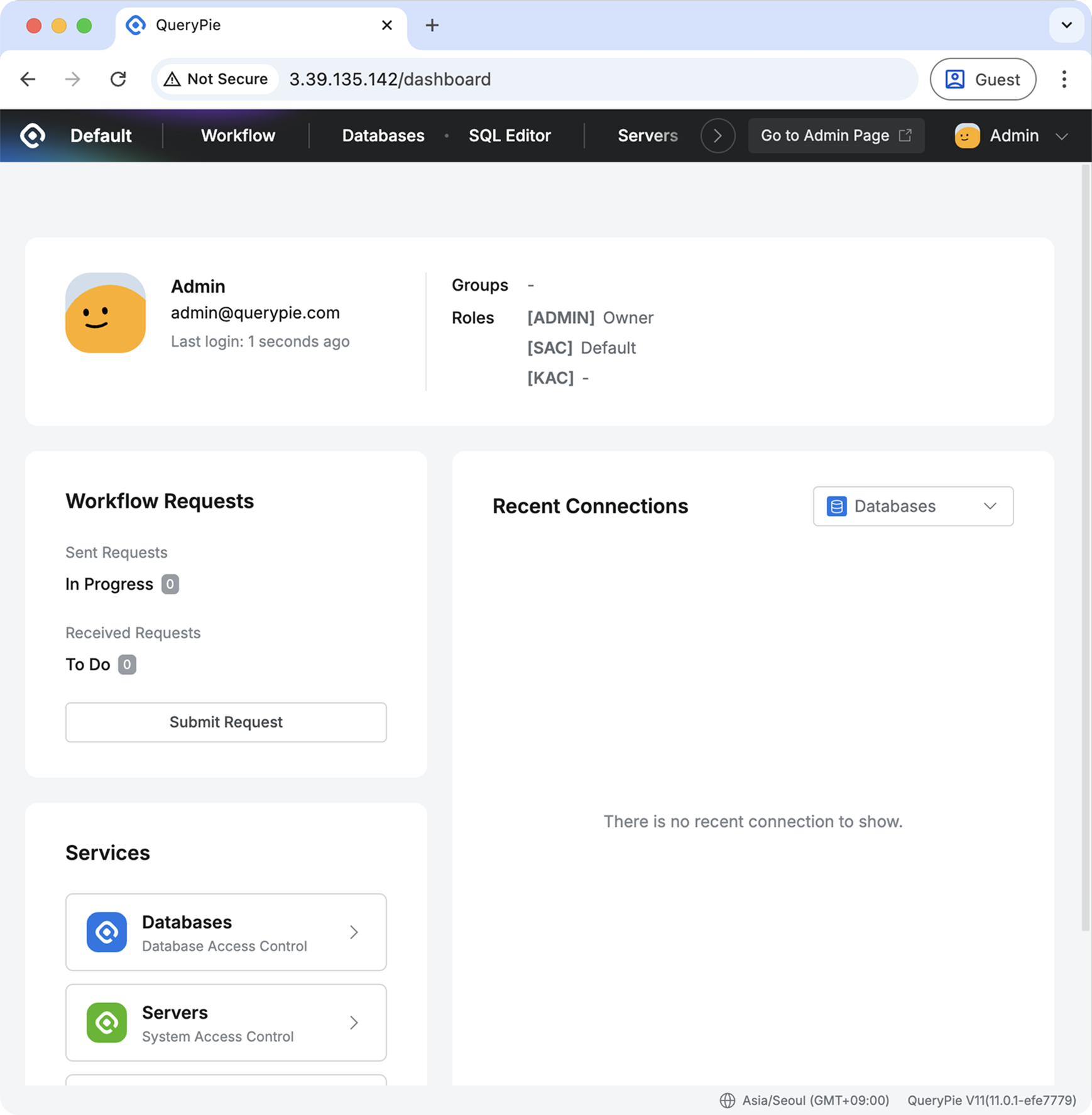
Welcome to QueryPie!
Next Steps:
- Check out the Administrator Manual for environment setup
- Click the
Go to Admin Pagebutton in the top right corner to navigate to the administrator page - Start configuring your database connections
- Invite team members (up to 5 users)
Installation Location:
- Mac, Linux:
<folder where the installation script was executed>/querypie/<version> - Example:
/Users/brendon/querypie/11.5.0or/home/brendon/querypie/11.5.0
Manual Start:
cd ~/querypie/11.5.0
docker compose --profile=database up -d
docker compose --profile=app up -d
Verify Normal Startup:
docker compose --profile=app exec app readyzManual Stop:
cd ~/querypie/11.5.0
docker compose --profile=app down
docker compose --profile=database down
Verify Normal Shutdown:
docker compose ps- Requirement: Valid license required after installation
- Format: Text file with
.crtextension (PEM format) - Delivery: Sent to your email address from application form
- Duration: Valid for one year from issue date
- Usage: Personal license, non-transferable
Join our community for help and discussions:
🔗 Official QueryPie Discord Channel
Get support, ask questions, and share insights with other QueryPie users!