A native macOS menu bar app for GitHub Projects. View your kanban board, filter by status, search issues, and create new ones — all without leaving your workflow.
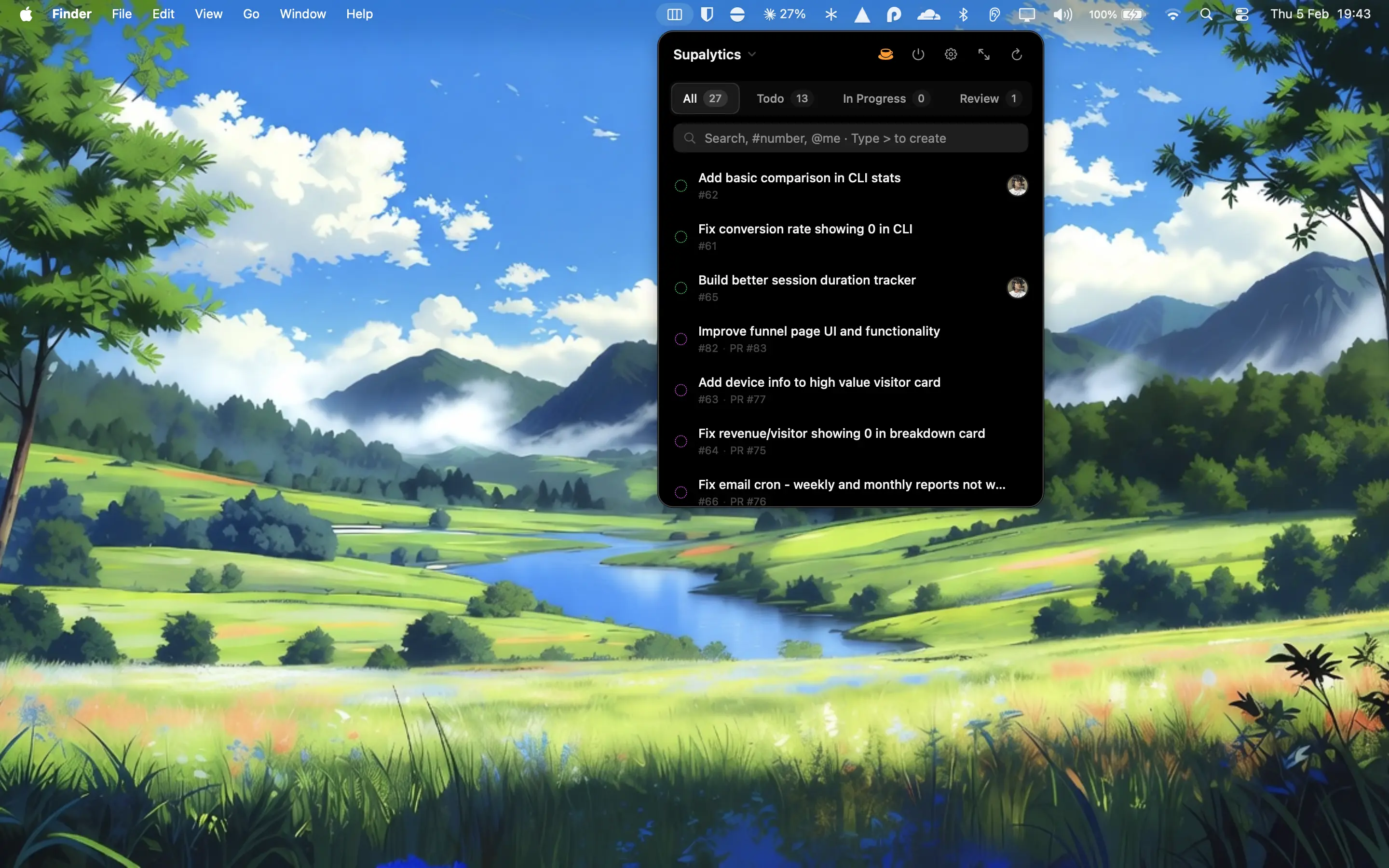
- Menu bar access — click the icon, see your board
- Status filtering — switch between Todo, In Progress, Done
- Search issues — by title, number, or @assignee
- Quick create — type
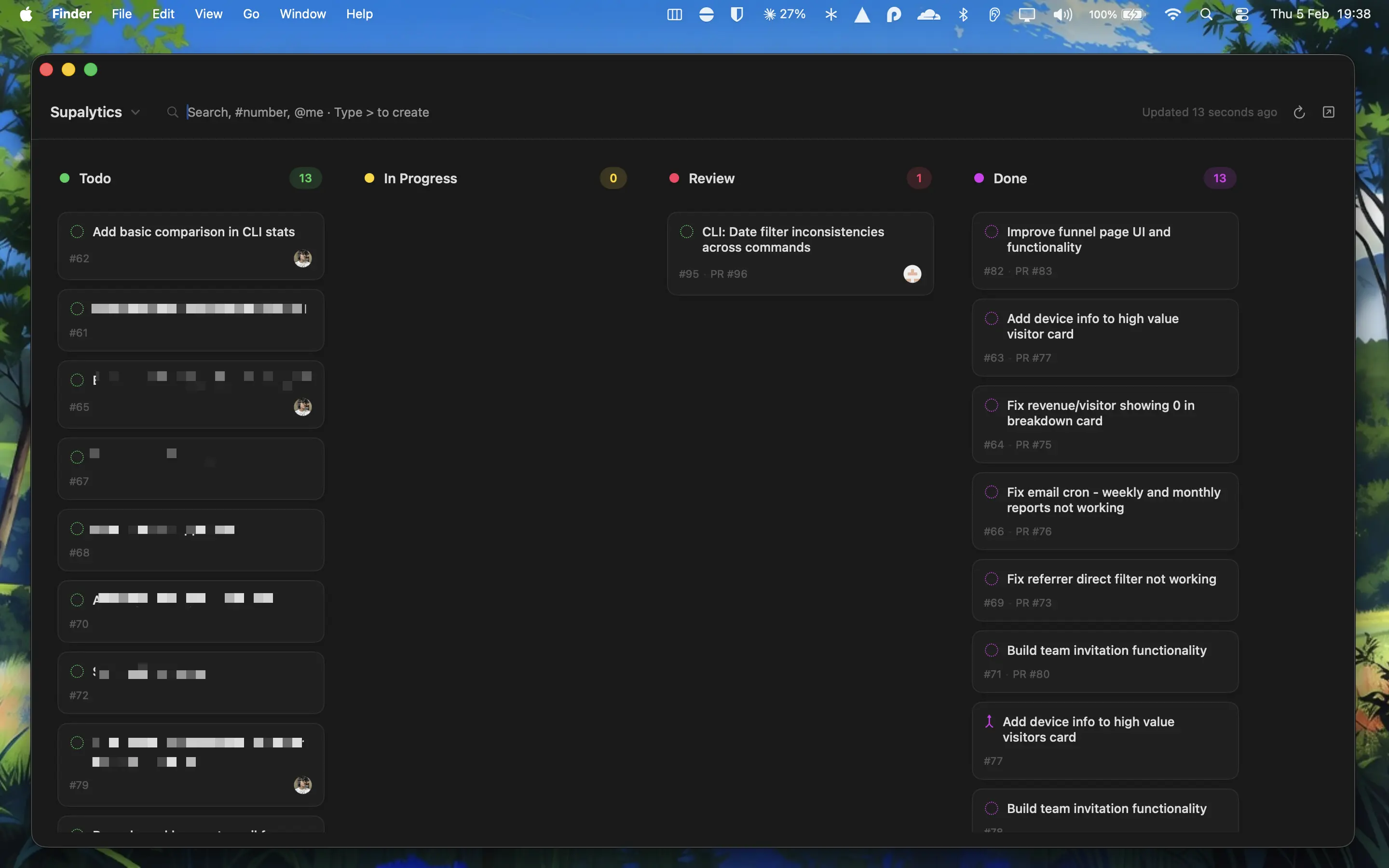
>to create issues inline - Full kanban window — drag and drop between columns
- Status notifications — know when issues move
- GitHub CLI auth — no API tokens needed
- macOS 14 (Sonoma) or later
- GitHub CLI installed and authenticated
- Download from yogesh.co/gitboard
- Open the DMG and drag GitBoard to your Applications folder
- Make sure you're logged in to GitHub CLI (
gh auth login) - Launch GitBoard from Applications
Click the GitBoard icon in your menu bar to see your projects. Select a project and browse issues by status.
Type in the search bar to filter issues by title or number. Use @username to filter by assignee.
Type > followed by your issue title to quickly create a new issue. Press Enter to create.
Click "Open Board" or use the keyboard shortcut to open the full kanban window. Drag and drop issues between columns to change their status.
| Shortcut | Action |
|---|---|
⌘ R |
Refresh |
⌘ ← |
Previous status tab |
⌘ → |
Next status tab |
> |
Enter quick create mode |
Esc |
Exit quick create mode |
- Clone the repository
- Open
GitBoard.xcodeprojin Xcode - Build and run
MIT License. See LICENSE for details.
Built by Yogesh